# Accounting and Reporting
# Month-End Close to Financial Review
This workflow turns daily operating activity into a defensible month cutoff and stable financial review. It begins with open periods and unresolved sales, tender, receivable, payable, inventory, and account activity, then ends with a closed month whose reports can be traced back to saved transactions.
> **Demonstration notice:** Every entity, amount, account, date, and transaction is fictional. This guide describes Brisk controls and is not tax, legal, or professional accounting advice.
Workflow at a glance
| | |
|---|---|
| **Outcome** | Approved month cutoff with retained close evidence and traceable reports |
| **Starts with** | Defined cutoff and unresolved daily operating records |
| **Ends with** | Closed Month and management financial review |
| **Primary roles** | Shift lead, receivables/payables staff, inventory reviewer, accountant |
| **Brisk areas involved** | Accounting, Sales, Inventory, Purchasing, Reports |
| **Common businesses** | Any Brisk organization using operational accounting |
| **Approximate handoffs** | Four |
Why this workflow matters
A month close cannot make inaccurate sales, missing payments, unreceived inventory, or draft invoices correct. Its value is creating a stable boundary after those records have been reviewed and explained.
Brisk keeps daily operations connected to accounting detail. Reviewers can move from a report total back to source transactions instead of accepting an unexplained export.
Before you begin
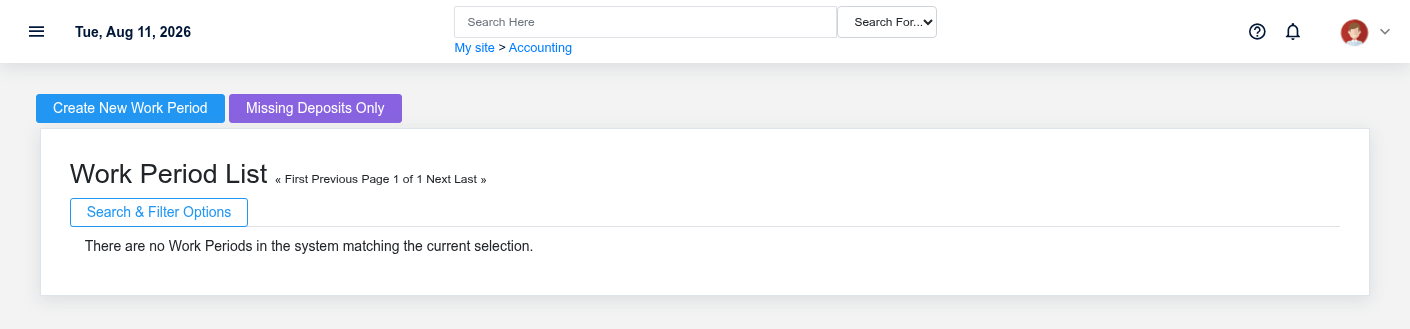
Begin month-end review by finding any operating period that has not reached its intended cutoff.
- Define the local closing date/time and obtain the required approval.
- Ensure all required Work Periods, Months, accounts, warehouses, and permissions exist.
- Gather bank statements, tender/deposit evidence, receivable/payable review, inventory receiving/costing review, and approved journal support.
- Do not backdate or reopen solely to improve screenshots or force a report.
End-to-end steps
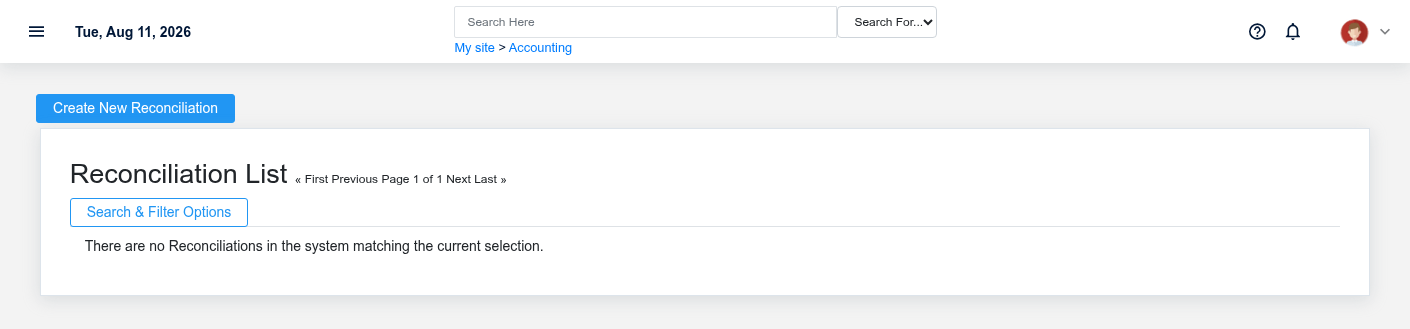
A saved reconciliation supports account review when the feature and source statements are available.Sales, tenders, deposits, payouts, returns, and differences should be reviewed before closing each work period.
1. **Close lead — define the cutoff.** Record the intended local boundary and use the smallest-period-outward sequence: Work Period, then Month, then Year when applicable.
2. **Shift lead — close remaining work periods.** In [Close Accounting Periods](https://help.brisksystems.us/link/2965#bkmrk-day), review sales, tenders, cash, deposits, payouts, returns, tax, and over/short. Resolve open and uncertain transactions before closing.
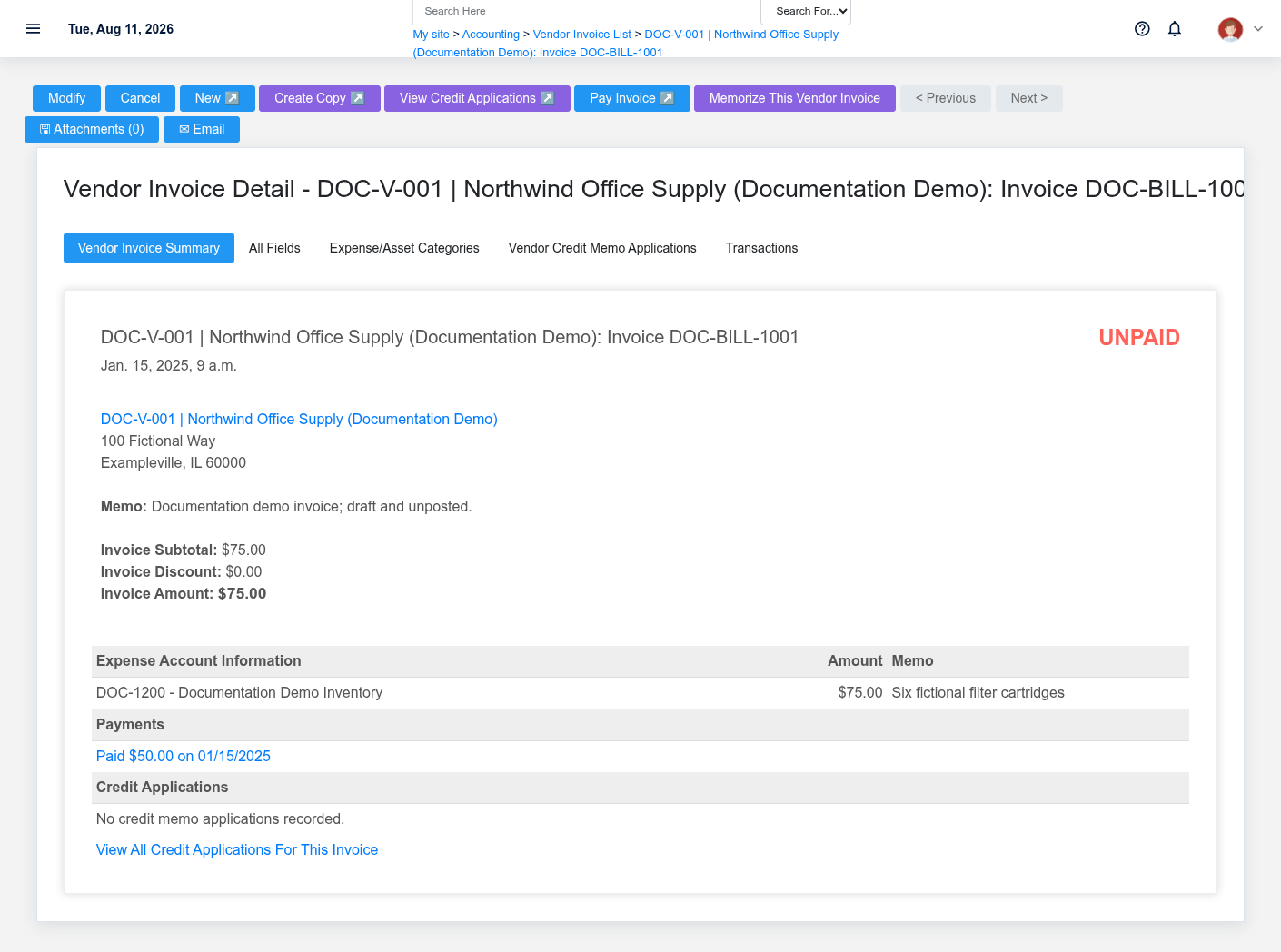
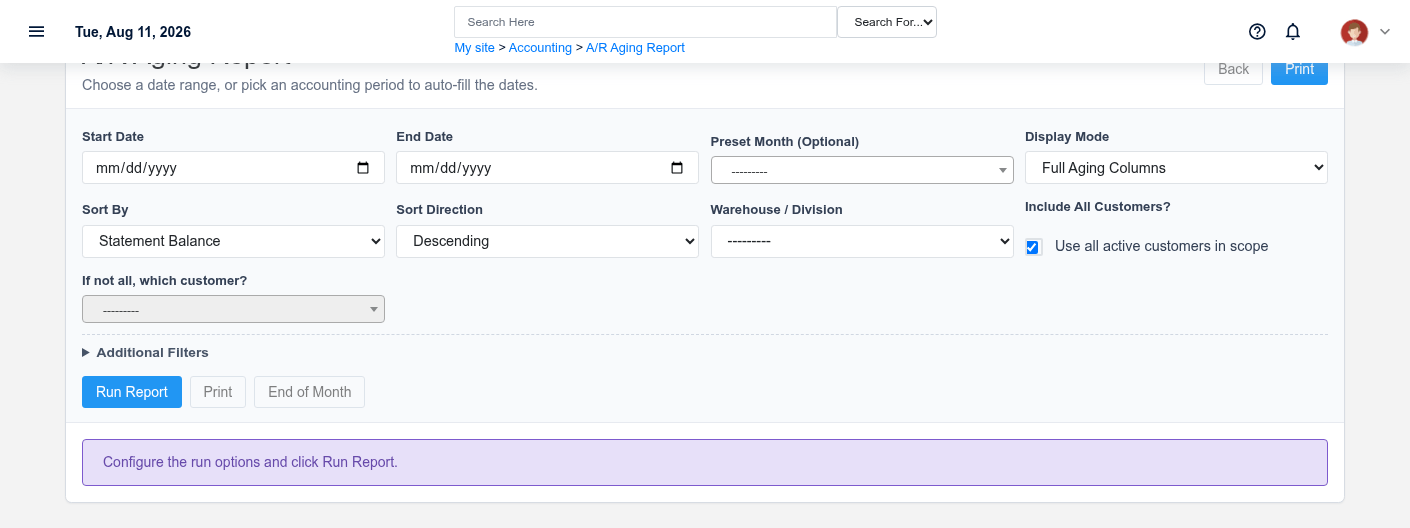
3. **Receivables/payables staff — review obligations.** Run aging, customer-credit, vendor-invoice, credit, and payment lists at the cutoff. Investigate Draft/unposted or unmatched records such as DOC-BILL-1001.
4. **Inventory and cash reviewers — complete source checks.** Review receipts, final costs, adjustments, valuation inputs, deposits, and supported [Reconciliations](https://help.brisksystems.us/link/2587#bkmrk-overview). Reconciliation is included only when configured and supported by source statements.
5. **Accountant — review approved journals and reporting inputs.** Verify dates, accounts, warehouses/divisions, memo, supporting evidence, and approval. Do not use a journal to hide an operating discrepancy.
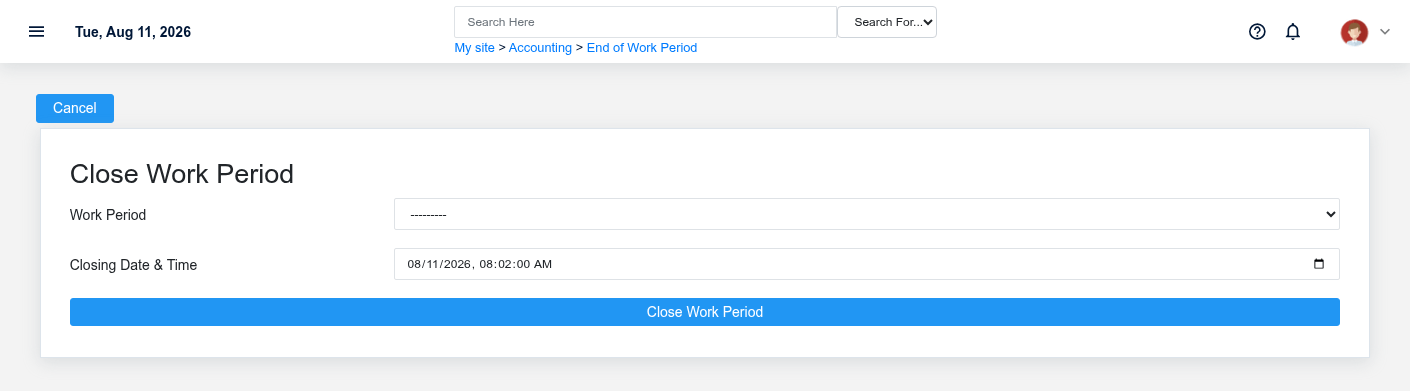
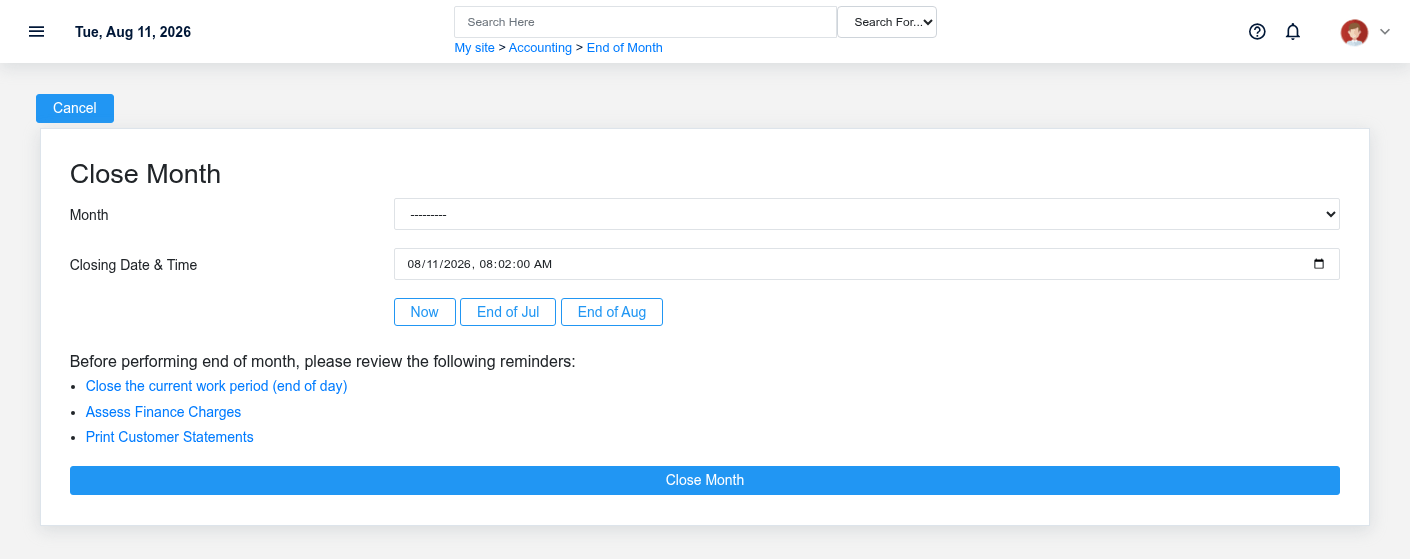
6. **Authorized closer — close the Month.** Select the correct open [Month](https://help.brisksystems.us/link/2582#bkmrk-overview), enter the approved cutoff, and process once. If the request is uncertain, inspect the Month before retrying.
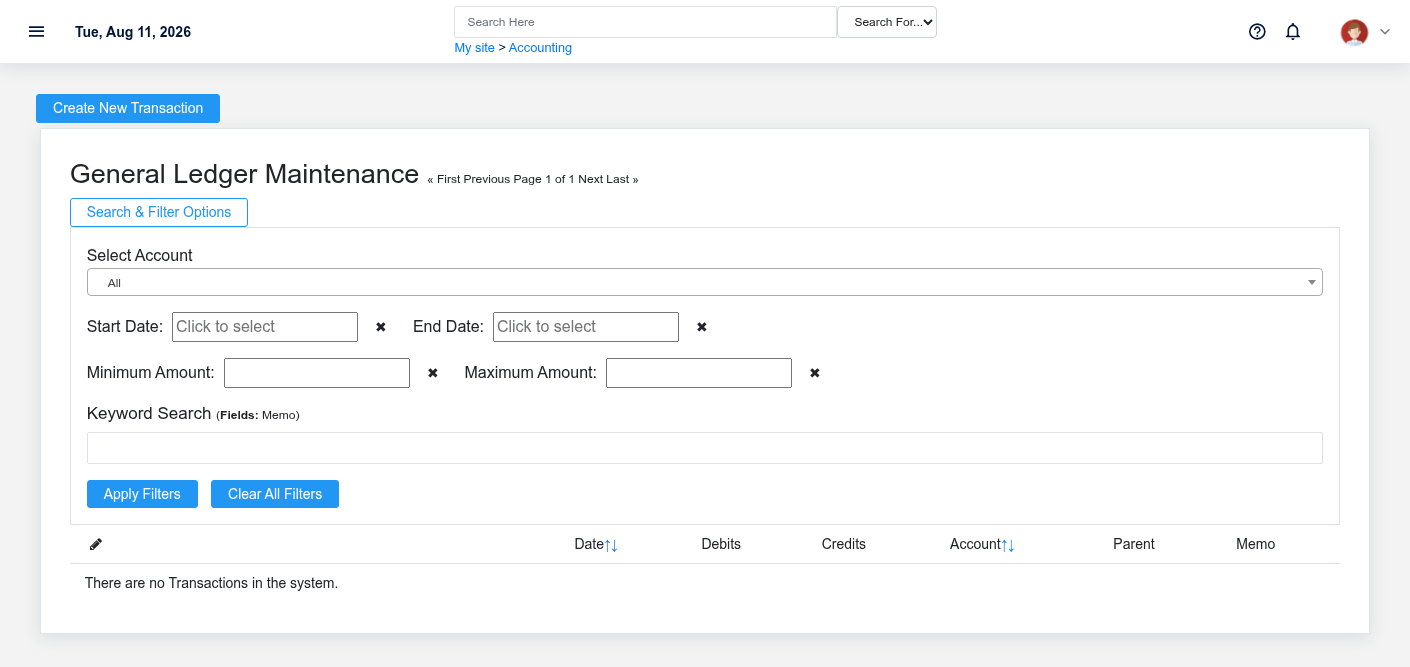
7. **Management — review financial output.** Review the available profit-and-loss, balance-sheet, trial-balance, transaction, and close reports. Trace material totals to their saved transactions and retain review evidence.
What Brisk keeps connected
Draft or unresolved payables must be investigated rather than concealed by the month close.Review customer balances and credits at the same defined cutoff used by the close.
| Action | Result or downstream record | Where to verify it |
|---|---|---|
| Close Work Period | Operating cutoff and close reports | Work Period detail |
| Review receivables/payables/inventory | Exception lists tied to source records | Aging, invoices, receipts and transaction detail |
| Save reconciliation/journal | Account review or approved adjustment evidence | Reconciliation and Journal Entry detail |
| Close Month | Stable month boundary used by period reporting | Month detail and financial reports |
Handoffs and controls
Reports read saved transactions; transaction detail remains the path back to the operational source.Close the month only after source-record review and with the approved cutoff.
Operating teams supply accurate source records; accounting tests completeness and cutoff; an authorized closer establishes the boundary; management reviews the result. Closed does not mean reconciled. The individual Sale, Receipt, Invoice, Payment, Deposit, Reconciliation, and Journal Entry remain the evidence behind reports.
Exceptions and safe corrections
- Open period at cutoff: resolve the underlying work and close it in sequence.
- Payment or deposit uncertainty: verify transaction and provider/bank evidence before retrying.
- Draft invoice or receipt: determine whether it belongs in the month; do not force-post it.
- Report mismatch: compare cutoff, warehouse/division, status, and posting versus transaction date.
- Closed-period error: follow the explicit authorized reopen/correction policy; preserve the original history and approvals.
Related documentation
### Start here
- [Close Accounting Periods](https://help.brisksystems.us/link/2965#bkmrk-overview)
- [Work Periods](https://help.brisksystems.us/link/2595#bkmrk-overview)
### Continue with
- [Receivables, Statements, and Finance Charges](https://help.brisksystems.us/link/2946#bkmrk-overview)
- [Vendor Invoices](https://help.brisksystems.us/link/2594#bkmrk-overview)
- [Reconciliations](https://help.brisksystems.us/link/2587#bkmrk-overview)
### Related controls and reports
- [Work Period Reports](https://help.brisksystems.us/link/2951#bkmrk-overview)
- [Transactions](https://help.brisksystems.us/link/2591#bkmrk-overview)