# Online Order to Fulfillment
This workflow follows a customer-facing storefront order into Brisk’s back-office order, payment review, fulfillment work, inventory history, and reporting. Checkout crosses a deliberate application boundary, but staff continue from the created Sale and Ecommerce Order without re-entering the customer’s lines and fulfillment choice.
> **Demonstration notice:** All storefront and back-office data is fictional. Payment completion, email, webhooks, and carrier actions are simulated or suppressed; no live charge, message, or shipping label is created.
Workflow at a glance
| | |
|---|---|
| **Outcome** | A paid-or-reviewed online order completed through its configured fulfillment path |
| **Starts with** | A published product listing in an active storefront |
| **Ends with** | Fulfillment state, item history, customer history, and order reporting |
| **Primary roles** | Shopper, ecommerce clerk, fulfillment clerk, payment reviewer |
| **Brisk areas involved** | Storefront, Ecommerce, Sales, Inventory, Payments |
| **Common businesses** | Retail, parts, equipment, feed-and-supply |
| **Approximate handoffs** | Three |
Why this workflow matters
An online channel creates extra reconciliation work when its products, orders, payment states, and fulfillment records live apart from the operating system. Brisk’s storefront services create a Sale and Ecommerce Order together so back-office staff receive the saved customer and order context.
That connection does not erase the payment-provider boundary. Staff still verify whether payment is pending or paid and whether fulfillment is submitted, pending, fulfilled, or complete.
Before you begin
Only published, correctly priced product listings should enter the customer-facing catalog.
- Required: active Ecommerce Store, published product listings, customer/tax behavior, ship-from or pickup warehouse, and supported fulfillment configuration.
- Required: checkout mode and a safe payment configuration.
- Optional: customer link, shipping provider, carrier/service, or pickup instructions.
- Inventory is not consumed when an item enters a browser cart. For this path, qualifying inventory movement follows processed Sale fulfillment.
End-to-end steps
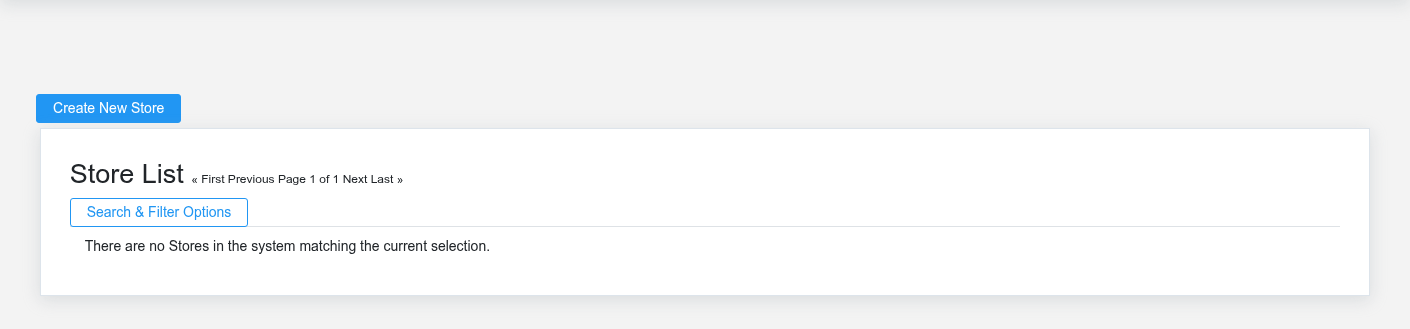
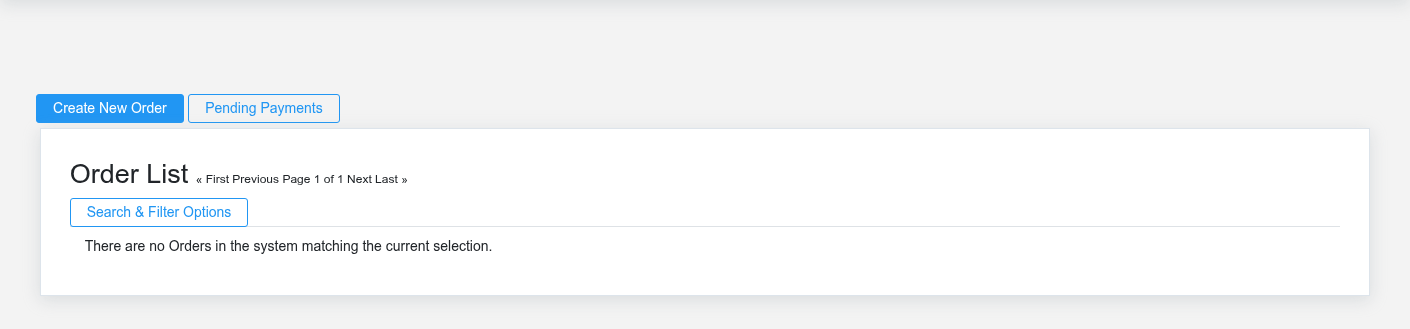
Checkout creates a Brisk sale and ecommerce order; staff work from the back-office order rather than re-keying it.Store setup defines the storefront boundary, fulfillment choices, and checkout configuration.
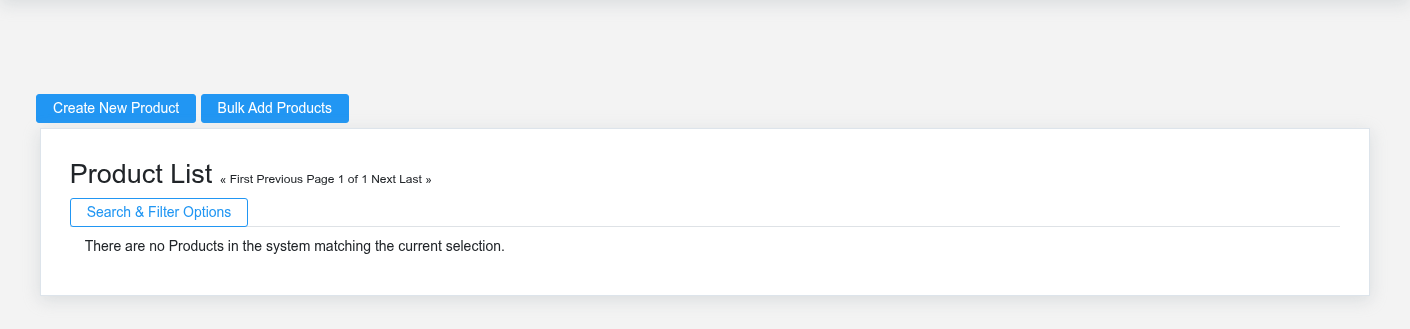
1. **Merchandising staff — verify the storefront record.** Review [Ecommerce Product Listings](https://help.brisksystems.us/link/2620#bkmrk-overview), price, publication state, item link, and availability presentation.
2. **Shopper — build and submit checkout.** Add the fictional stocked products, select one configured fulfillment method, provide fictional contact/address data, review totals, and submit once.
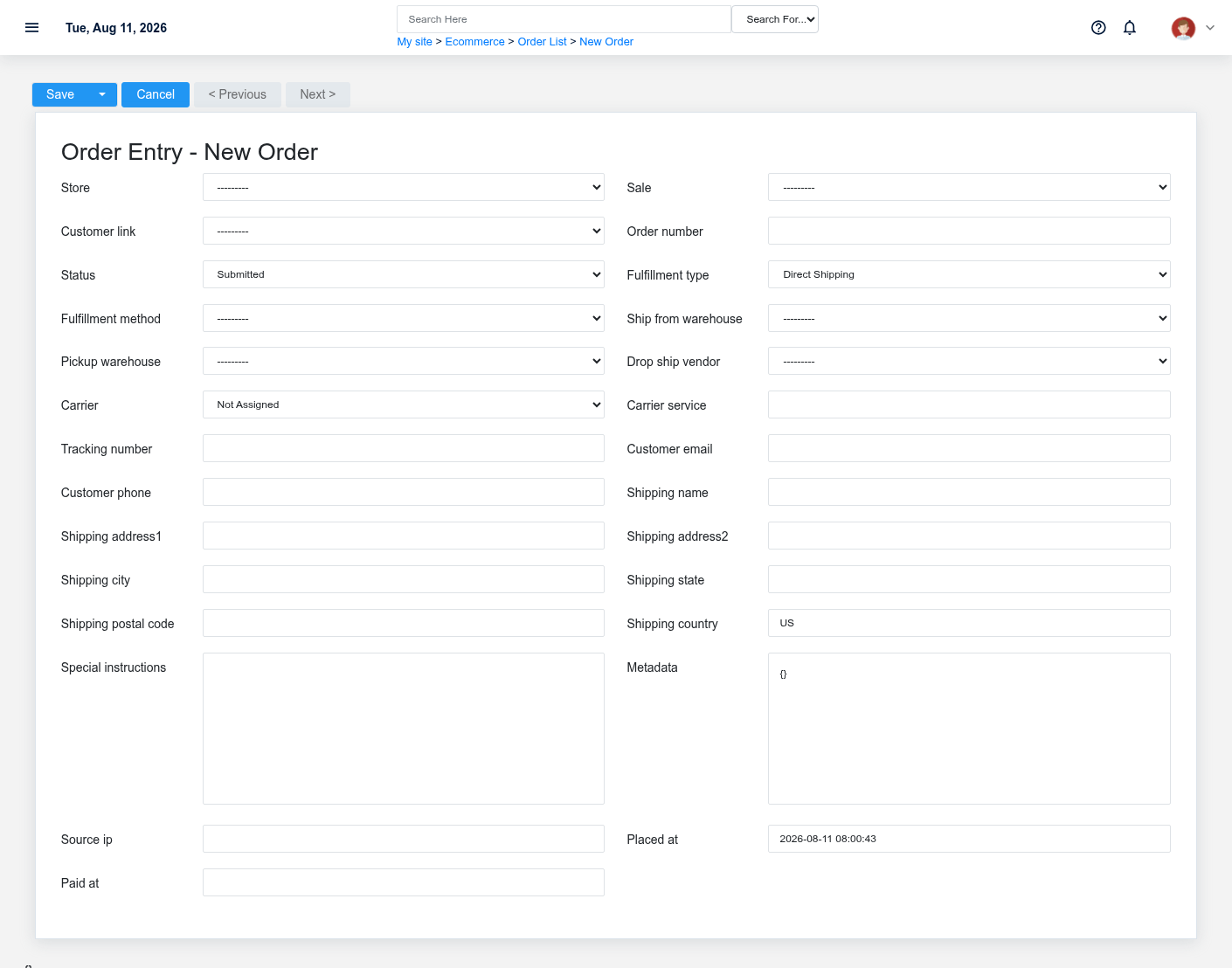
3. **Brisk storefront — create the back-office records.** Checkout creates a Draft Sale plus an [Ecommerce Order](https://help.brisksystems.us/link/2617#bkmrk-overview). The order holds storefront, sale, order number, customer contact, fulfillment choice, and placed time.
4. **Payment reviewer — confirm payment state.** A manual unpaid order can move to Payment Pending. Verified successful reconciliation marks the Sale Paid and moves required fulfillment from Draft to Submitted; staff must not infer success from a redirect alone.
5. **Fulfillment clerk — prepare the supported method.** Work from the order and linked Sale. Pick and verify the actual quantity, then record shipping, delivery, or pickup progress using the configured path. This example does not create a carrier label.
6. **Fulfillment clerk and manager — complete and verify.** Mark fulfillment only when the real handoff occurred. Review the Order, Sale, item history, customer history, payment event, and ecommerce reporting.
What Brisk keeps connected
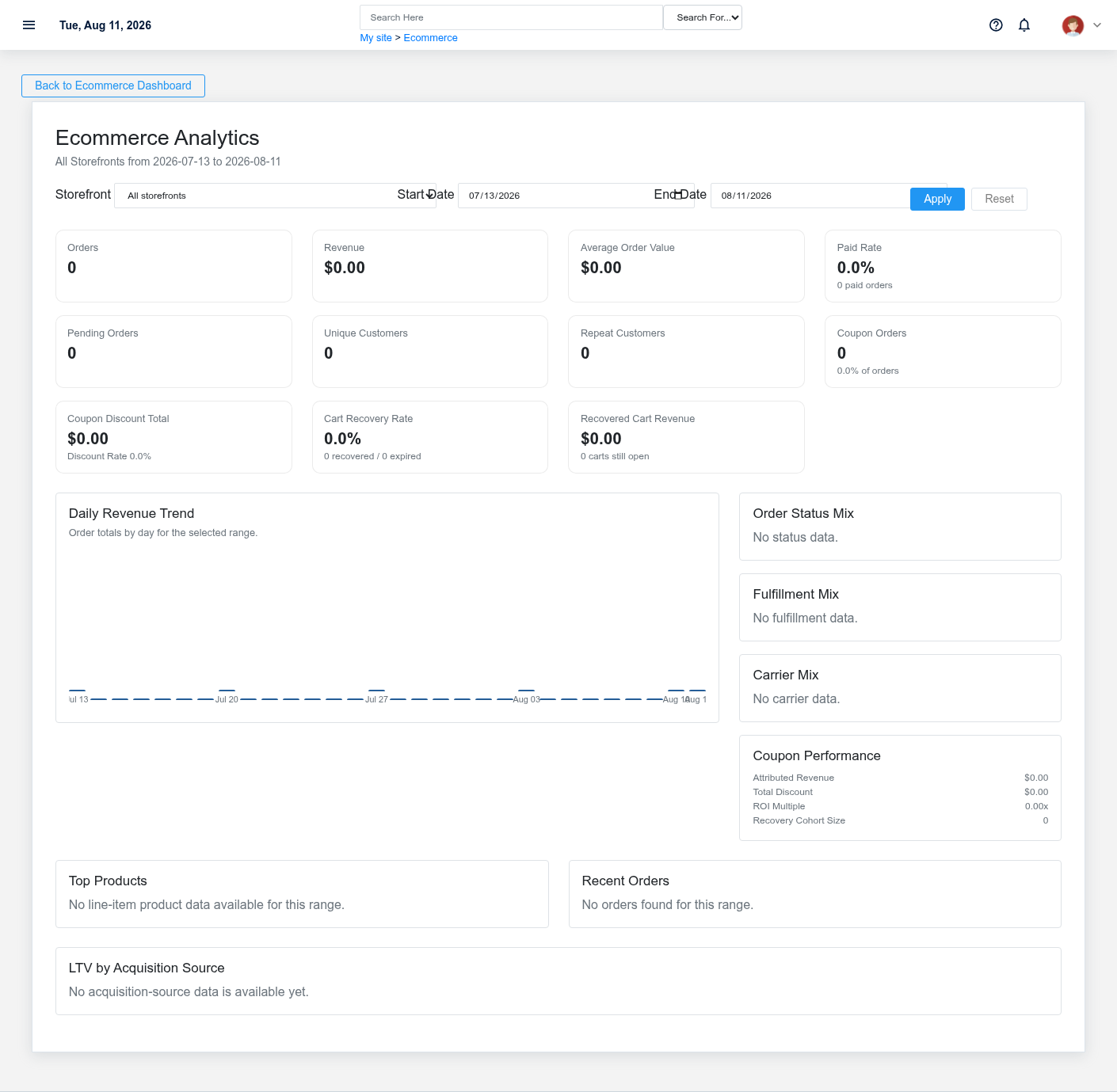
Channel reporting reads the stored orders and states after operational work is recorded.Payment Pending is a control state, not evidence that a processor completed the payment.
| Action | Result or downstream record | Where to verify it |
|---|---|---|
| Submit checkout | Linked Sale and Ecommerce Order | Order detail and linked Sale |
| Reconcile verified payment | Paid Sale and fulfillment-pending order state | Payment Events, Order, and Sale |
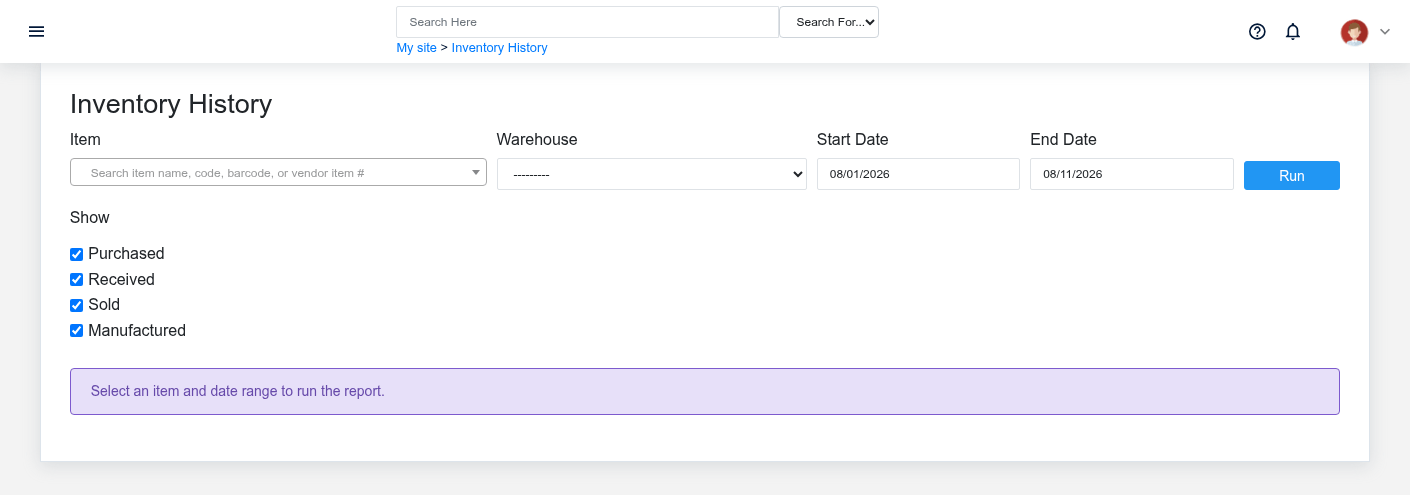
| Process fulfillment | Fulfillment status and qualifying inventory movement | Order, Sale fulfillment, item history |
| Complete order | Saved channel history and reporting input | Ecommerce analytics and customer history |
Handoffs and controls
Verify inventory movement after the sale fulfillment is processed, not when a shopper merely adds a cart line.
The shopper submits the request; the storefront persists it; payment staff verify external results; fulfillment staff act on the saved order. The Ecommerce Order is the channel record and its linked Sale carries commercial lines and accounting/inventory behavior. Status must reflect evidence, not staff expectation.
Exceptions and safe corrections
- Incorrect address or fulfillment method: correct the same order before shipment and document the approved change.
- Payment Pending or failed: review Payment Events and provider state before releasing goods or retrying.
- Duplicate checkout uncertainty: search by order number, customer, and Sale before resubmission.
- Stock shortfall: leave the unfulfilled quantity visible and contact the customer through approved channels.
- Missing warehouse/provider setup: stop; do not invent a tracking number or force a paid status.
Related documentation
### Start here
- [Ecommerce Stores](https://help.brisksystems.us/link/2621#bkmrk-overview)
- [Ecommerce Product Listings](https://help.brisksystems.us/link/2620#bkmrk-overview)
### Continue with
- [Ecommerce Orders](https://help.brisksystems.us/link/2617#bkmrk-overview)
- [Sales](https://help.brisksystems.us/link/2746#bkmrk-overview)
- [Ecommerce Payment Events](https://help.brisksystems.us/link/2619#bkmrk-overview)
### Related controls and reports
- [Inventory Items](https://help.brisksystems.us/link/2629#bkmrk-overview)
- [Ecommerce](https://help.brisksystems.us/link/2624#bkmrk-overview)