# Production Plan to Finished Goods
This workflow follows a planned production run from its blueprint and schedule through batch execution, component use, finished inventory, and cost review. Planned and actual states stay distinct, allowing staff to compare what should be produced with what completion actually posted to inventory.
> **Demonstration notice:** All formulas, products, quantities, costs, identifiers, and transactions are fictional. The example makes no feed-regulatory or manufacturing-compliance claim.
Workflow at a glance
| | |
|---|---|
| **Outcome** | A completed batch with traceable component and finished-stock effects |
| **Starts with** | A reviewed manufactured item and blueprint |
| **Ends with** | Inventory verification, production report, and optional scoped cost review |
| **Primary roles** | Production planner, operator, inventory/cost reviewer |
| **Brisk areas involved** | Manufacturing, Schedule, Inventory, Reports |
| **Common businesses** | Feed, agriculture, assembly, light manufacturing |
| **Approximate handoffs** | Two |
Why this workflow matters
A production note cannot explain expected yield, component quantities, actual output, inventory changes, and calculated cost. Brisk uses the blueprint and Manufacturing Instance to retain those facts as operational records.
Completion is the important boundary. The current completion handler consumes configured materials and then adds finished inventory, with flags preventing the same instance from posting those effects again.
Before you begin
The blueprint defines the component quantities, output unit, expected yield, and instructions used by the batch.
- Required: manufactured item, component items, units, blueprint, warehouse, mixer when configured, and manufacturing permissions.
- Confirm expected output, component conversions, shrink, instructions, and costs before scheduling.
- Optional: Scheduled Manufacturing Instance, printed batch sheet, and narrowly scoped price/cost update.
- A draft or scheduled instance has no inventory effect in the demonstration state.
End-to-end steps
The schedule coordinates planned work without pretending the batch has been completed.Scheduling or drafting a batch does not consume components or add finished stock.
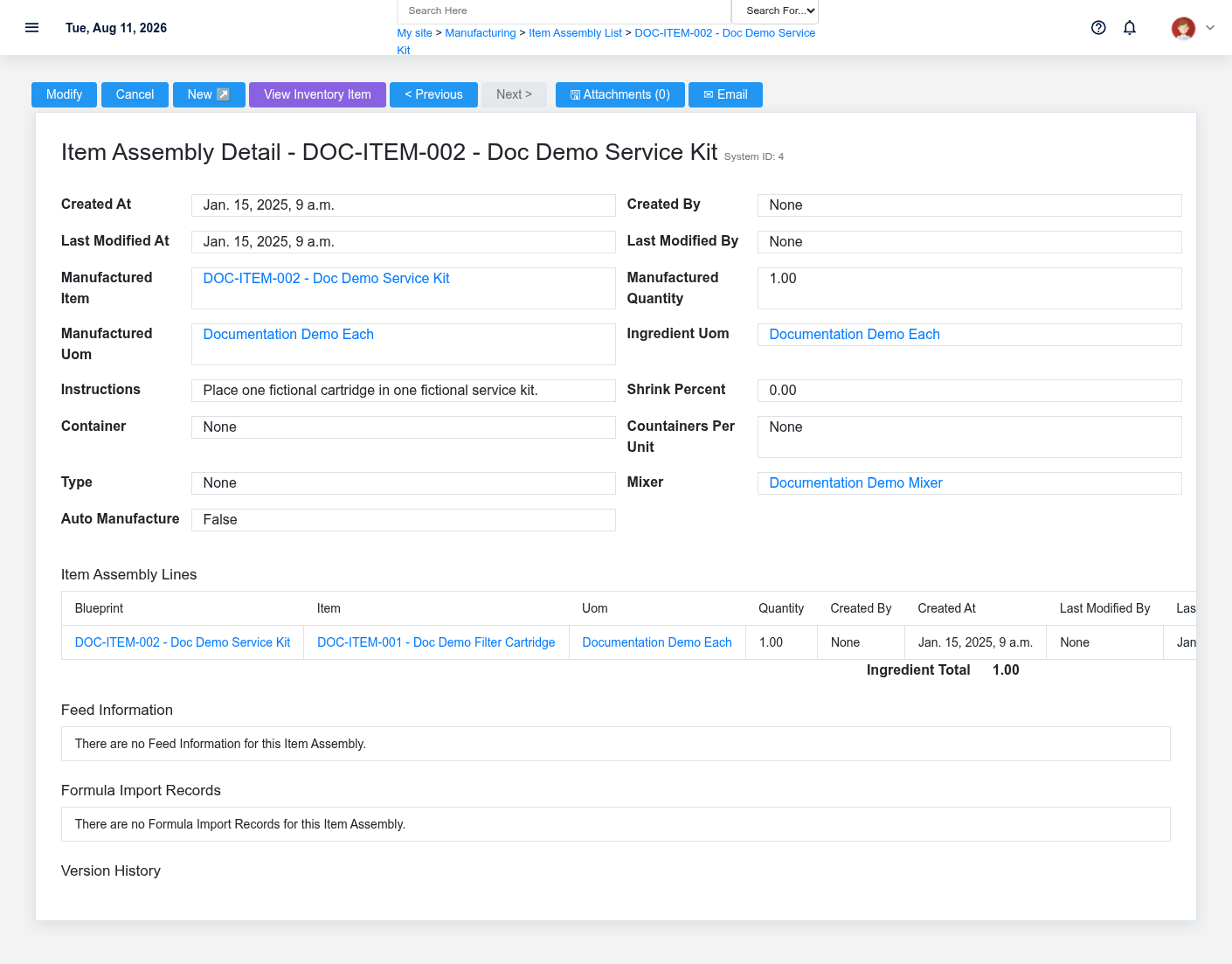
1. **Planner — review the blueprint.** Open [Blueprints](https://help.brisksystems.us/link/2695#bkmrk-detail). Confirm manufactured item DOC-ITEM-002, output unit, quantity, component DOC-ITEM-001, conversions, expected yield, shrink, mixer, and instructions.
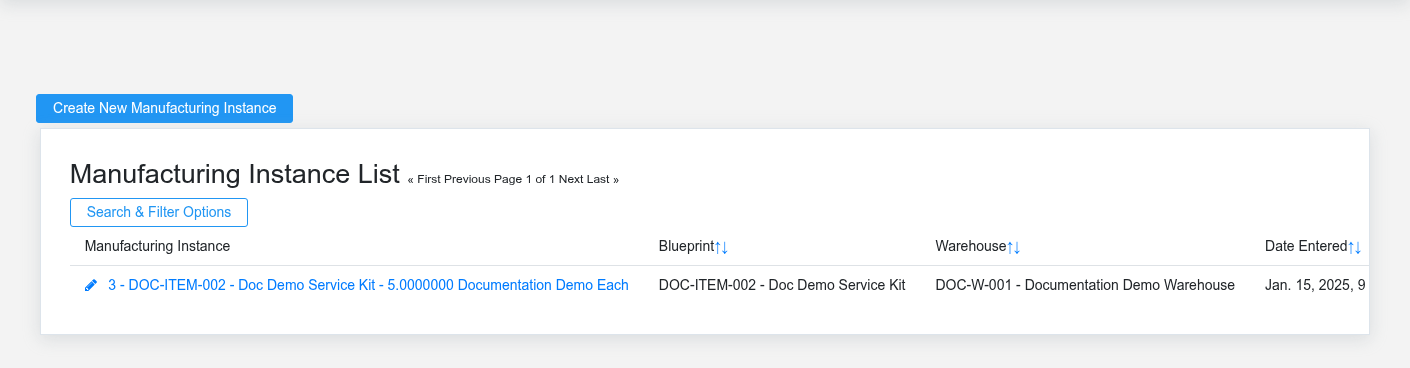
2. **Planner — schedule production.** Create a [Scheduled Manufacturing Instance](https://help.brisksystems.us/link/2707#bkmrk-overview) with intended date, warehouse, batch size, and memo. Scheduling coordinates work; it does not post inventory.
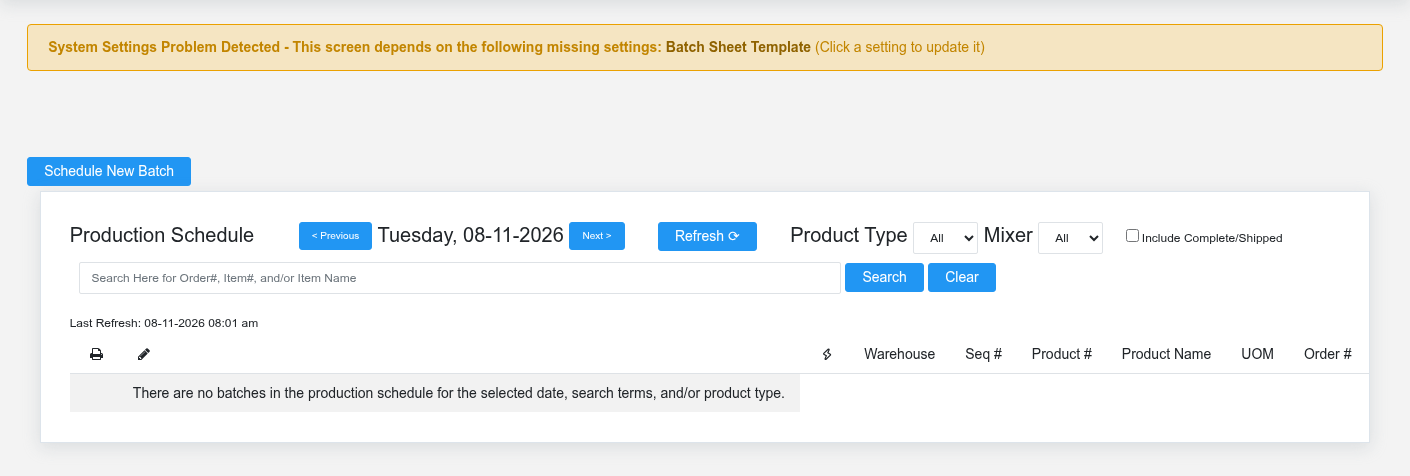
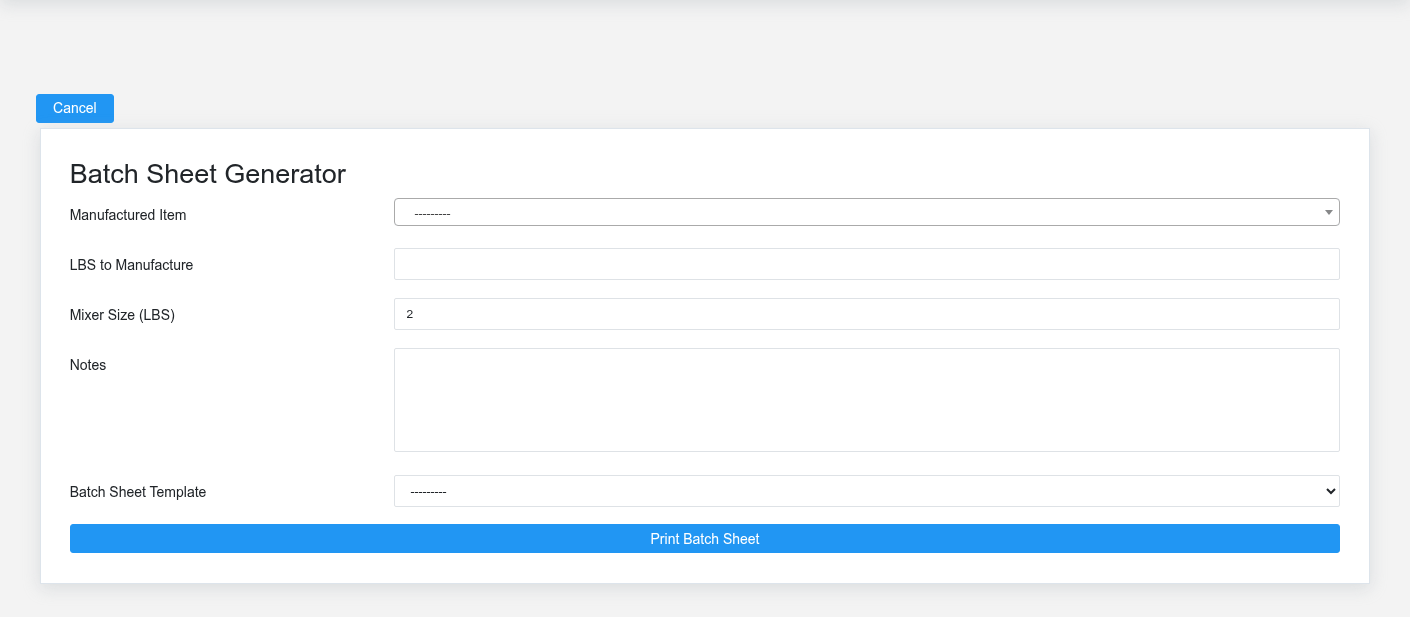
3. **Operator — review the Production Schedule.** Confirm the correct batch, timing, warehouse, and status. Use [Batch Sheet Printing](https://help.brisksystems.us/link/2948#bkmrk-batch-sheet) for the planned quantities and instructions.
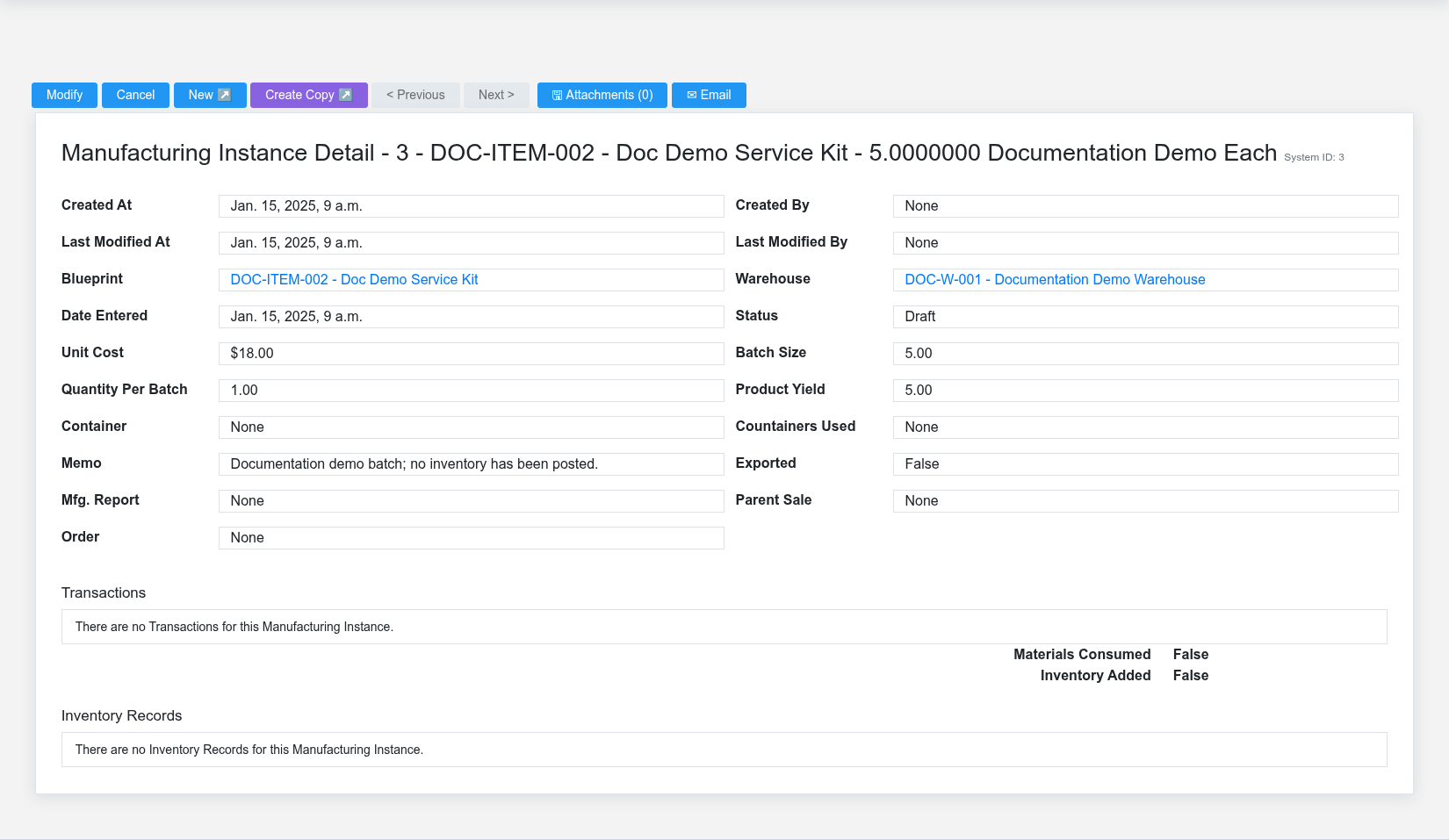
4. **Operator — record actual production.** Open the [Manufacturing Instance](https://help.brisksystems.us/link/2702#bkmrk-overview), enter supported actual quantities and notes, then mark Complete only after production happened.
5. **Brisk — post completion effects.** On Complete, the manufacturing signal consumes materials when not already consumed, then adds finished inventory when not already added. The `materials consumed` and `inventory added` states remain visible controls.
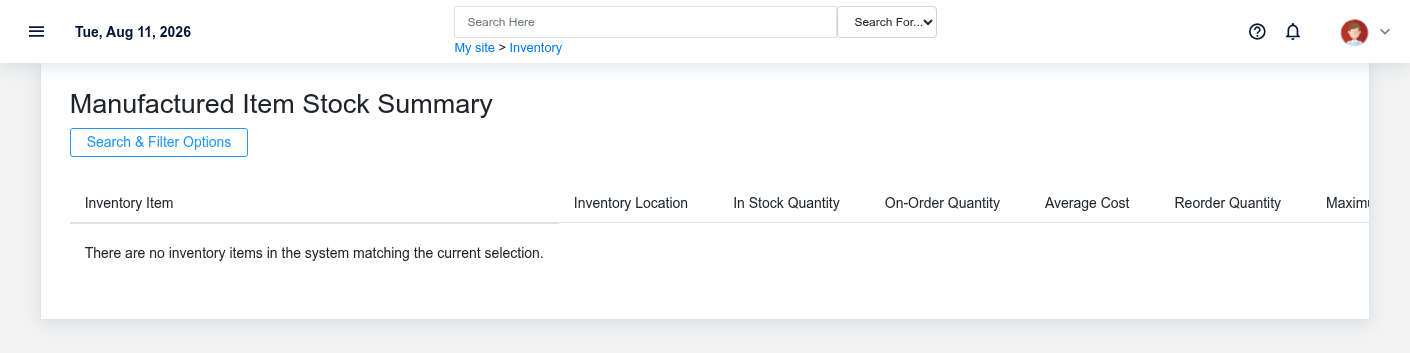
6. **Reviewer — verify inventory and results.** Compare component history, finished-item stock, actual output, yield, and the [Manufacturing Report](https://help.brisksystems.us/link/2705#bkmrk-overview).
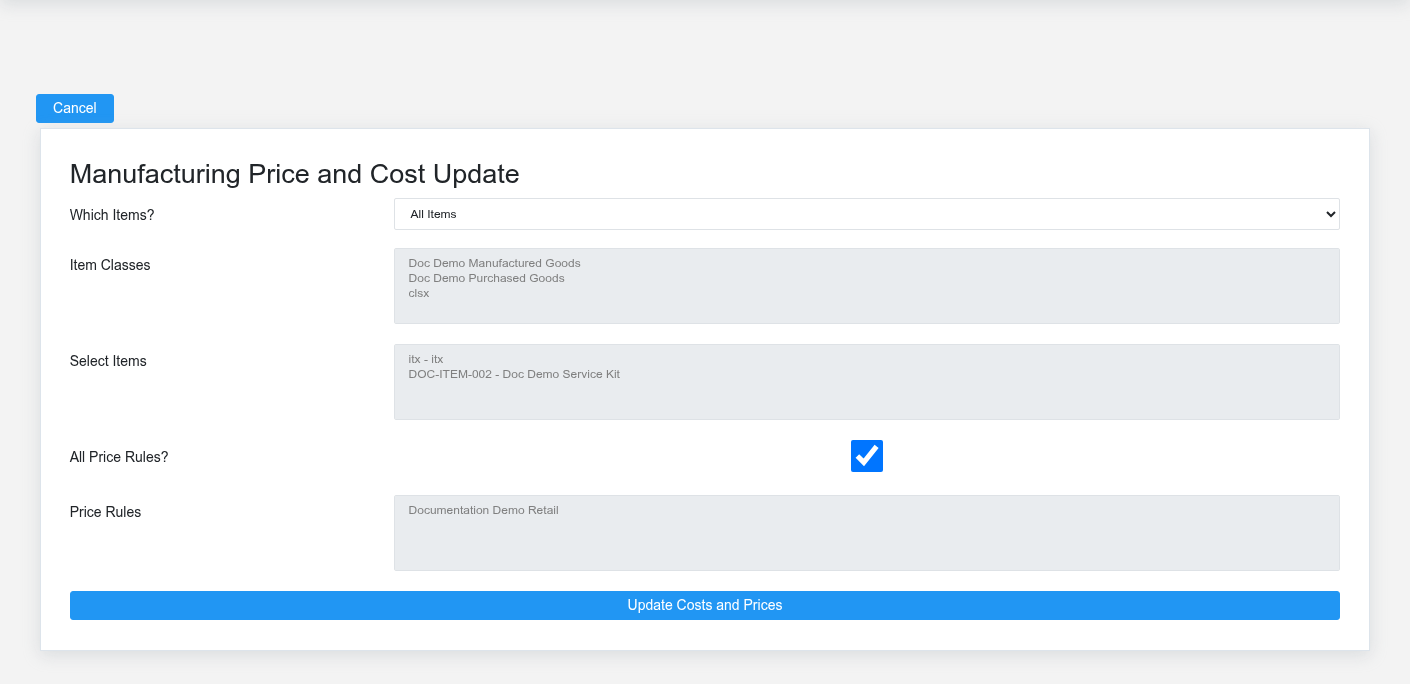
7. **Authorized cost reviewer — optionally update.** Use [Manufacturing Price and Cost Update](https://help.brisksystems.us/link/2949#bkmrk-update) only for the intended scope. Review before/after values because submission changes saved costs/prices.
What Brisk keeps connected
The batch status is the control point for distinguishing planned and completed production.The batch sheet communicates the approved plan to production; actual quantities still need to be recorded.
| Action | Result or downstream record | Where to verify it |
|---|---|---|
| Define blueprint | Output, components, units, quantities and instructions | Blueprint detail |
| Schedule batch | Planned production work | Production Schedule |
| Complete instance | Component consumption and finished inventory, once | Manufacturing Instance and item history |
| Review/update cost | Calculated and saved cost context | Manufacturing report and scoped update result |
Handoffs and controls
A cost update changes saved values when submitted; scope and before/after amounts require review.Verify components and finished goods in inventory after the completion handler has posted both sides.
The planner owns the valid plan, the operator records actual work, and inventory/cost staff verify the result. Draft, scheduled, and Complete are distinct. The blueprint defines the plan; the Manufacturing Instance is the source for the batch and its posting flags.
Exceptions and safe corrections
- Wrong component or unit: correct the blueprint before creating the batch when possible.
- Actual yield differs: record the supported actual quantity and investigate; do not rewrite the plan to hide variance.
- Complete chosen too early: stop and use the supported controlled correction; do not manually edit inventory flags.
- Unexpected stock: inspect instance status, posting flags, conversions, and item history before another completion attempt.
- Cost scope too broad: cancel before submission and select only the intended records.
Related documentation
### Start here
- [Blueprints](https://help.brisksystems.us/link/2695#bkmrk-overview)
- [Scheduled Manufacturing Instances](https://help.brisksystems.us/link/2707#bkmrk-overview)
### Continue with
- [Production Schedule](https://help.brisksystems.us/link/2707#bkmrk-overview)
- [Manufacturing Instances](https://help.brisksystems.us/link/2702#bkmrk-overview)
- [Batch Sheet Printing](https://help.brisksystems.us/link/2948#bkmrk-overview)
### Related controls and reports
- [Manufacturing Reports](https://help.brisksystems.us/link/2705#bkmrk-overview)
- [Manufacturing Price and Cost Update](https://help.brisksystems.us/link/2949#bkmrk-overview)