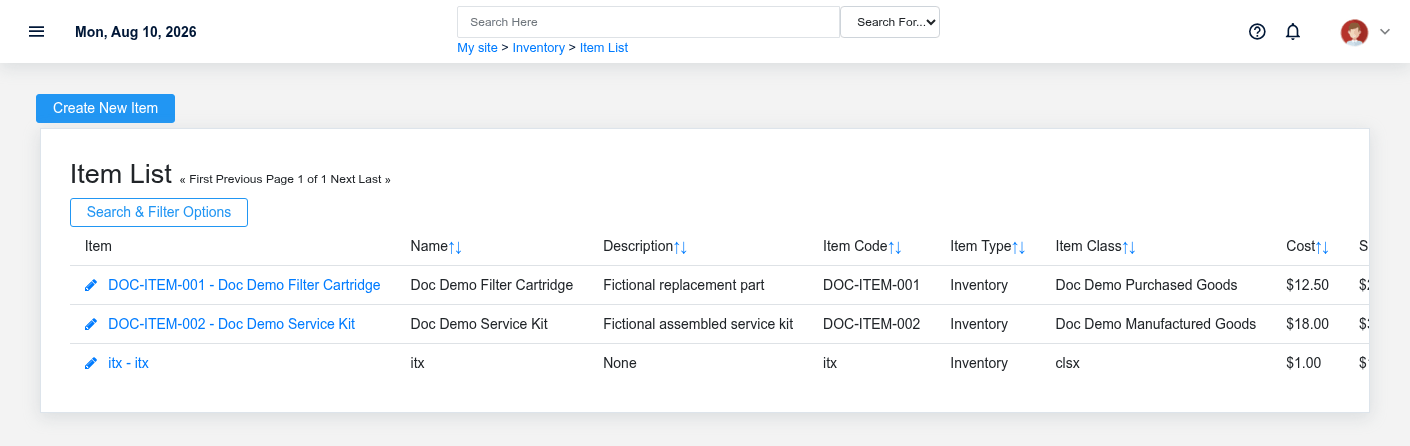
The Inventory workspace related to this reference article.
Inventory connects the shared definition of an item to the quantities, costs, and locations that change as goods are purchased, received, moved, adjusted, manufactured, and sold. Use it when the question is not only “what do we sell?” but also “where is it, how much is available, what did it cost, and what replenishment is already in progress?”
Start with the business task
- **Set up what the business buys or sells:** maintain the shared [Item](https://help.brisksystems.us/link/2634#bkmrk-overview), its [Unit of Measure](https://help.brisksystems.us/link/2641#bkmrk-overview), and the [Item Class](https://help.brisksystems.us/link/2633#bkmrk-overview) that supplies reporting and operating defaults.
- **Organize where stock is held:** define [Warehouses](https://help.brisksystems.us/link/2643#bkmrk-overview) and their [Locations](https://help.brisksystems.us/link/2635#bkmrk-overview), then review [Items in Inventory](https://help.brisksystems.us/link/2629#bkmrk-overview) for warehouse-specific on-hand and available quantities.
- **Replenish stock:** use the [Restock Form](https://help.brisksystems.us/link/2947#bkmrk-overview) to review demand, then create and manage [Purchase Orders](https://help.brisksystems.us/link/2639#bkmrk-overview).
- **Record what arrived:** create [Inventory Receipts](https://help.brisksystems.us/link/2631#bkmrk-overview) against the purchase order. A receipt records the physical arrival; the vendor invoice records the payable obligation.
- **Correct or move stock:** use [Inventory Transfers](https://help.brisksystems.us/link/2632#bkmrk-overview) for warehouse-to-warehouse movement and [Inventory Adjustments](https://help.brisksystems.us/link/2628#bkmrk-overview) for counted loss, gain, damage, or another explained correction.
- **Maintain selling prices:** use [Price Schedules](https://help.brisksystems.us/link/2638#bkmrk-overview) for named prices and [Price Rules](https://help.brisksystems.us/link/2636#bkmrk-overview) for conditional selection by customer, quantity, item, and date.
How the records fit together
The **Item** is the common product or service identity. An **Inventory Item** is that item’s warehouse-specific stock position. A **Purchase Order** is a vendor commitment; an **Inventory Receipt** is evidence that goods physically arrived. A transfer preserves a move between warehouses, while an adjustment explains a correction that has no normal purchase, sale, or transfer document. Keep those distinctions intact so availability, valuation, payables, and audit history agree.
For the full purchasing sequence, follow [Purchase to Pay](https://help.brisksystems.us/link/2921#bkmrk-overview).
Before relying on inventory totals
Confirm the warehouse, unit, transaction date, and document status. Open purchase quantities are not the same as received stock, and on-hand quantity is not always available quantity. Prefer reversing or correcting the source transaction over creating an unexplained adjustment. When a count differs, document the physical reason and verify whether sales, receiving, manufacturing, or transfers are still in progress.