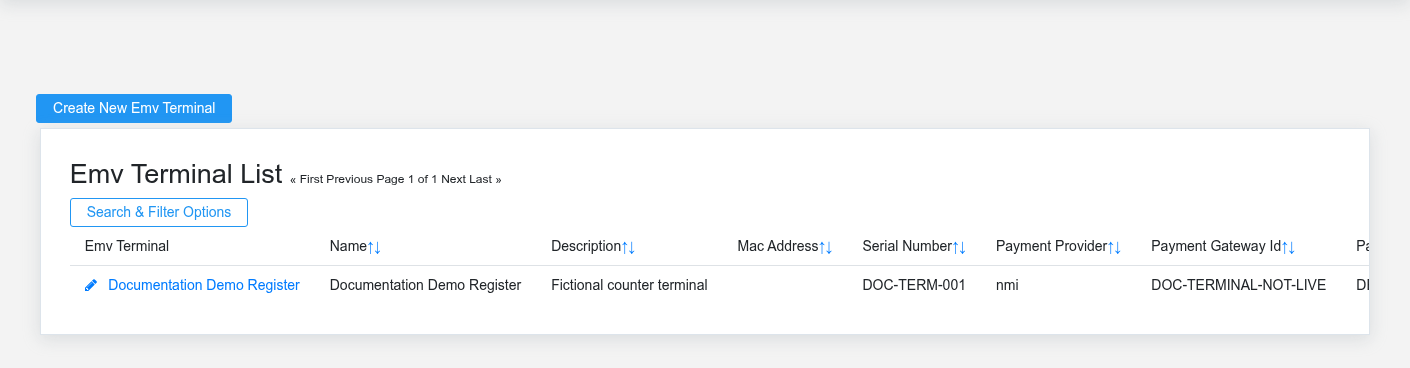
The Payments workspace related to this reference article.
Payments connects Brisk sales and customer receivables to card-present terminals, online payment links, stored payment methods, and scheduled collection. The processor is the authority for approval and settlement; Brisk preserves the customer, business document, request, status, and accounting handoff needed to operate and investigate the payment.
Choose the payment workflow
- Configure EMV terminals before taking card-present payments and assign the intended terminal to the user or workstation.
- Create an email payment request when a customer needs a signed online link for a sale or specified amount. Check its remote status before recreating or deleting a pending request.
- Store a customer payment method only through the tokenized setup flow with the customer’s authorization; Brisk should not store raw card or bank credentials.
- Use receivable payment plans and payment subscriptions for authorized recurring collection, with deliberate amount, cadence, next-run date, payment method, and fallback behavior.
- Review the related sale, customer, and receivable transactions after approval to confirm the business balance changed as expected.
When payment status is uncertain
Do not submit the same payment repeatedly because the browser appears stalled. First check the processor status or gateway attempt, then look for the resulting Brisk tender or receivable transaction. Preserve the original request and transaction identifiers when escalating. Cancel or recreate a request only after determining that it was not approved and will not settle later.
Payment controls
Confirm customer, source sale or invoice, amount, allowed tender, terminal, and authorization before submission. Limit payment configuration and stored-method access to authorized staff. Never copy full card numbers, bank details, processor secrets, or payment tokens into notes or documentation. Reconcile processor settlements to Brisk tenders and bank deposits; a successful authorization is not by itself proof of deposit.