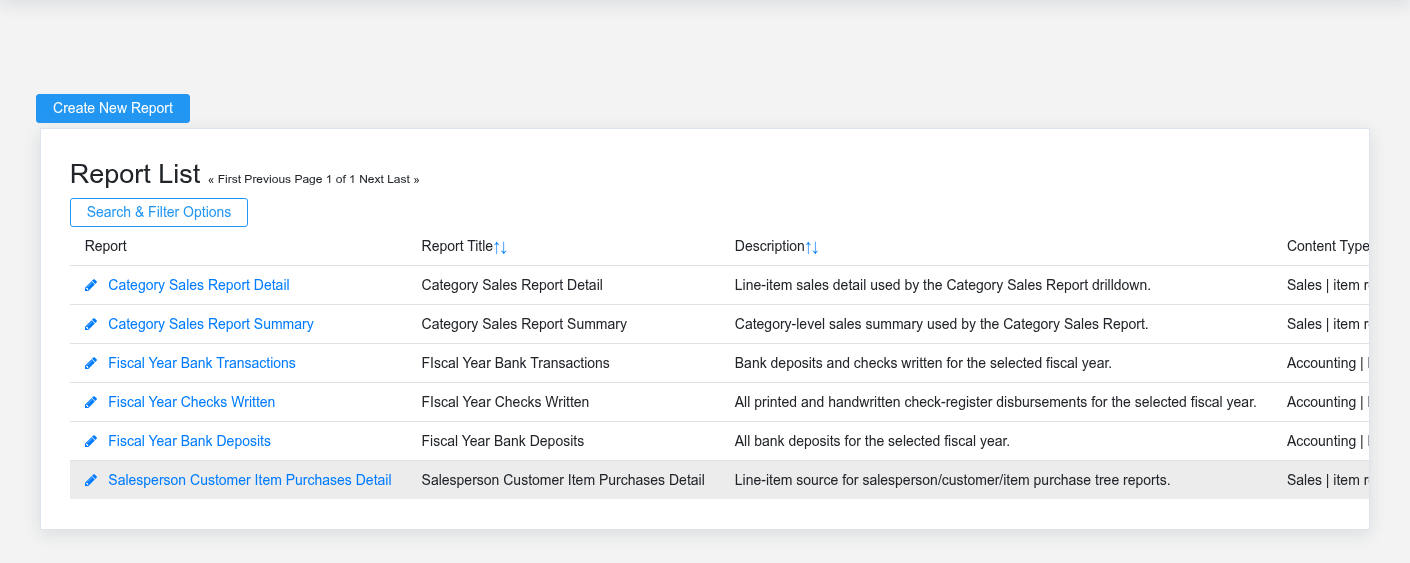
The Reports workspace related to this reference article.
Reports turns Brisk data into operational lists, financial analysis, charts, printed documents, receipts, and outbound email content. A report is only as reliable as its source transactions, date scope, warehouse scope, filters, and posting state, so use this module to define and run output—not to repair the underlying business data.
Choose the right reporting tool
- Use a [Report Definition](https://help.brisksystems.us/link/2735#bkmrk-overview) for a reusable report with a known data source, category, date behavior, and filter set.
- Use an [Advanced Report](https://help.brisksystems.us/link/2729#bkmrk-overview) when users need selected columns, grouping, sorting, filters, totals, and controlled access.
- Add a [Report Chart](https://help.brisksystems.us/link/2734#bkmrk-overview) when a visual comparison materially helps; keep the underlying report available for exact values.
- Use [PDF Renderers](https://help.brisksystems.us/link/2732#bkmrk-overview) for printable record or list layouts, [Receipt Templates](https://help.brisksystems.us/link/2733#bkmrk-overview) for transaction receipts, and [Email Templates](https://help.brisksystems.us/link/2731#bkmrk-overview) for reusable message content.
- Use [Work Period Reports](https://help.brisksystems.us/link/2951#bkmrk-overview) for date-bounded operating and accounting output tied to completed work periods.
Validate before distributing
Read the report title, as-of date or range, warehouse, customer/vendor scope, status filters, and inclusion choices from the output itself. Compare totals to the relevant register or source list, especially after period close, backdated posting, imports, or corrections. A visually plausible report can still omit open, voided, unposted, out-of-range, or out-of-scope transactions.
Template and access controls
Preview template changes with representative long names, multi-page detail, zero and negative values, and the intended paper size. Treat report permissions and recipient selection as data access controls. Avoid placing credentials or sensitive personal data in templates, and keep system reports distinguishable from locally maintained reports so updates do not overwrite business-specific output.