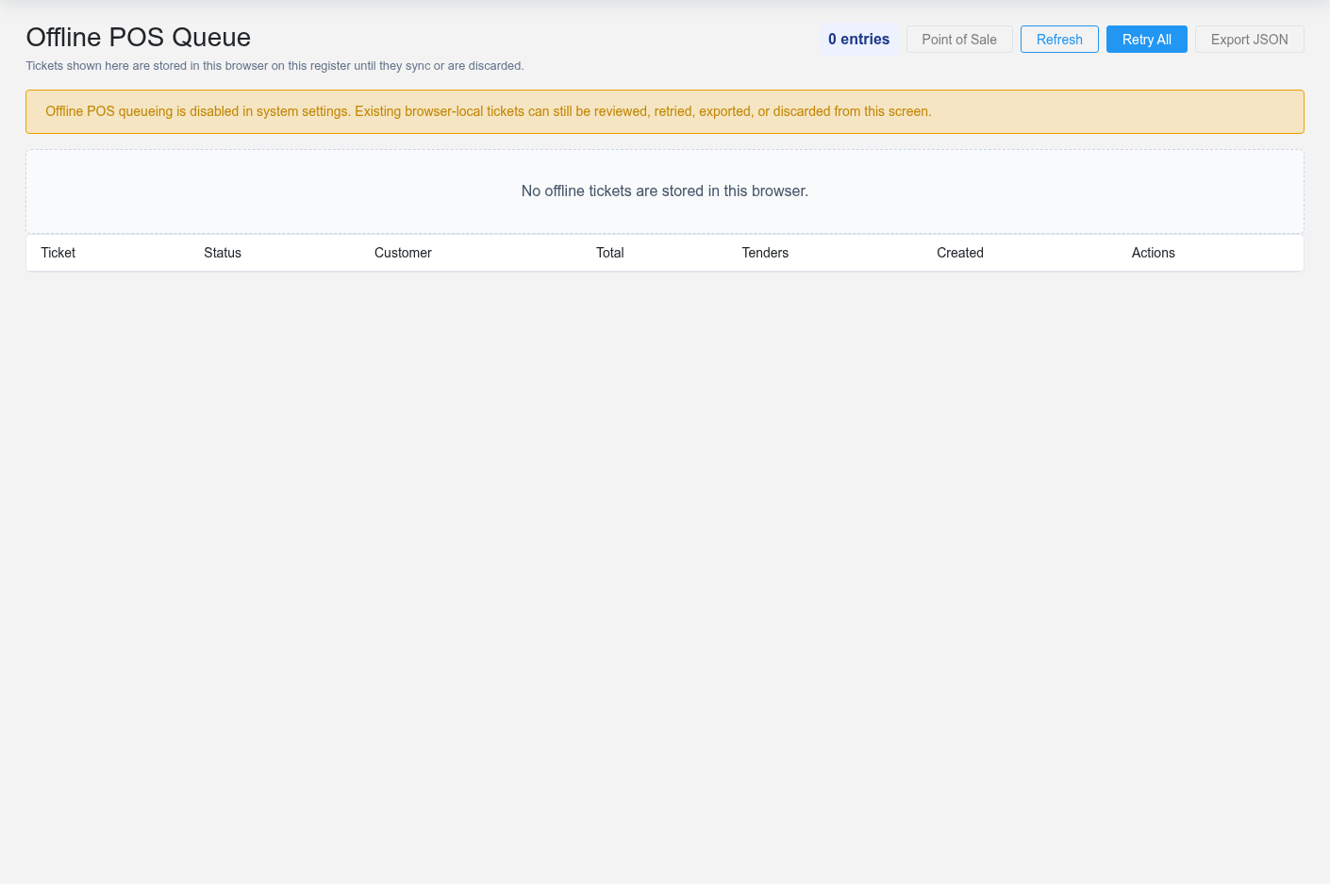
The Offline POS Queue shows tickets stored in this browser when the register could not reach Brisk. Use it after connectivity returns, when Point of Sale reports queued work, or before clearing/replacing a register. The queue is local to this browser and device; another workstation will not show the same tickets.
Review queued sales
The Offline POS Queue queue screen in the Brisk documentation demo.
Review **Ticket**, **Status**, **Customer**, **Total**, **Tenders**, and **Created** for every row. Compare the ticket with the live [Sales](https://help.brisksystems.us/link/2746#bkmrk-overview) list before retrying, especially if connectivity failed after the cashier pressed the final button. A ticket can have reached the server even when the browser did not receive the confirmation.
Use **Refresh** to reread browser-local state. Retry one ticket when you have verified it is missing from Brisk; use **Retry All** only when every queued ticket has been checked. A successful sync should create the sale once and remove or mark the local ticket accordingly.
Preserve unresolved tickets
Use **Export JSON** before browser maintenance, clearing site data, replacing the workstation, or discarding a ticket that may be needed for investigation. Store the export as sensitive business data: it can contain customer, item, tender, and transaction details. Export is an evidence and recovery aid, not a second way to import the sale.
Offline limits
System settings control whether offline queueing is enabled, allowed tenders, maximum ticket total, retention period, and popup behavior. Existing local tickets remain reviewable when offline mode is later disabled. Transactions outside those rules should wait for a live connection rather than being forced into the queue.
When a retry fails
Record the ticket identifier and error, export the queue, confirm the user still has permission to create sales, and check customer/item availability and current settings. Do not repeatedly finalize or discard the ticket while payment or server status is uncertain.