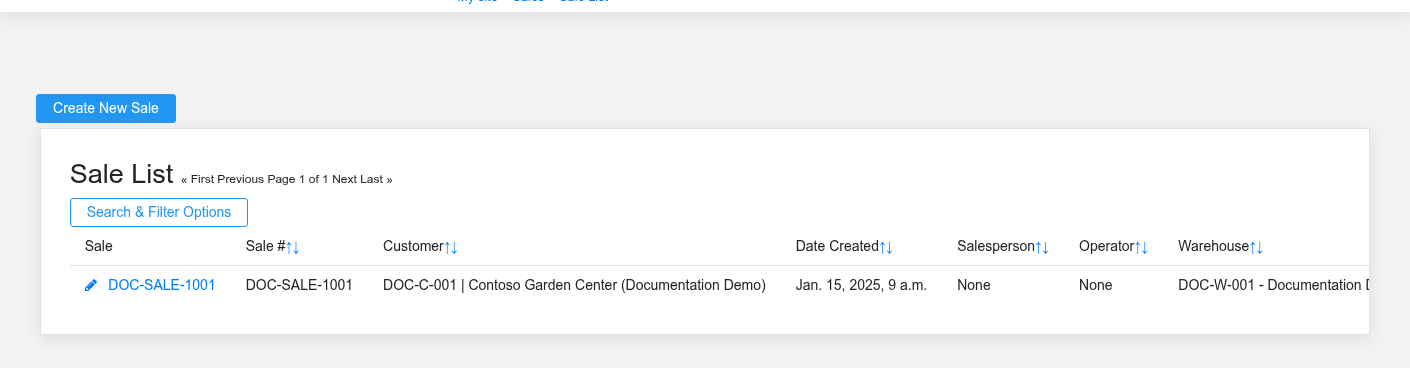
The Sales workspace related to this reference article.
Sales carries a customer transaction from an estimate or point-of-sale ticket through pricing, tax, tender, fulfillment, inventory movement, and receivables. Use the source sale and its item rows when answering what the customer bought, how the price was calculated, what was paid, and whether the order has been completed.
Start with the customer event
- Prepare a [Quote](https://help.brisksystems.us/link/2742#bkmrk-overview) when scope or price needs approval before becoming a sale.
- Use [Point of Sale](https://help.brisksystems.us/link/2953#bkmrk-overview) for cashier entry, item scanning, customer selection, tender, foodservice tickets, and account payments.
- Review the completed [Sale](https://help.brisksystems.us/link/2746#bkmrk-overview) for customer, totals, tax, payment, fulfillment, and accounting state.
- Use [Suspended Sales](https://help.brisksystems.us/link/2748#bkmrk-overview) to preserve an unfinished ticket without finalizing payment or inventory effects.
- Use [Returns](https://help.brisksystems.us/link/2745#bkmrk-overview) to reverse eligible quantities and taxes while preserving the relationship to the original sale.
- Use [Subscriptions](https://help.brisksystems.us/link/2747#bkmrk-overview) for repeating customer sales with a defined billing cadence and line items.
How totals and status move
Each item row supplies quantity, unit, price, discount, tax, options, and fulfillment context. The sale header supplies customer and transaction-level decisions. Tender can settle the transaction immediately or leave an accounts-receivable balance. Finalization can affect inventory, cash drawers, deposits, revenue, tax liabilities, and customer history, so correct the cart before completing it rather than relying on a later accounting adjustment.
Cashier and recovery controls
Confirm the customer, warehouse, drawer, salesperson, items, quantities, prices, discounts, taxes, and payment before finalizing. When connectivity is interrupted, use the [Offline POS Queue](https://help.brisksystems.us/link/2952#bkmrk-overview) and verify that the transaction does not already exist before retrying it. For refunds, confirm the original tender and the quantity still eligible to return. Escalate price, tax, or supervisor overrides instead of sharing another user’s credentials.