
Using Brisk Help
Using Brisk Help
Open help for the screen you are using
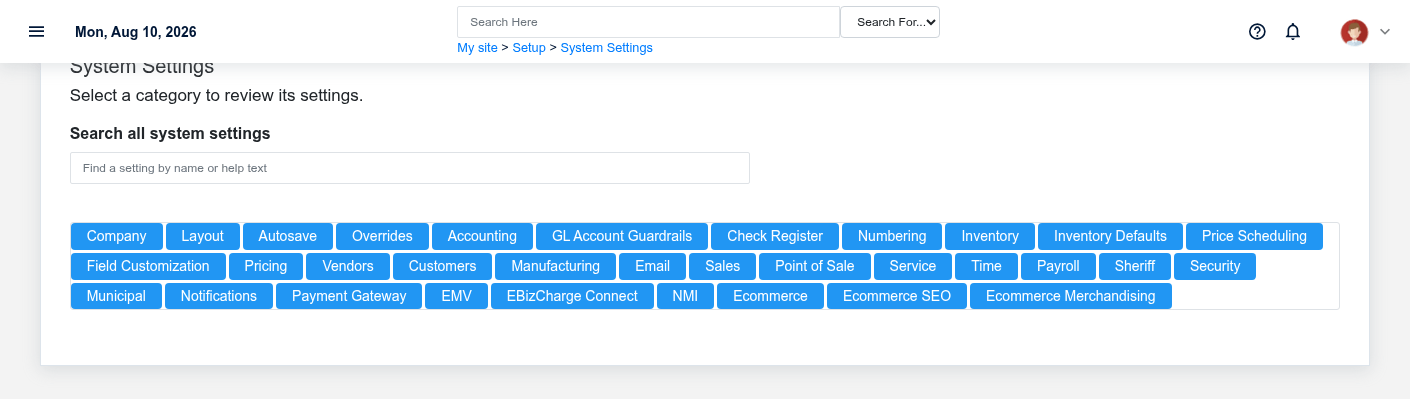
Open the question-mark menu in Brisk and select Open Help Article. Brisk uses the screen's named route to send you to the relevant article and section. Record lists, entry forms, detail pages, and edit screens normally share one task-oriented article.
Read Purpose and when to use this record/screen first, then use Page Navigation for the action you are taking. A model article normally keeps create, review, edit, delete, list/search, field rules, next steps, and troubleshooting together so business consequences are not split across disconnected pages.
When help opens a broader page
If a precise section has not been published yet, Help falls back to the record article, module overview, or documentation home. The link does not send record IDs, customer names, or other URL arguments to the documentation site.
If the article is clearly unrelated or only a broad fallback, record the Brisk screen title, what you clicked, and the URL/route behavior without including customer data. Send that information to the documentation owner so the stable route map can be corrected.
Search and navigate BookStack
Use the BookStack search for the business noun or task—such as “vendor invoice,” “receive purchase,” or “close month.” Page Navigation moves among sections in the current article; Book Navigation moves among records and task screens in the module. Links inside an article connect related work across modules, such as purchase order to inventory receipt to vendor invoice.
Use help without exposing business data
Documentation screenshots use fictional demonstration data. Do not paste live customer, employee, case, payment, credential, or financial details into BookStack comments or support requests. The Help link deliberately uses a stable route name and published page ID rather than the live record identifier.
When the screen and article differ
Confirm you are in the expected Brisk environment and refresh the page. If labels, fields, or actions still differ, treat the running application as evidence that the article may be stale; do not guess through a destructive or financial action. Capture the application version/commit when available and escalate the mismatch for code-and-documentation review.
No comments to display
No comments to display