
Month-End Close to Financial Review
This workflow turns daily operating activity into a defensible month cutoff and stable financial review. It begins with open periods and unresolved sales, tender, receivable, payable, inventory, and account activity, then ends with a closed month whose reports can be traced back to saved transactions.
Demonstration notice: Every entity, amount, account, date, and transaction is fictional. This guide describes Brisk controls and is not tax, legal, or professional accounting advice.
Workflow at a glance
| Outcome | Approved month cutoff with retained close evidence and traceable reports |
| Starts with | Defined cutoff and unresolved daily operating records |
| Ends with | Closed Month and management financial review |
| Primary roles | Shift lead, receivables/payables staff, inventory reviewer, accountant |
| Brisk areas involved | Accounting, Sales, Inventory, Purchasing, Reports |
| Common businesses | Any Brisk organization using operational accounting |
| Approximate handoffs | Four |
Why this workflow matters
A month close cannot make inaccurate sales, missing payments, unreceived inventory, or draft invoices correct. Its value is creating a stable boundary after those records have been reviewed and explained.
Brisk keeps daily operations connected to accounting detail. Reviewers can move from a report total back to source transactions instead of accepting an unexplained export.
Before you begin
- Define the local closing date/time and obtain the required approval.
- Ensure all required Work Periods, Months, accounts, warehouses, and permissions exist.
- Gather bank statements, tender/deposit evidence, receivable/payable review, inventory receiving/costing review, and approved journal support.
- Do not backdate or reopen solely to improve screenshots or force a report.
End-to-end steps
- Close lead — define the cutoff. Record the intended local boundary and use the smallest-period-outward sequence: Work Period, then Month, then Year when applicable.
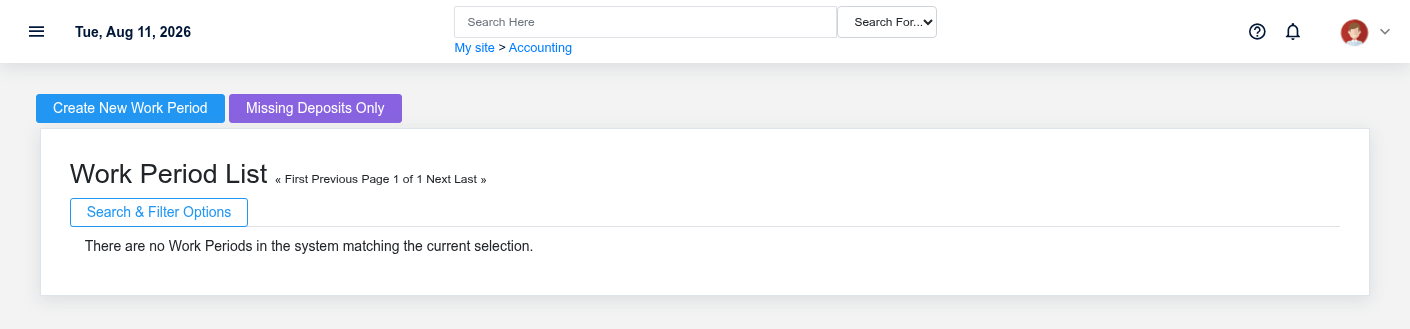
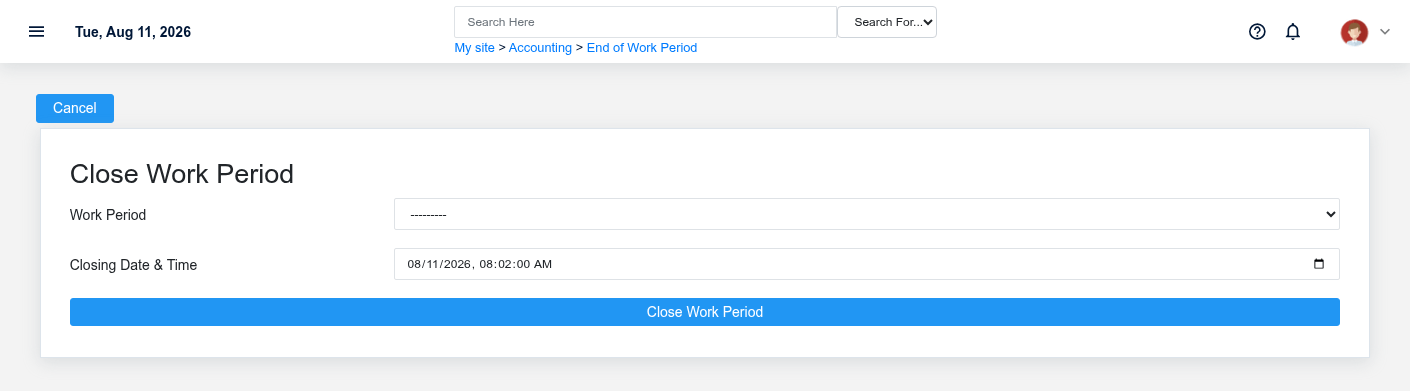
- Shift lead — close remaining work periods. In Close Accounting Periods, review sales, tenders, cash, deposits, payouts, returns, tax, and over/short. Resolve open and uncertain transactions before closing.
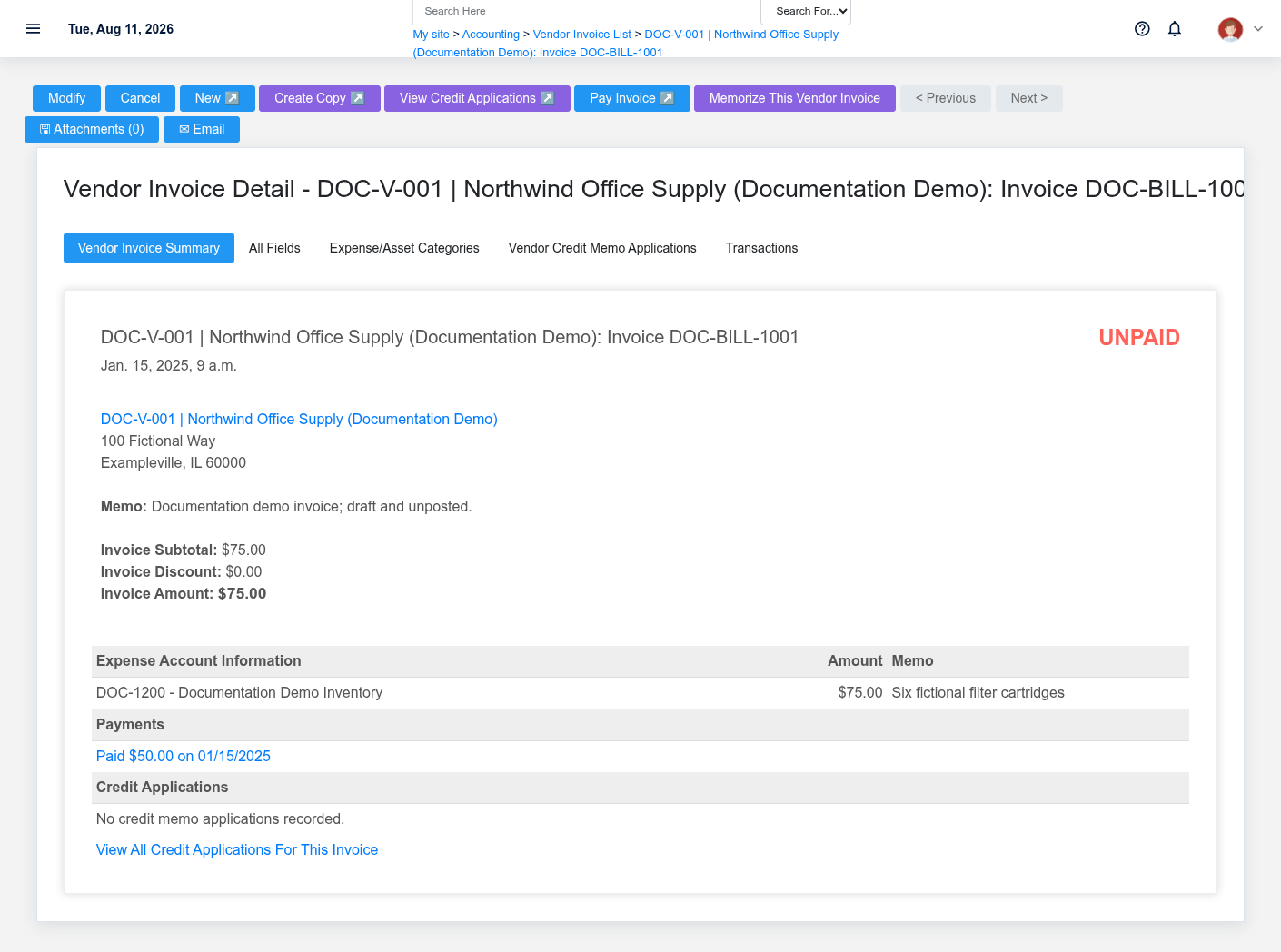
- Receivables/payables staff — review obligations. Run aging, customer-credit, vendor-invoice, credit, and payment lists at the cutoff. Investigate Draft/unposted or unmatched records such as DOC-BILL-1001.
- Inventory and cash reviewers — complete source checks. Review receipts, final costs, adjustments, valuation inputs, deposits, and supported Reconciliations. Reconciliation is included only when configured and supported by source statements.
- Accountant — review approved journals and reporting inputs. Verify dates, accounts, warehouses/divisions, memo, supporting evidence, and approval. Do not use a journal to hide an operating discrepancy.
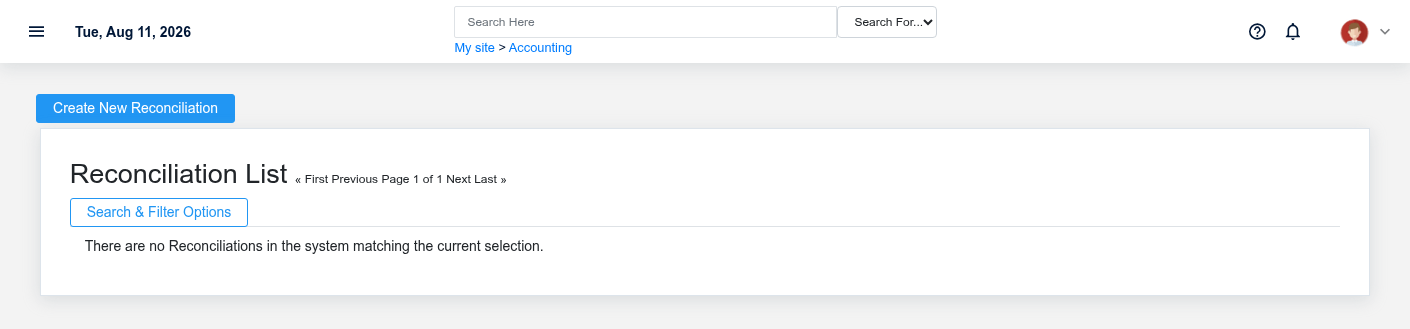
- Authorized closer — close the Month. Select the correct open Month, enter the approved cutoff, and process once. If the request is uncertain, inspect the Month before retrying.
- Management — review financial output. Review the available profit-and-loss, balance-sheet, trial-balance, transaction, and close reports. Trace material totals to their saved transactions and retain review evidence.
What Brisk keeps connected
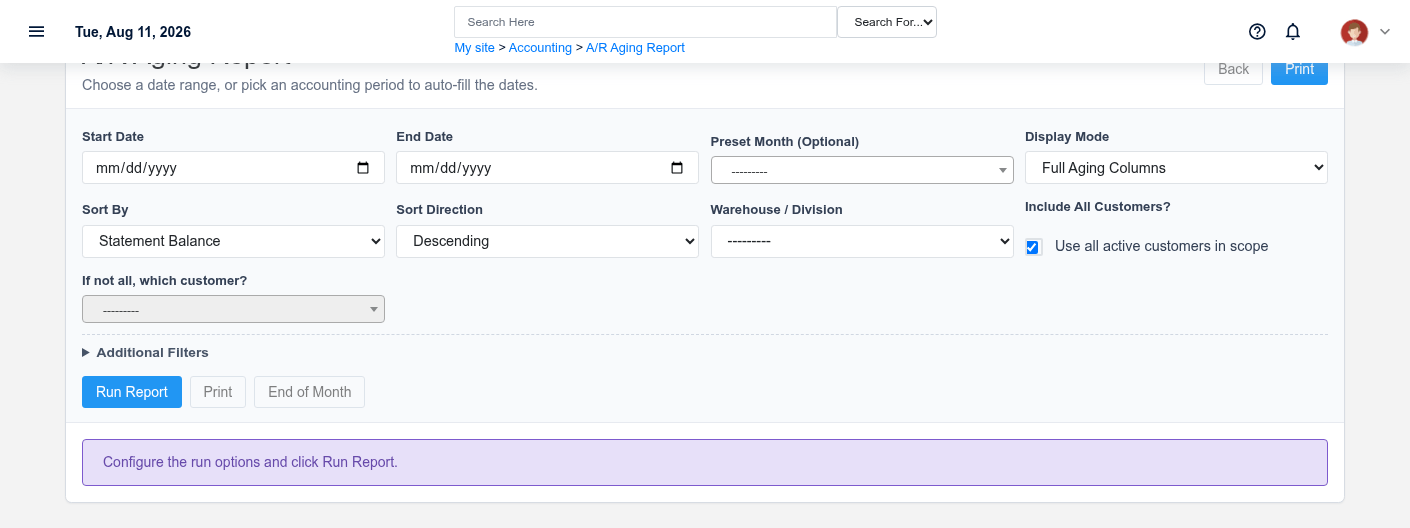
| Action | Result or downstream record | Where to verify it |
|---|---|---|
| Close Work Period | Operating cutoff and close reports | Work Period detail |
| Review receivables/payables/inventory | Exception lists tied to source records | Aging, invoices, receipts and transaction detail |
| Save reconciliation/journal | Account review or approved adjustment evidence | Reconciliation and Journal Entry detail |
| Close Month | Stable month boundary used by period reporting | Month detail and financial reports |
Handoffs and controls
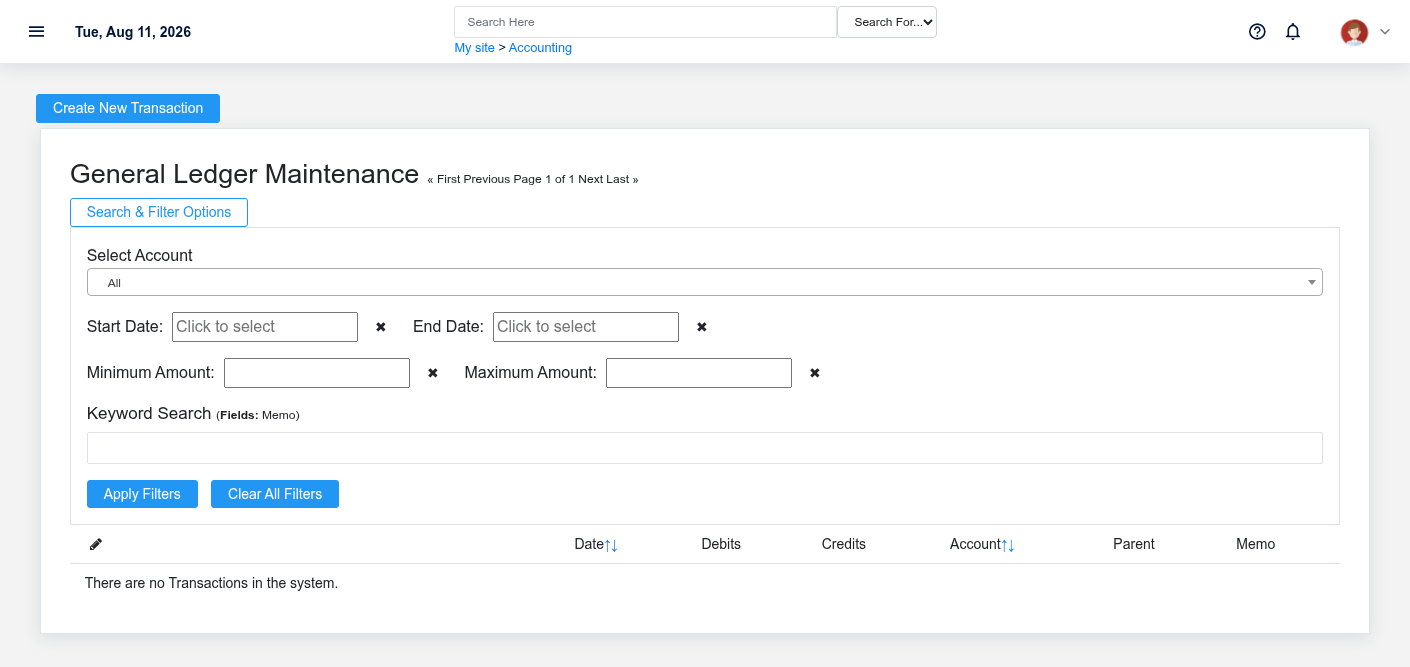
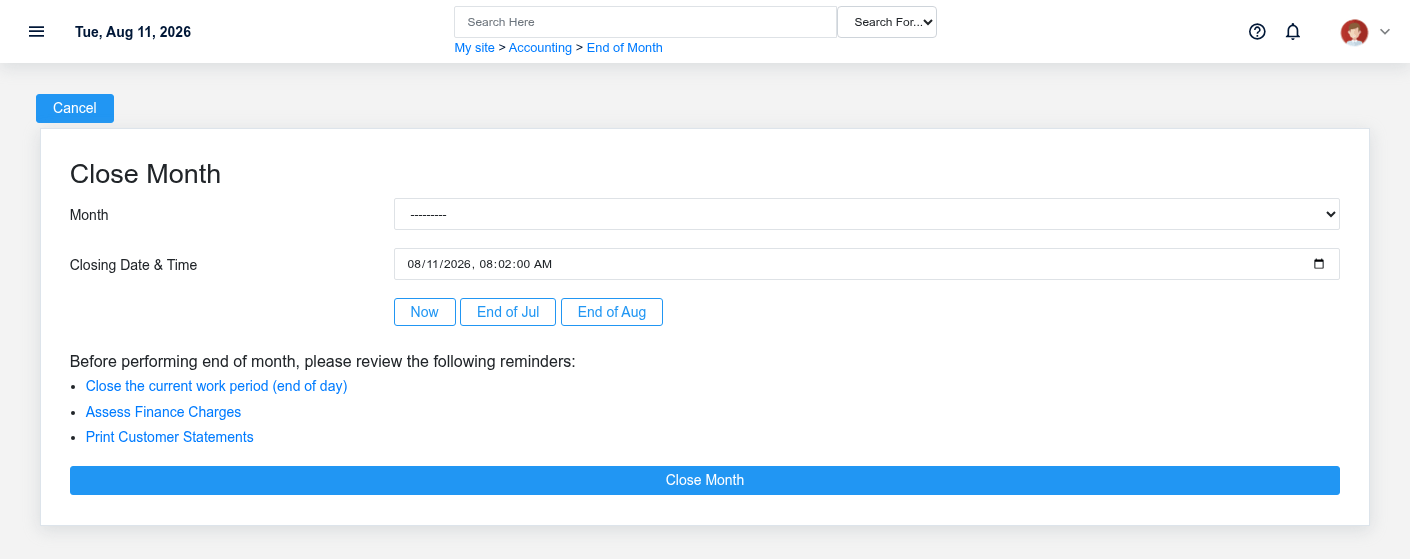
Operating teams supply accurate source records; accounting tests completeness and cutoff; an authorized closer establishes the boundary; management reviews the result. Closed does not mean reconciled. The individual Sale, Receipt, Invoice, Payment, Deposit, Reconciliation, and Journal Entry remain the evidence behind reports.
Exceptions and safe corrections
- Open period at cutoff: resolve the underlying work and close it in sequence.
- Payment or deposit uncertainty: verify transaction and provider/bank evidence before retrying.
- Draft invoice or receipt: determine whether it belongs in the month; do not force-post it.
- Report mismatch: compare cutoff, warehouse/division, status, and posting versus transaction date.
- Closed-period error: follow the explicit authorized reopen/correction policy; preserve the original history and approvals.
No comments to display
No comments to display