
1099 Account Configurations
1099 Account Configurations
Purpose and when to use this record
Classify general-ledger accounts into the standard, NEC, and interest 1099 reporting groups.
At a glance
-
Identify it by: the identifying information shown on the screen.
-
Why care: Dates, accounts, amounts, posting state, and period locks can change financial reports. Verify them against the source document before finalizing the record.
Before you begin
You need the Brisk permission for the action you are taking on 1099 account configurations. If a Create, Edit, or Delete control is absent, do not work around it with another user’s account; ask an administrator to review your role.
Find and review 1099 account configurations
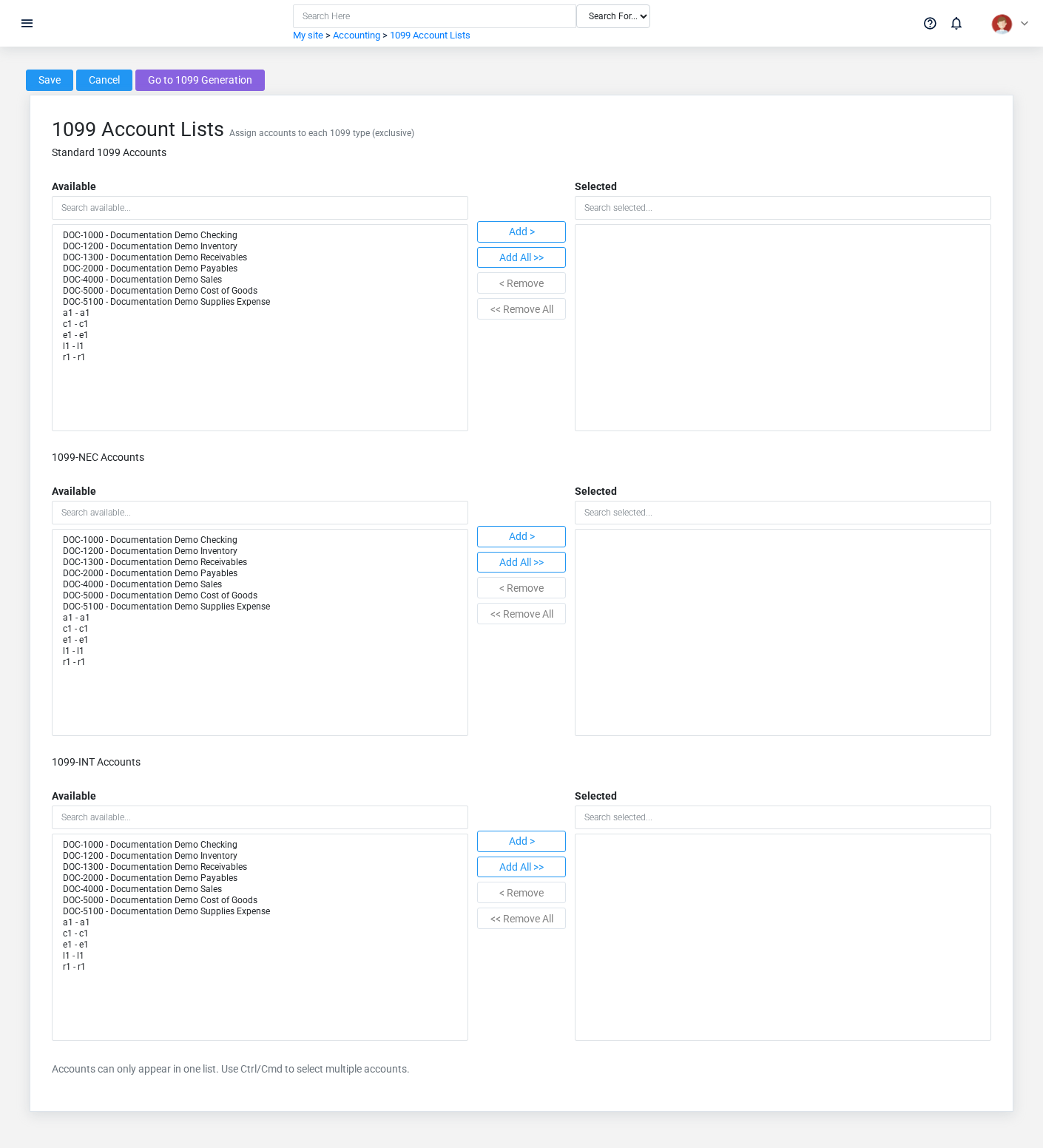
Use the 1099 Account Configurations list to find the correct record before opening or changing it. Compare the identifying information shown on the screen. Compare the full identifier rather than relying on a similar name.
Open the 1099 Account Configuration whose the identifying information shown on the screen match the task. If it is missing, clear the list filters and recheck the identifying information shown on the screen rather than creating a replacement immediately.
Fields and business rules
Brisk stores 0 user-relevant fields for this 1099 Account Configuration, including 0 linked-record selections and 0 controlled-choice fields. Create and edit screens may hide calculated or workflow-managed values from this full reference.
| Field | Required | What it controls |
|---|
What happens next
Use the originating business process to interpret this 1099 Account Configuration. If it records a failure or exception, correct the source process and create a new successful event rather than rewriting the audit trail.
Common mistakes and troubleshooting
- The values look right but the result is wrong: Compare this 1099 Account Configuration with the source document or approved setup decision, then check the downstream screen where it is used.
No comments to display
No comments to display