
Payments
Payments
Purpose and when to use this record
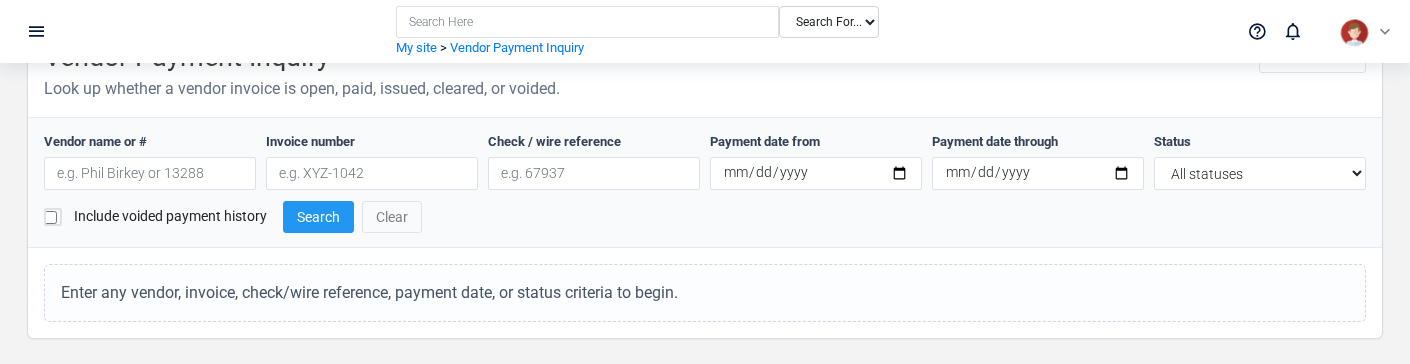
Brisk stores payments as part of the accounting module. This generated reference is awaiting workflow review.
Create a record
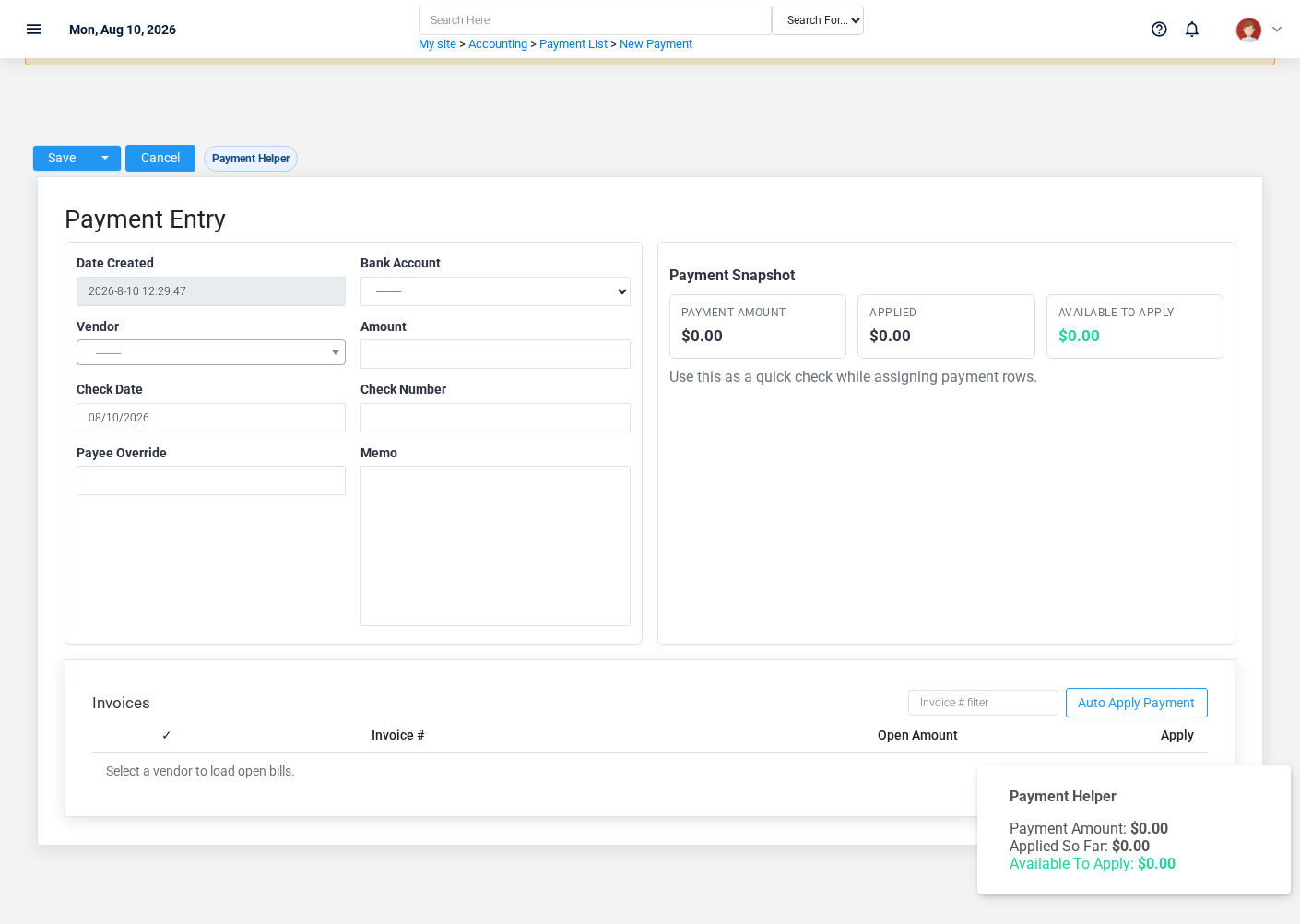
The evidence packet identifies the view and source location for this action. Confirm user-facing steps before approving this page.
View record details


The evidence packet identifies the view and source location for this action. Confirm user-facing steps before approving this page.
Find and review records
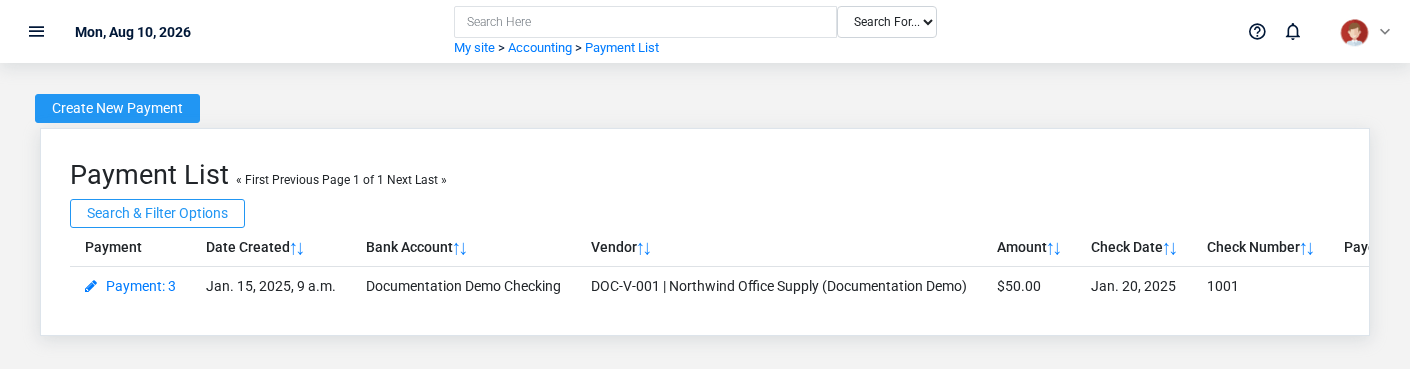
The evidence packet identifies the view and source location for this action. Confirm user-facing steps before approving this page.
Edit an existing record
The evidence packet identifies the view and source location for this action. Confirm user-facing steps before approving this page.
Delete a record
The evidence packet identifies the view and source location for this action. Confirm user-facing steps before approving this page.