
Business License Application to Renewal
PublicationThis workflow follows a fictional business-license application through staff review, a charge, payment, issuance, compliance follow-up, and renewal. It preserves the distinction among the applicant account, official application, amount due, payment, and issued license while keeping each date and status available for reporting.
Demonstration notice: Exampleville, DOC-BIZ-1001, all people, amounts, addresses, identifiers, and transactions are fictional. Brisk records authorized municipal decisions; it does not determine legal compliance or provide statutory advice.
Workflow at a glance
| Outcome | Issued and later renewed license with traceable charge/payment history |
| Starts with | Verified municipal business/account and submitted application |
| Ends with | Renewal status and a report tied to source records |
| Primary roles | Intake clerk, reviewer, cashier, licensing supervisor |
| Brisk areas involved | Municipal Accounts, Applications, Charges, Payments, Licenses, Compliance |
| Common businesses | Municipal and local-government offices |
| Approximate handoffs | Four |
Why this workflow matters
An application, approval, fee, receipt, issued license, and renewal are different events. Keeping them as linked records prevents a payment from being mistaken for approval or an approved application from being mistaken for an active license.
Queues and reports then have a traceable source. Staff can identify pending, expiring, overdue, and completed work without maintaining a parallel spreadsheet.
Before you begin
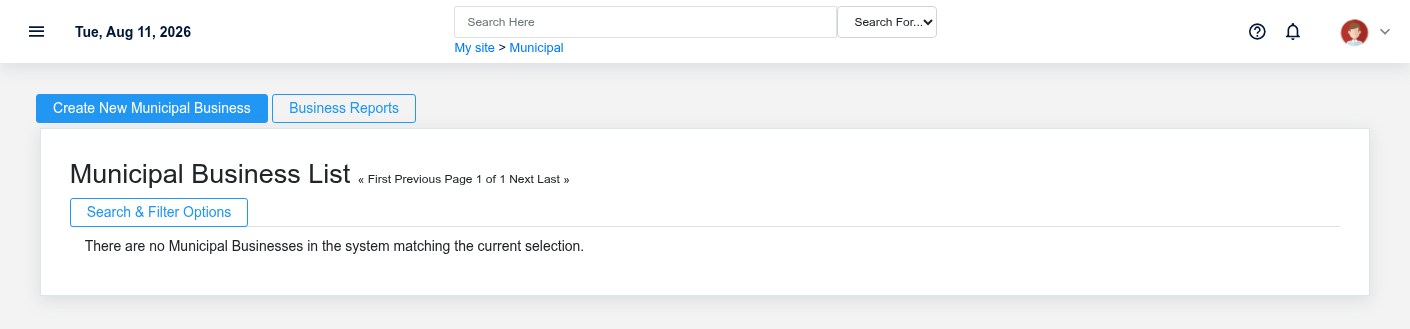
- Required: Municipal Account, business, license type, jurisdiction process, fee policy, and authorized roles.
- Required: review criteria and supporting information defined by the jurisdiction outside this guide.
- Required for collection: municipal charge/accounting setup and a safe authorized payment method.
- Optional: compliance tasks, auto-renew flag, renewal lead days, and municipal report filters.
End-to-end steps
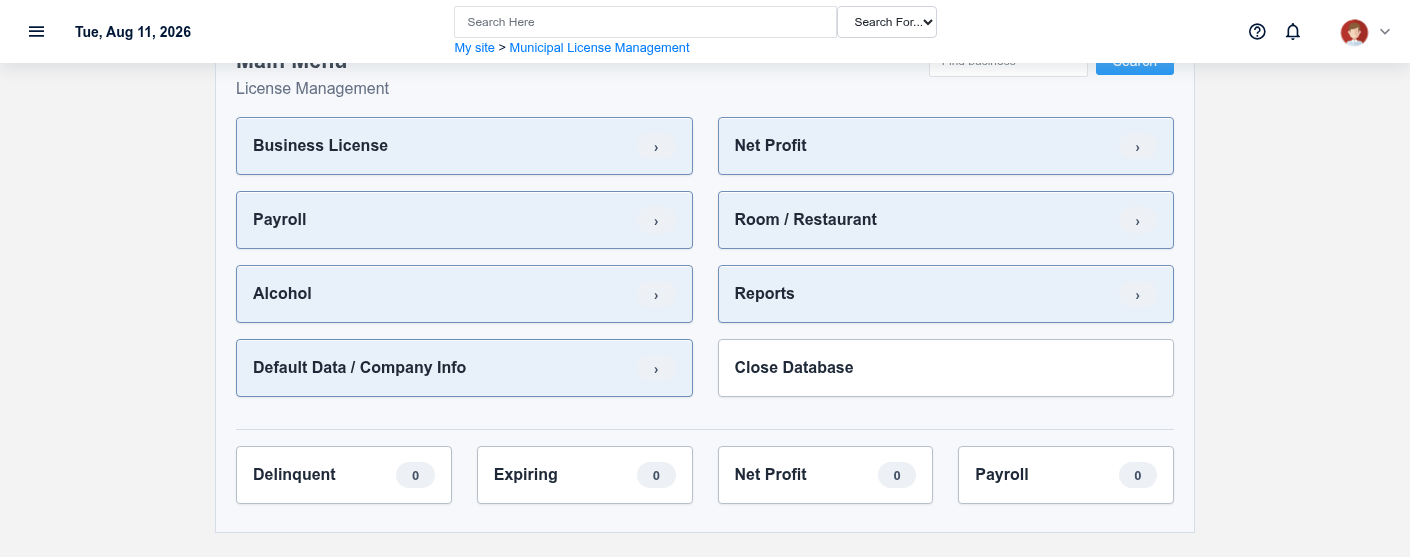
- Intake clerk — find the responsible party. Open Municipal Businesses and the linked account. Verify business identity without exposing confidential tax or personal data.
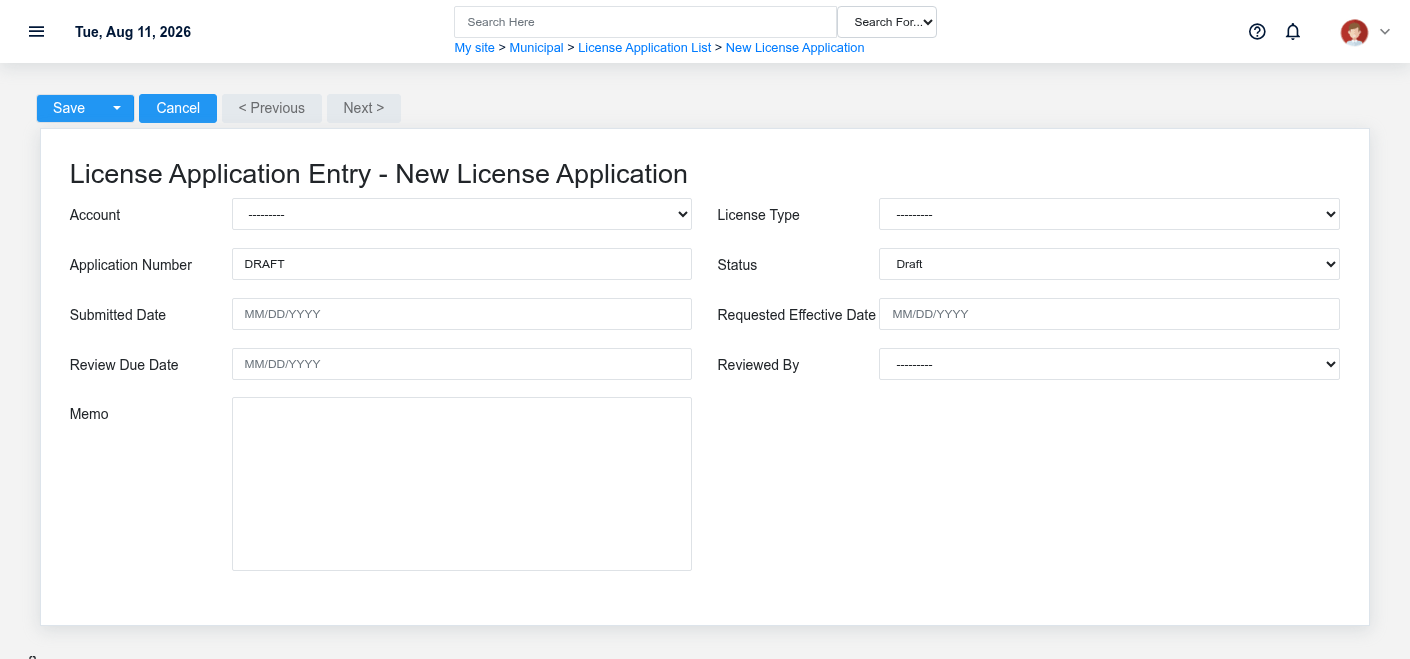
- Intake clerk — record the Application. Create License Application DOC-BIZ-1001 with type, application number, Draft/Submitted state, submitted date, requested effective date, review due date, and memo.
- Authorized reviewer — record the actual decision. Move through Submitted and In Review, then Approved or Denied only when the jurisdiction’s work supports it. Brisk does not make that legal determination.
- Licensing/cashier staff — establish and collect the charge. Create or confirm the linked Municipal Charge. Record a supported payment; its service recalculates Open, Partially Paid, or Paid from payment/credit applications instead of relying on a manual paid label.
- Licensing staff — issue the License. Convert the approved Application through the supported action. The Application becomes Converted and the License carries its own number, Active status, issue/effective/expiration dates, conditions, and source application.
- Compliance staff — monitor dated work. Use Municipal License Operations for expiring licenses and compliance tasks. An approved application is not active until the separate license exists.
- Authorized licensing staff — renew and review. Follow the supported renewal/update path, preserving old history and recording new effective/expiration context. Reconcile the municipal report to account, application, charge, payment, and License records.
What Brisk keeps connected
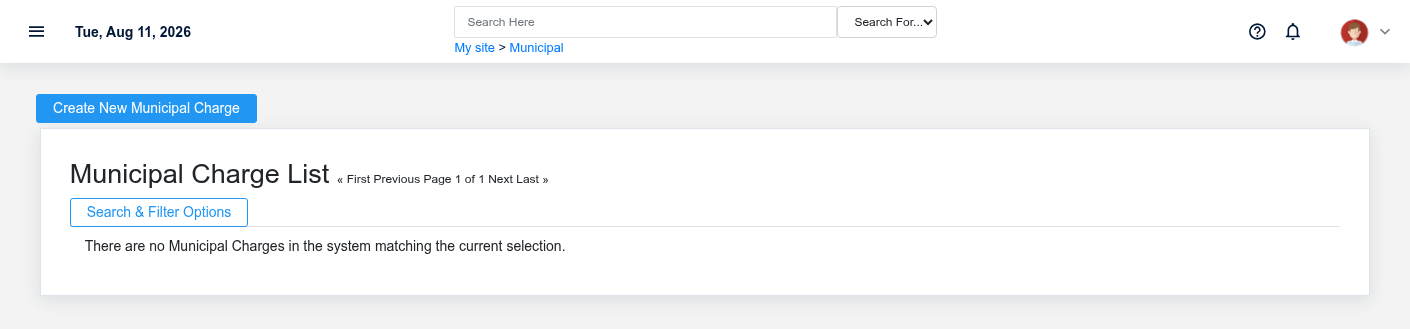
| Action | Result or downstream record | Where to verify it |
|---|---|---|
| Submit/review application | Official application status and dates | License Application detail |
| Record charge/payment | Separate obligation and payment history | Municipal Charge and payment detail |
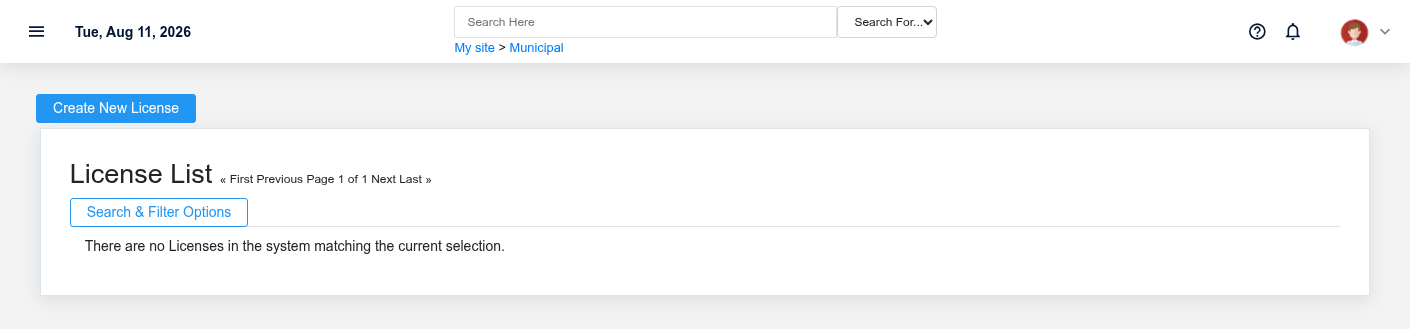
| Convert approved application | Issued License linked to source Application | License and Application detail |
| Record compliance/renewal | Dated follow-up and updated license context | Compliance Queue, License, reports |
Handoffs and controls
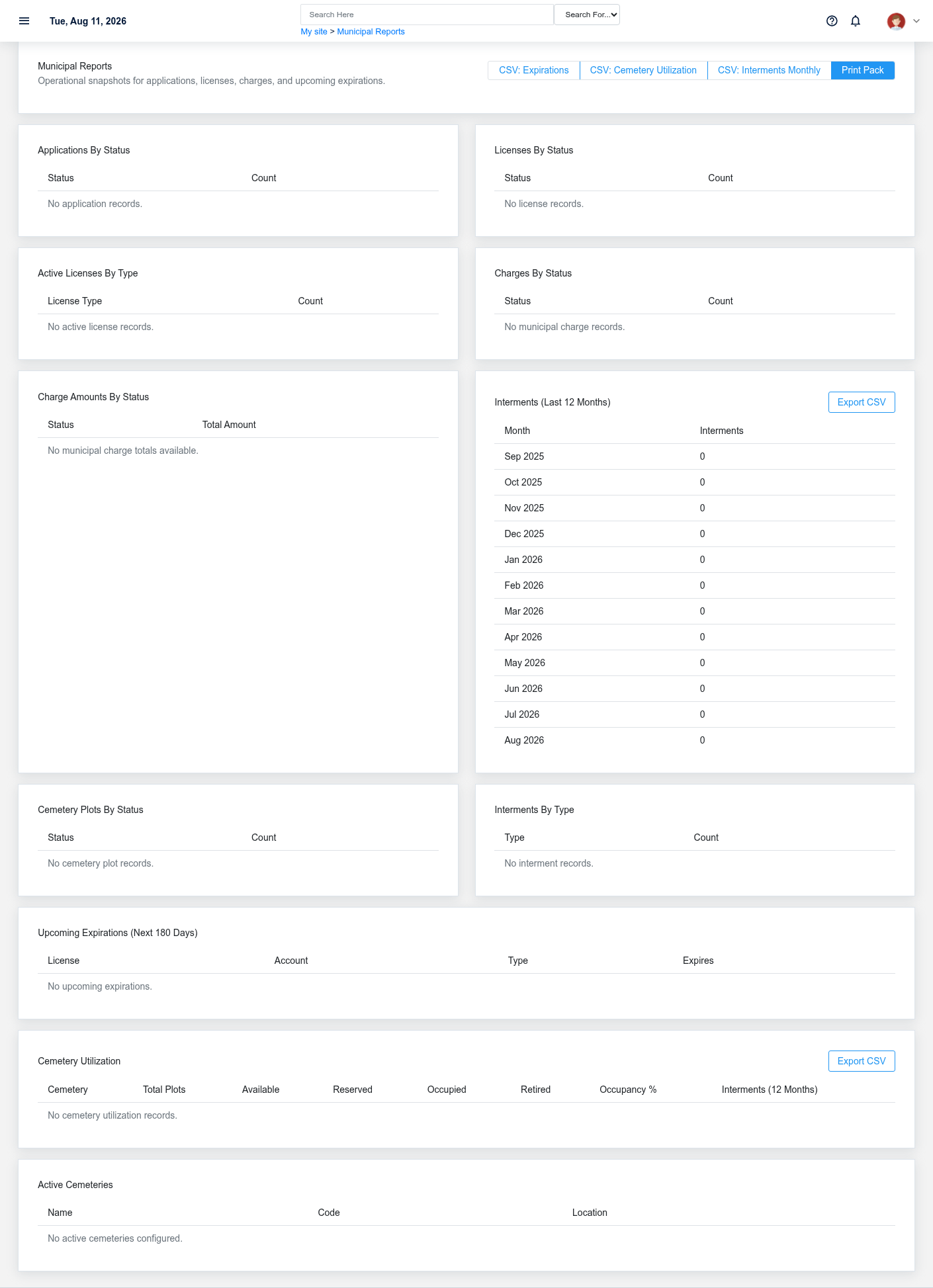
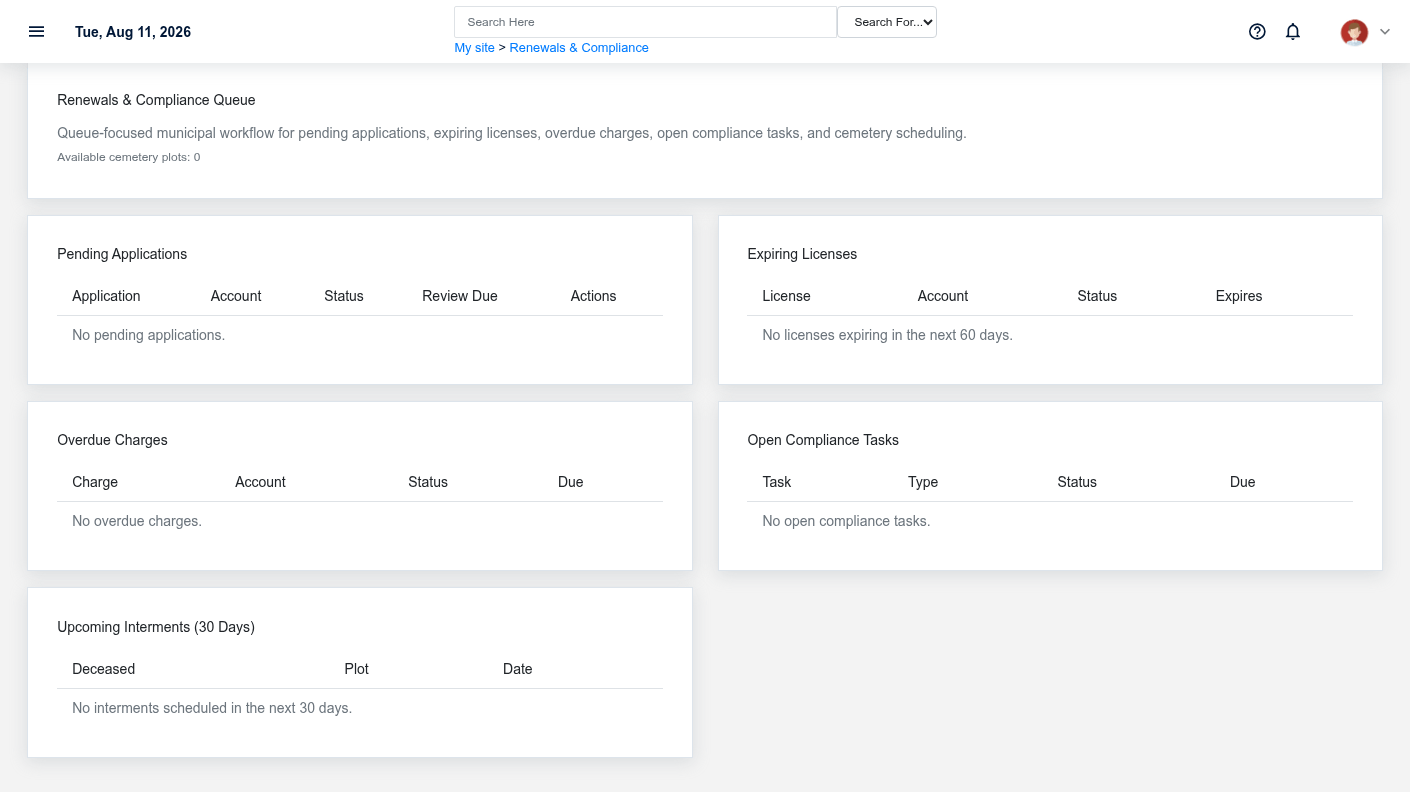
Intake verifies identity and completeness; an authorized reviewer owns the decision; cashier staff own payment evidence; licensing staff own issuance and renewal. Draft, Submitted, In Review, Approved, Denied, Converted, Active, Expired, and Paid describe separate controls. The Application is the decision record; the License is the issued credential.
Exceptions and safe corrections
- Duplicate applicant uncertainty: search businesses/accounts and application number before creating another.
- Missing requirements: keep the application in
progress.the truthful pending/review state and document follow-up. - Incorrect fee: correct an unposted/open source charge or use approved credit/correction history; never set Paid manually.
- Payment pending: verify the payment record before issuing when payment is required.
- Wrong license date/status: use authorized correction or renewal steps and retain the source Application link.