
Counter Sale to Reconciled Work Period
PublicationThis workflow follows a counter sale from the cashier’s cart through tender, receipt, inventory review, operating reports, and work-period close. It shows why checkout is only the first control point: the business must still explain stock movement, tender totals, deposits, payouts, returns, and material differences.
Demonstration notice: All displayed names, identifiers, amounts, contact information, and transactions are fictional. Tender results are seeded test states; no live card, ACH, or EMV request is made.
Workflow at a glance
| Outcome | A completed sale reviewed within its work-period cutoff |
| Starts with | An open workstation, drawer, warehouse, and work period |
| Ends with | Close evidence and reports traced to source transactions |
| Primary roles | Cashier, shift lead, accounting reviewer |
| Brisk areas involved | POS, Sales, Inventory, Cash Drawers, Accounting, Reports |
| Common businesses | Retail, parts counters, farm stores, service counters |
| Approximate handoffs | Two |
Why this workflow matters
A receipt confirms what the cashier finalized, but it does not explain the whole period. Supervisors still need to compare tender types, deposits, payouts, returns, cash activity, and over/short entries with the saved sales.
Brisk keeps those records available under one operating cutoff. That lets staff investigate a difference at its source instead of changing a close total to make it look correct.
Before you begin
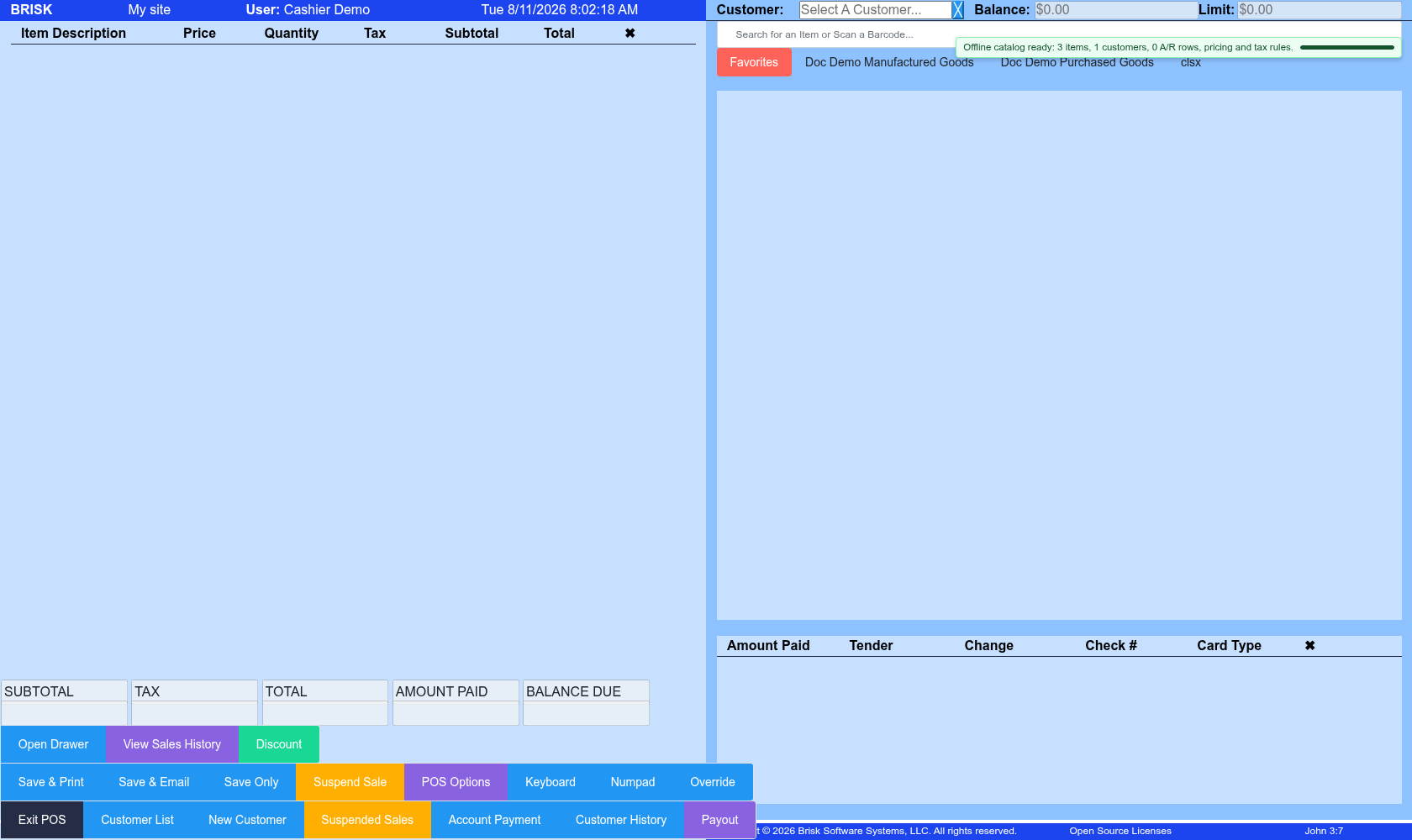
- Required: configured workstation, cash drawer, warehouse, open work period, saleable items, tax setup, and cashier permissions.
- Required: an approved walk-in
progress.customer or the correct named customer. - Optional: barcode scanner, receipt printer, and sandbox terminal.
- The Offline POS Queue is a recovery tool, not the normal successful path.
End-to-end steps
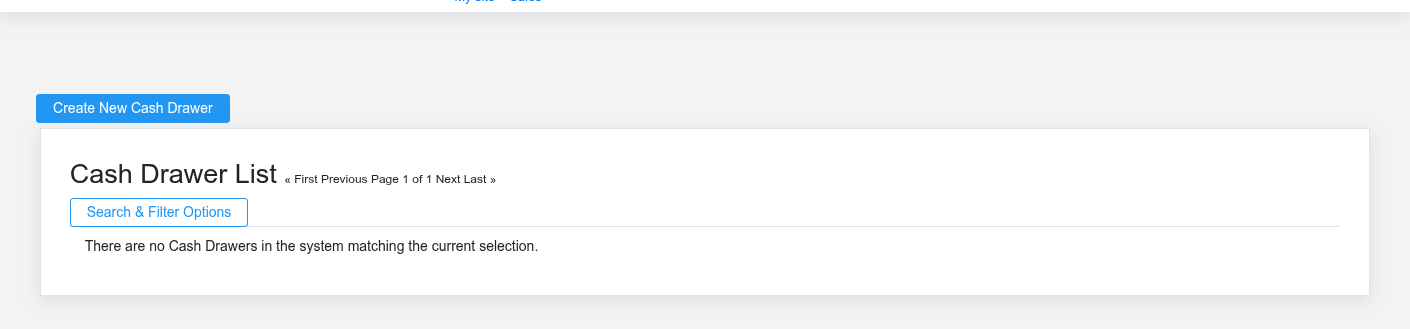
- Cashier — confirm operating context. Open Point of Sale. Verify workstation, warehouse, open work period, and the Cash Drawer that matches the physical till.
- Cashier — build the cart. Select the authorized walk-in or named customer. Scan or search two or three stocked items, then confirm quantity, unit, price, discount authorization, tax, fulfillment, and total.
- Cashier — accept the actual tender. Select cash or the supported test tender, verify references, and finalize once. Do not retry an uncertain processor attempt until the sale and provider history have been checked.
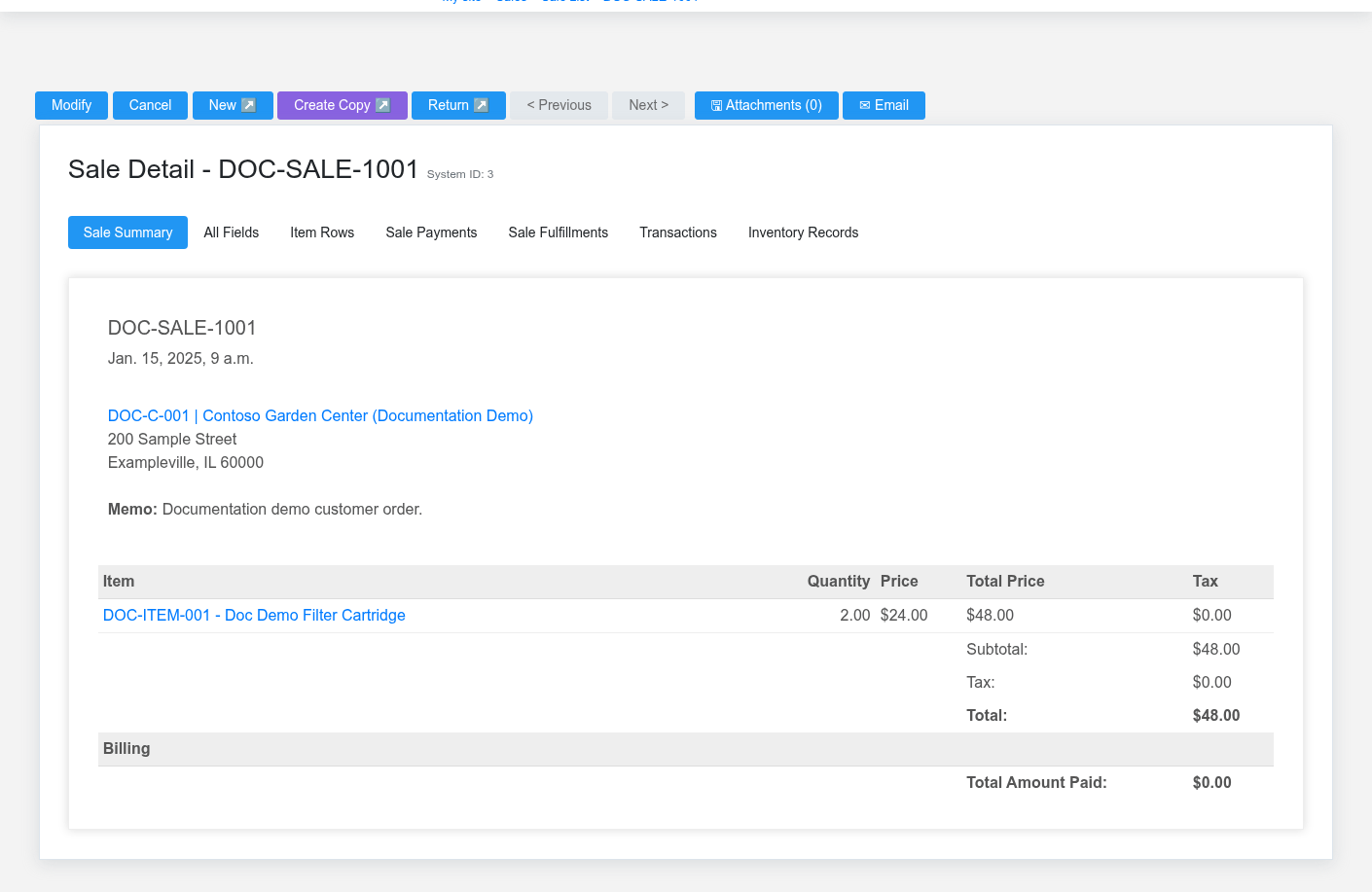
- Cashier — verify completion. Review the completed Sale and receipt. Confirm the displayed payment and fulfillment states match what happened, then review item history for the processed inventory effect.
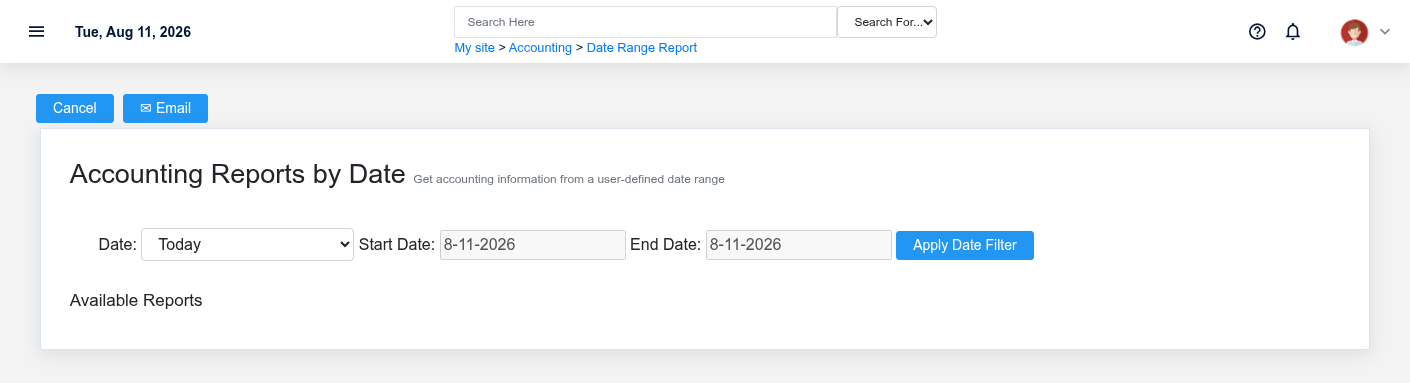
- Shift lead — review the period. Compare sales, tenders, cash, deposits, payouts, returns, and over/short activity. Use Work Period Reports with one deliberate cutoff.
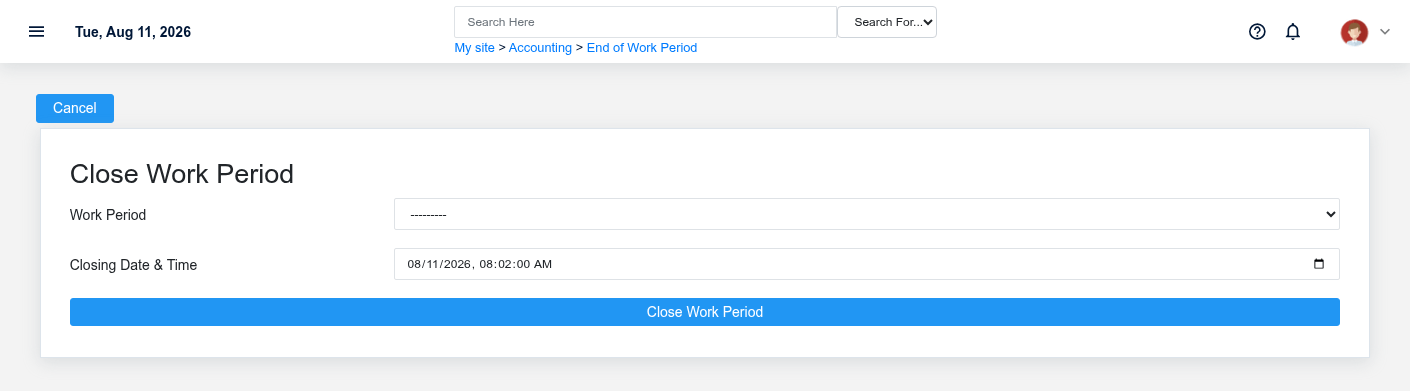
- Shift lead or accounting — close after exceptions are resolved. Use Close Accounting Periods to close the intended work period. A closed period is not automatically reconciled; retain the report and explanation for any approved variance.
What Brisk keeps connected

| Action | Result or downstream record | Where to verify it |
|---|---|---|
| Finalize the cart | Saved sale, lines, totals, tender and receipt context | Sale detail and receipt |
| Process fulfillment | Item movement for qualifying rows | Item inventory history |
| Record cash, deposit, payout, or return | Period activity with its own source record | Drawer and period reports |
| Close the work period | Saved cutoff and close detail | Work Period detail and close reports |
Handoffs and controls
The cashier supplies completed sales and physical tender evidence. The shift lead reviews the drawer and exceptions; accounting relies on the saved cutoff and source records. Supervisory overrides require the authorized user—never shared credentials. The sale stays authoritative for checkout while the work period supplies the cutoff.
Exceptions and safe corrections
- Wrong item before finalization: correct the cart.
- Duplicate-submission uncertainty: search Sales and provider history before retrying.
- Completed sales error: use the supported return or void tied to the original transaction.
- Offline ticket: inspect each queued item and live Sales before retrying; do not use Retry All without individual verification.
- Drawer difference: trace deposits, payouts, returns, tender selection, and timestamps. Closing does not repair missing activity.