
Purchase to Pay
Purchase to Pay




Outcome and roles
This workflow follows an inventory purchase from an order through receipt, the vendor's bill, and payment. Purchasing staff need valid vendors, items, costs, and a destination warehouse. Receiving staff need the delivered quantities and freight information. Accounting staff need the vendor's invoice, expense or asset allocation, terms, and an authorized payment account.
Before you begin
- The vendor must have the payable and fee accounts required by its setup.
- Inventory items and the receiving warehouse must exist.
- Payment terms should reflect the vendor agreement.
- If receipt freight is entered, Brisk requires the Receiving Freight Accrual Account preference.
- Keep external payment processors disabled in documentation demo environments.
1. Create and submit the purchase order
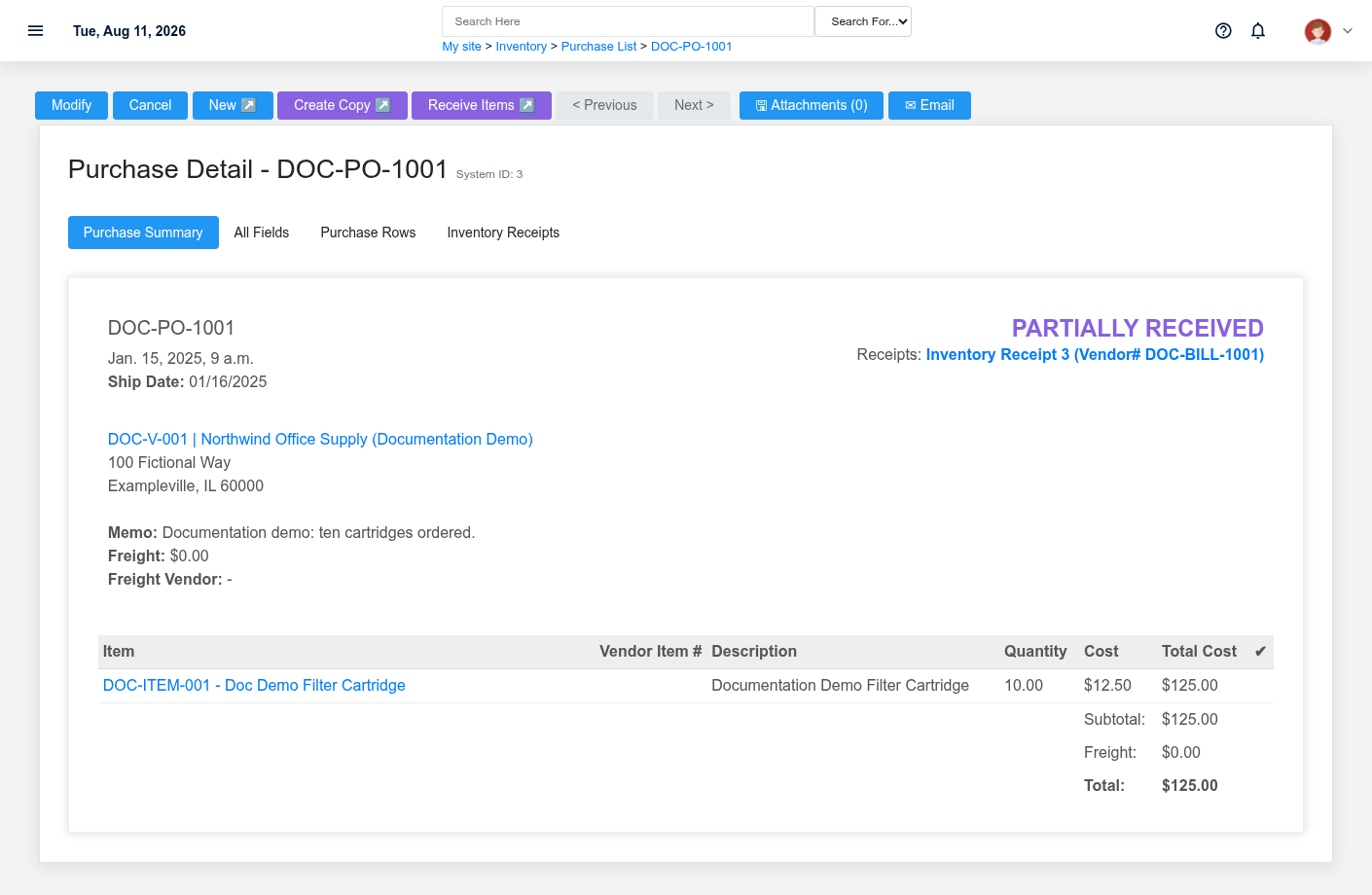
Create a Purchase Order with vendor, warehouse, dates, and item rows. Purchase status begins as Draft. Review quantities, unit costs, freight, and total before submission because later receiving uses the order rows and copies freight information.
2. Receive the inventory
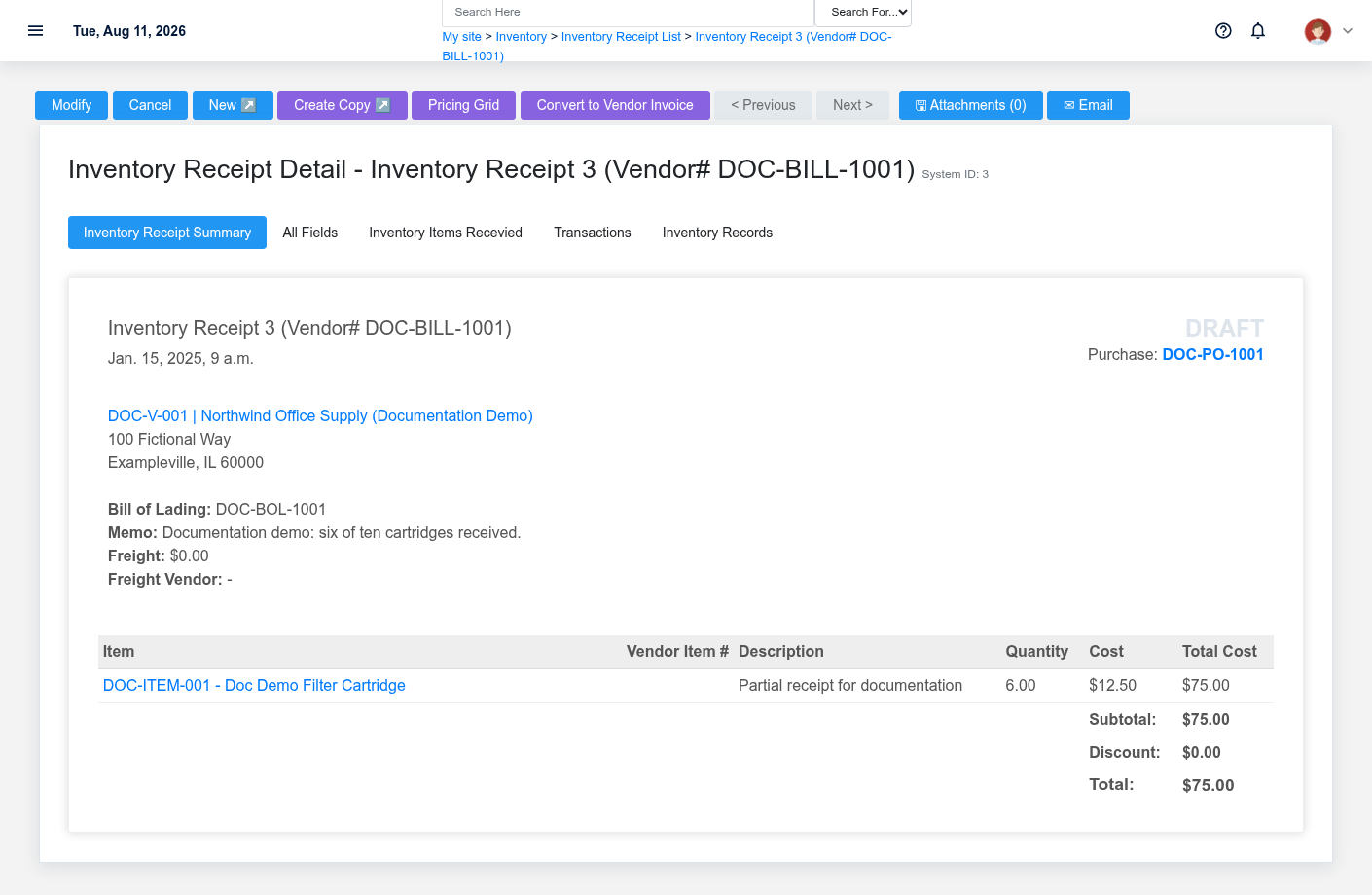
Convert the purchase order into an Inventory Receipt, then record the quantity received for each order row. The code supports partial receipt tracking by comparing receipt quantities with ordered rows. When deferred costing is enabled, final-cost processing also requires vendor and vendor invoice number; freight can require configured accrual accounting.
3. Record and review the vendor invoice
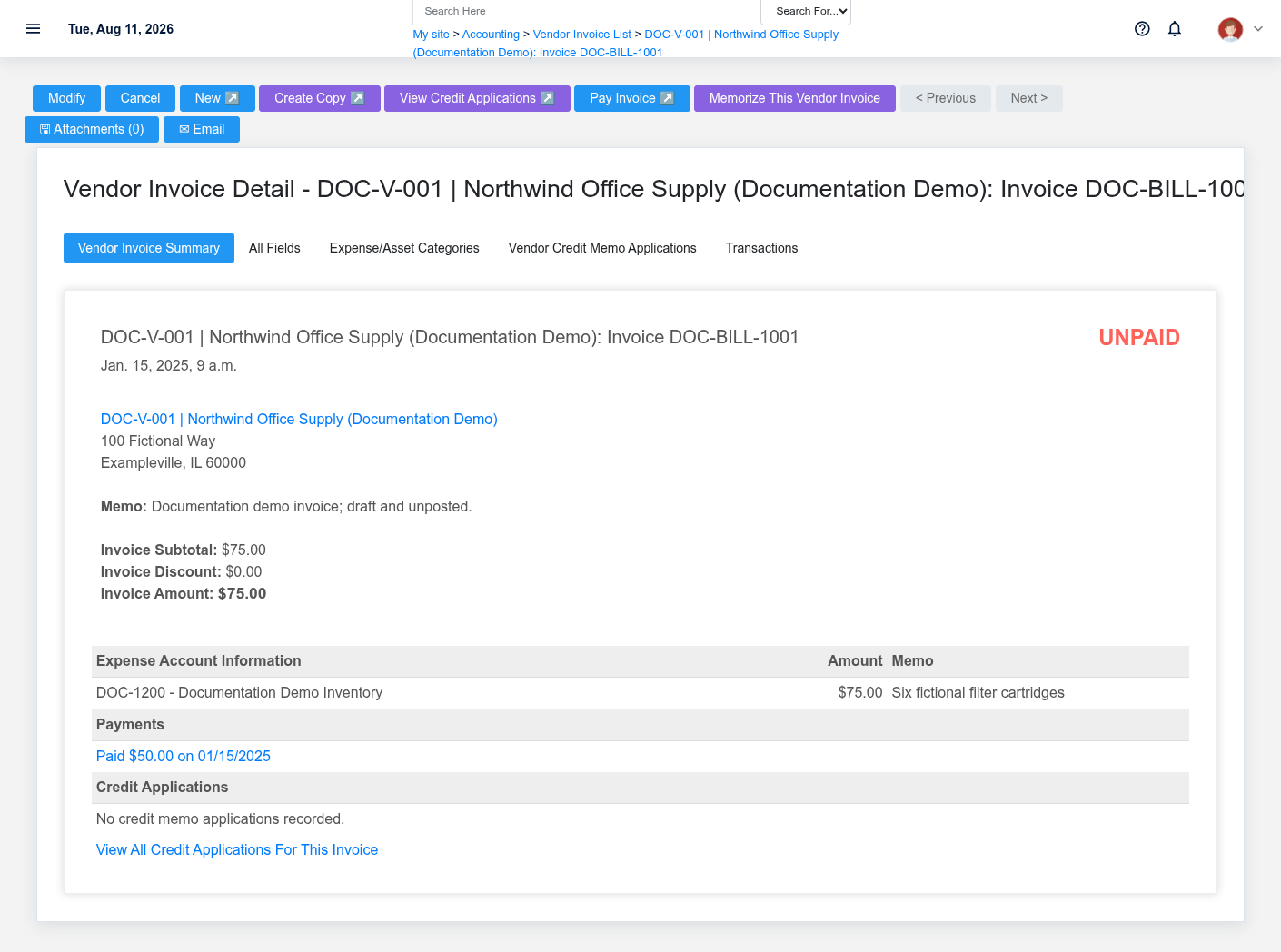
Enter the Vendor Invoice from the vendor's document. Verify vendor, invoice number, invoice and due dates, terms, totals, and allocation lines. On the detail page, check receipt links, credits, payments, and accounting transactions before approving payment.
4. Pay the remaining obligation
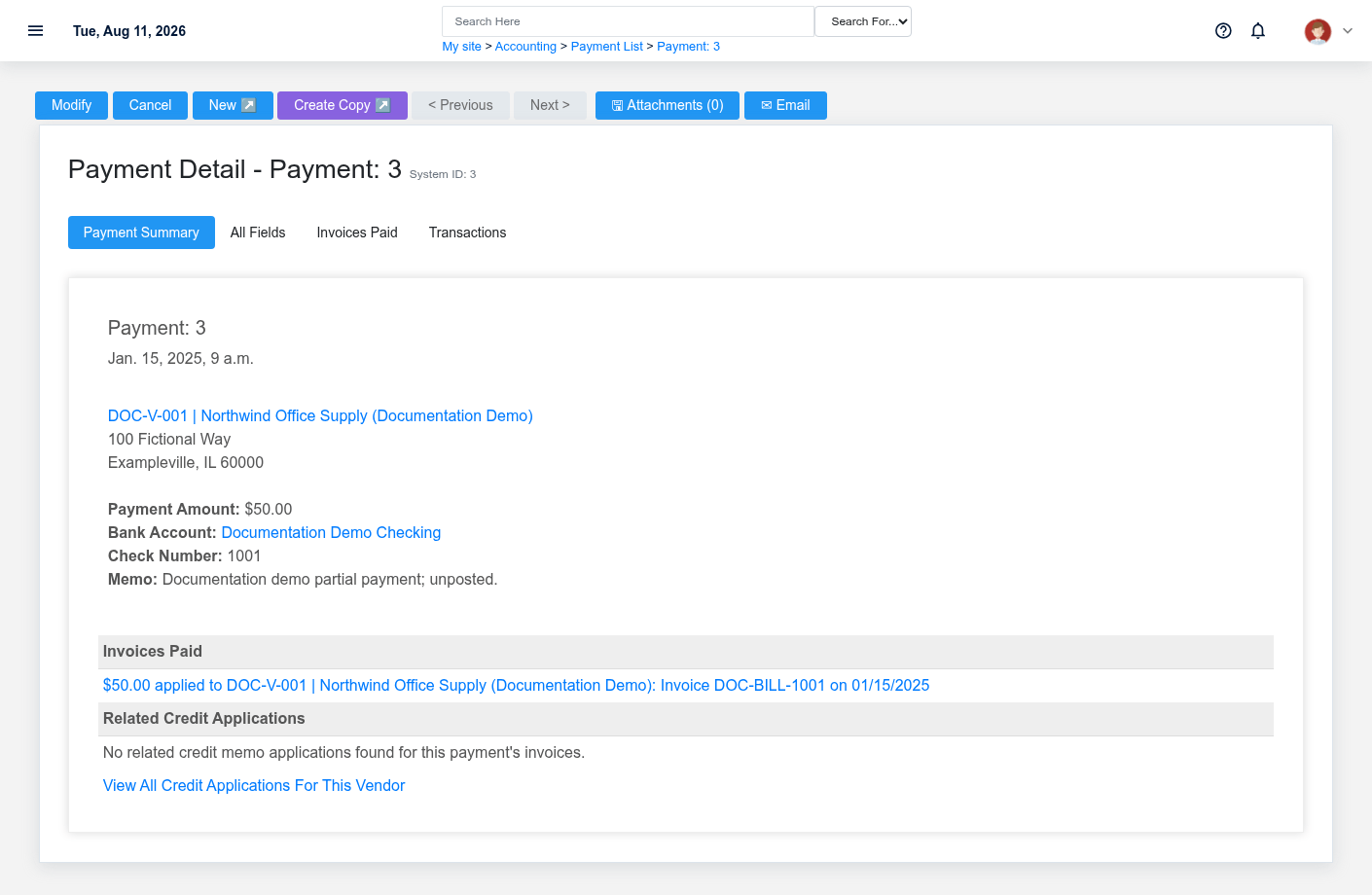
From the unpaid invoice, select Pay Invoice to start a Vendor Payment. Confirm the payment account, amount, date, reference/check information, and invoice allocation. The invoice's unpaid amount accounts for both payment allocations and vendor credits.
Handoffs and common failure points
- Purchasing hands an approved order and expected delivery information to receiving.
- Receiving reports quantity, freight, and exceptions to purchasing/accounting.
- Accounting matches the invoice to the vendor and receipt before payment.
- A freight validation error can mean the freight accrual preference is missing.
- A final-cost receipt error can mean vendor or vendor invoice number is missing.
- An unexpected invoice due date usually points to invoice date or vendor/payment-term setup.
- Protected relationships can block deletion; correct through the supported update, credit, reversal, or payment process after review.