
Price Rules
Price Rules
Purpose and when to use this record
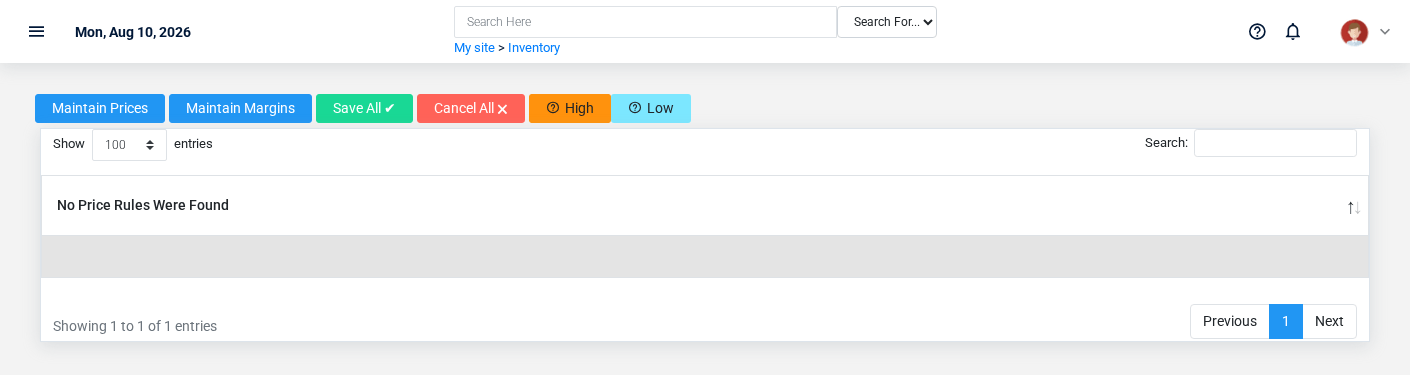
Review the conditional pricing rules that select a price from customer, quantity, schedule, item, and date context.
At a glance
-
Identify it by: Customer Class, Item, Rule Base, and Rule Value.
-
Check its business context: Customer Class, and Item.
-
Why care: Warehouse, item, unit, quantity, and cost must describe the same physical movement. A wrong warehouse or unit can make availability and valuation misleading.
Before you begin
You need the Brisk permission for the action you are taking on price rules. If a Create, Edit, or Delete control is absent, do not work around it with another user’s account; ask an administrator to review your role.
Have valid Customer Class records ready first. Those selections determine where this price rule belongs and which later screens can find it.
Review price rule details
Use the detail page as the shared record of what this price rule currently means. Verify Rule Base, and Modifier before relying on it for a decision.
Follow Customer Class, and Item to determine whether the issue is on this price rule or on one of those linked records.
Next check: Use Customer Class, and Item to interpret this price rule. If it records a failure or exception, correct the source process and create a new successful event rather than rewriting the audit trail.
Fields and business rules
Brisk stores 8 user-relevant fields for this price rulesrule, including 2 linked-record selections and 2 controlled-choice fields. Create and edit screens may hide calculated or workflow-managed values from this full reference.
| Field | Required | What it controls |
|---|---|---|
| Customer Class | Yes | The customer class associated with this price rule. |
| Item | No | Links this price rule to the selected Item; verify the relationship before saving. |
| Rule Base | Yes | Use this field to determine whether to mark up from cost or mark down from MSRP. Available values: Cost, MSRP. |
| Rule Value | No | Use this field to enter an arbitrary value for Cost or MSRP to calculate a price. If used as |
| Modifier | Yes | This field determines whether the Value field will behave as a percentage of the
Percent, |
| Value | Yes | The |
| Calculated |
No | The calculated price value recorded for this |
| Info | No | Automatic pricing systems in Brisk will annotate their calculations here. |
What happens next
Use Customer Class, and Item to interpret this price rule. If it records a failure or exception, correct the source process and create a new successful event rather than rewriting the audit trail.
Common mistakes and troubleshooting
-
The record will not save: Recheck Customer Class, Rule Base, Modifier, and Value and any message beside the field. A required related record may also be inactive or unavailable to your role.
-
The values look right but the result is wrong: Open Customer Class, and Item from the detail page. Correct the specific relationship that is wrong instead of forcing a total or status to compensate for it.