
Transportation Routes
Transportation Routes
Purpose and when to use this record
Define a repeatable origin, destination, checkpoint, distance, and operating pattern for transports.
At a glance
-
Identify it by: Name.
-
Why care: Use the agency’s approved terminology and access policy. Preserve dates, responsible personnel, case links, and audit history because these records may support official reporting or custody review.
Before you begin
You need the Brisk storespermission for the action you are taking on transportation routesroutes. asIf parta ofCreate, theEdit, lawor enforcementDelete module. This generated referencecontrol is awaitingabsent, workflowdo review.not work around it with another user’s account; ask an administrator to review your role.
Create a recordTransportation Route
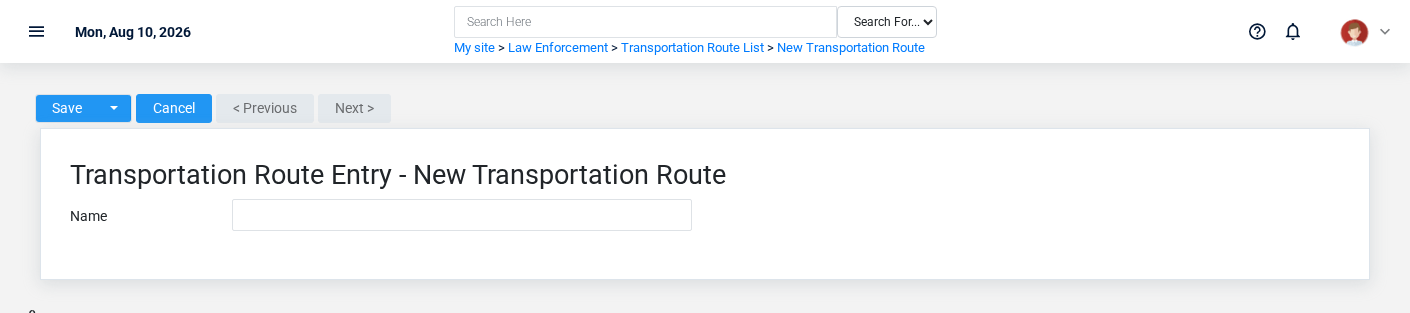
TheCreate evidencea packetTransportation identifiesRoute only after confirming that the viewsource document or operational event has not already been entered.
-
Select the business context first.
-
Enter the required identifying and operational values: Name.
-
Review the identifying information shown on the screen against the source
locationdocument or approved setup decision. -
Save the Transportation Route, then confirm Name on its detail page before continuing.
After saving: Verify the identifying information shown on the screen on the detail page, then continue the law enforcement workflow only when those values agree with the source document and actual work performed.
Delete a Transportation Route
Delete this Transportation Route only when it was entered by mistake and no downstream history depends on it. Use a reversal, void, credit, counter-adjustment, or status correction for thisa action.real Confirmevent user-facingthat stepslater beforechanged.
Before confirming, check for related Transportation Entries, and Transportation Route Audits. Brisk may refuse deletion when another record depends on this page.one; resolve the duplicate or use the supported correction workflow instead of breaking the trail.
On the confirmation page, verify Name. After confirmation, return to the Transportation Routes list and make sure only the intended Transportation Route was removed.
ViewReview recordTransportation Route details
The evidence packet identifiesUse the viewdetail page as the shared record of what this Transportation Route currently means. Verify Name before relying on it for a decision.
Compare the Transportation Route with its source document or approved setup request before deciding that it needs correction.
Next check: Verify the identifying information shown on the screen on the detail page, then continue the law enforcement workflow only when those values agree with the source document and sourceactual locationwork forperformed.
Edit an existing Transportation Route
Edit this action.Transportation ConfirmRoute user-facingto stepscorrect beforeor approvingcomplete thisthe same source document or operational event; use the supported reversal or follow-up workflow when the business event itself changed.
-
Open the detail page. Compare Name with the supporting document or approved request.
-
Recheck the identifying information shown on the screen. These values are most likely to change case history, custody, dispatch, official reporting, or audit review.
-
Save the change, return to the list, and confirm that the Transportation Route now appears under the expected Name.
After the change: Verify the identifying information shown on the screen on the detail page, then continue the law enforcement workflow only when those values agree with the source document and actual work performed.
Find and review recordstransportation routes
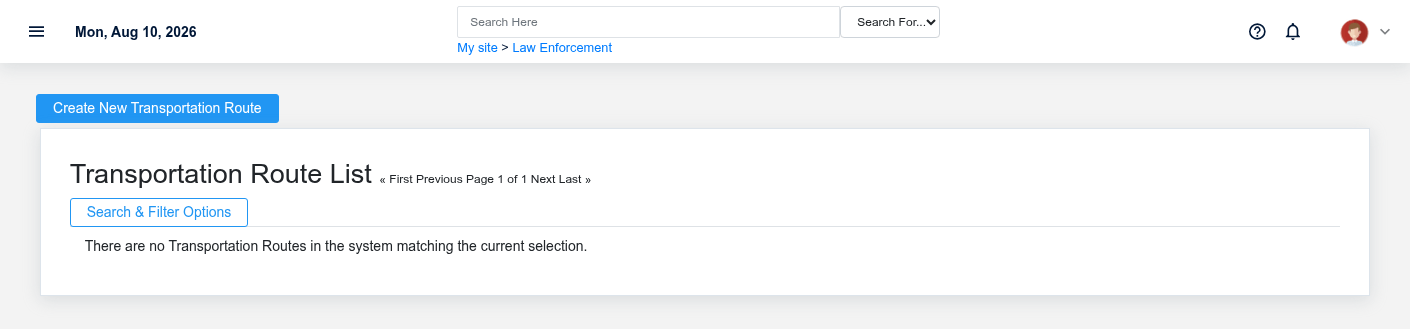
The evidence packet identifiesUse the viewTransportation Routes list to find the correct record before opening or changing it. Compare Name. Compare the full identifier rather than relying on a similar name.
Open the Transportation Route whose Name match the task. If it is missing, clear the list filters and sourcerecheck locationthe identifying information shown on the screen rather than creating a replacement immediately.
Fields and business rules
Brisk stores 1 user-relevant fields for this action.Transportation ConfirmRoute, user-facingincluding steps0 beforelinked-record approvingselections and 0 controlled-choice fields. Create and edit screens may hide calculated or workflow-managed values from this page.full reference.
| Field | Required | What it controls |
|---|---|---|
| Name | Yes | Should include the beginning and ending location of a transportation record. |
What happens next
Verify the identifying information shown on the screen on the detail page, then continue the law enforcement workflow only when those values agree with the source document and actual work performed.
EditCommon anmistakes existingand troubleshooting
-
The record
Thewillevidencenotpacketsave:identifiesRecheck Name and any message beside theviewfield.andA required related record may also be inactive or unavailable to your role. -
The values look right but the result is wrong: Compare this Transportation Route with the source
locationdocumentfororthisapprovedaction.setupConfirmdecision,user-facingthensteps before approving this page.Delete a recordThe evidence packet identifiescheck theviewdownstreamandscreensourcewherelocationitforisthis action. Confirm user-facing steps before approving this page.used.