
Management
Management
Management overview
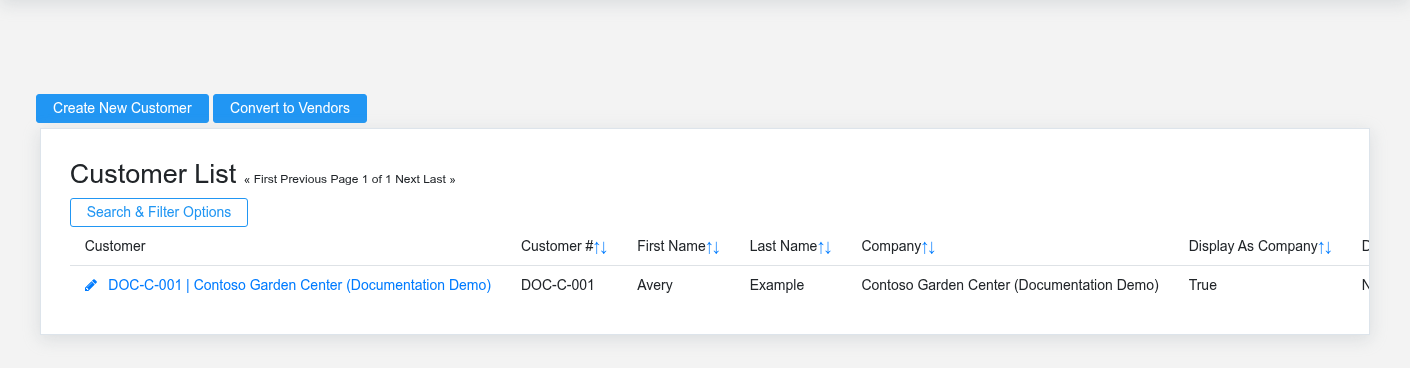
Management contains the master records that give transactions their business context. Customers, vendors, employees, departments, divisions, tax codes, freight zones, fulfillment methods, and navigation choices are reused across sales, purchasing, accounting, service, payroll, and reporting. Change them as shared configuration, not as isolated contact records.
Choose the record that owns the decision
- Use Customers for billing, tax, price, credit, statement, and contact defaults that follow the buyer into sales and receivables.
- Use Vendors for supplier and payee identity, payment terms, purchasing, vendor invoices, credits, payments, and 1099 context.
- Use Employees for the worker identity linked to logins, time, payroll, sales, service, approvals, and accountability.
- Use Departments and Divisions to assign responsibility and reporting context; do not create near-duplicates to work around an incorrect assignment.
- Use Customer Classes, Customer Tax Codes, and Discount Schedules for reusable commercial policy.
- Use Freight Zones and Fulfillment Methods for consistent delivery, pickup, and shipping behavior.
Understand downstream impact
Editing a master record can change defaults on future transactions without rewriting historical documents. Disabling an obsolete record is usually safer than deleting it when sales, invoices, payments, time entries, or reports still refer to it. Before merging or replacing records, check whether the business needs the old identity preserved for audit, tax, customer service, or vendor history.
Working safely with shared setup
Search by name, number, email, and status before creating a new record. Confirm the warehouse or division context when the same organization operates in more than one location. Treat credit limits, tax treatment, pricing defaults, payment terms, and employee access as controlled business decisions. After a material change, open a representative downstream screen and confirm the new default appears where intended.
No comments to display
No comments to display