
Municipal License Operations
Municipal License Operations
Purpose and when to use this screen
ManageMunicipal licensingLicense queues,Operations compliancegroups work,the daily queues and municipalsummaries reportingused fromto move business applications into issued licenses, follow renewals and compliance, collect amounts due, and review municipal/cemetery activity. These screens prioritize work; the purpose-builtunderlying operationsbusiness, screens.account, application, license, charge, task, plot, or interment remains the official record.
License management
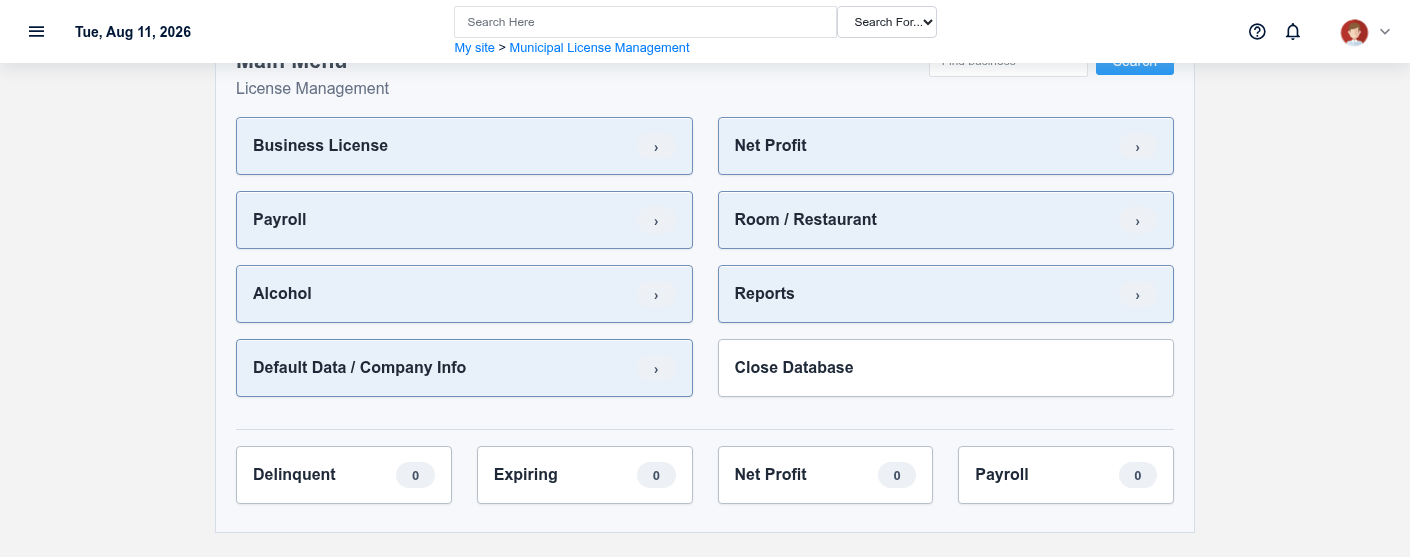
Search by business keyword and open the correct Municipal Business or account. Review pending License Applications, verify legal identity, license status,type, renewalrequested work,dates, required information, fees, and actionsreview requiringdue follow-up.date, then record the actual approval/rejection outcome. Create or renew a License only when the governing requirements have been satisfied.
Business reports
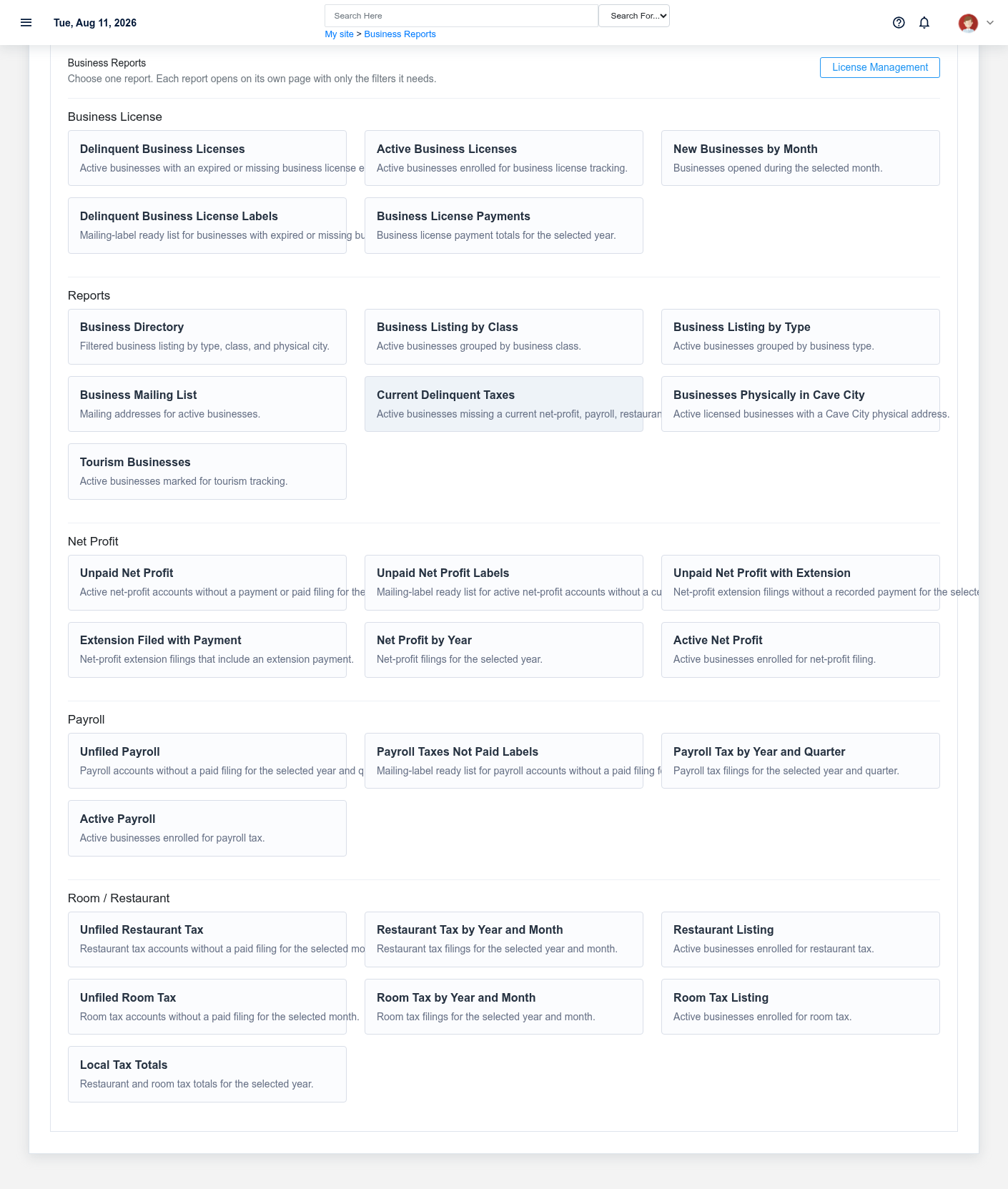
SelectChoose the report by business purpose and reviewread business-license reportingits criteria before producingrunning results.it. Confirm status, license type, business class, effective/expiration range, jurisdiction, and other filters shown. Use detail records to investigate exceptions; do not infer legal compliance from a summary count alone.
Compliance queue
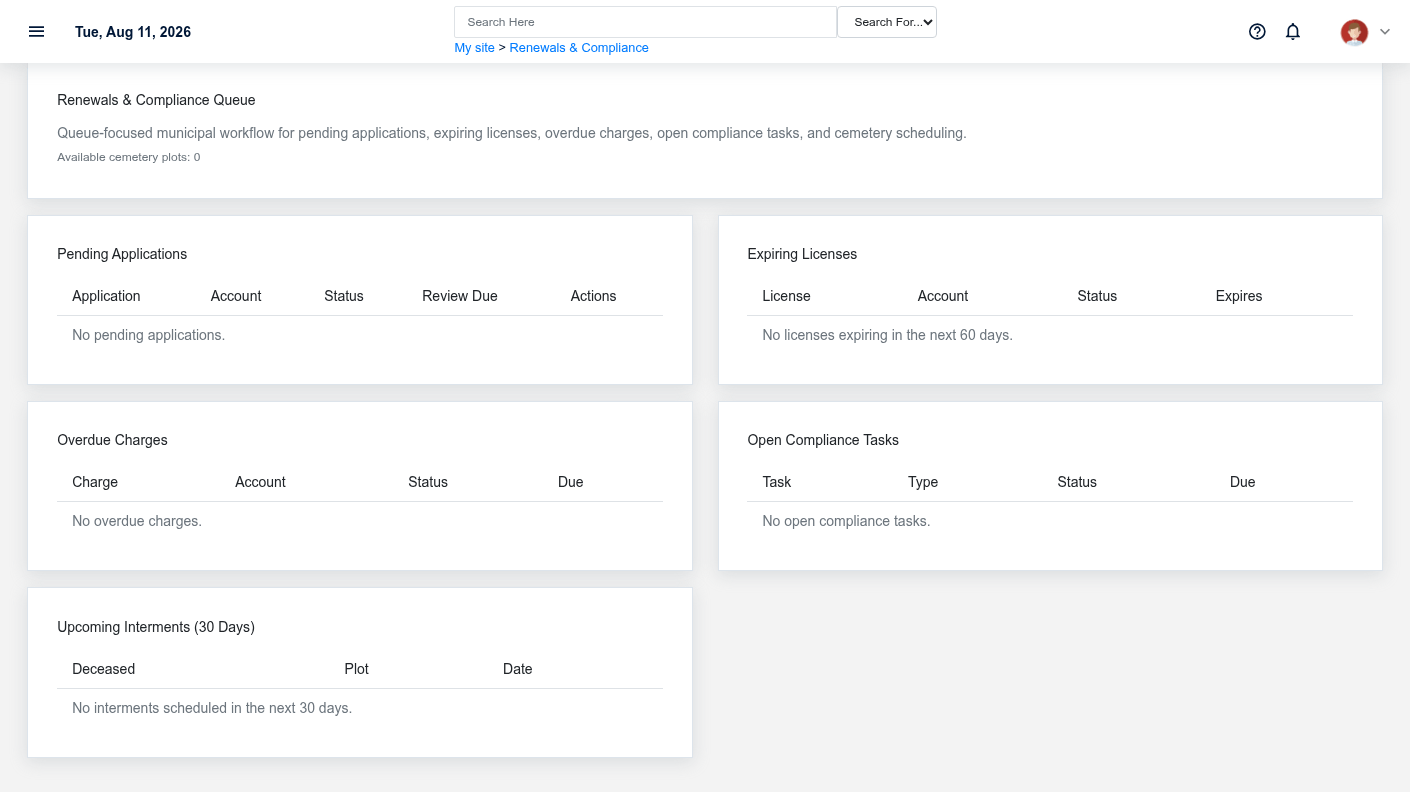
Work the separate sections for Pending Applications, Expiring Licenses, Overdue Charges, Open Compliance Tasks, and Upcoming Interments. Prioritize by statutory/customer-service risk and due anddate, overduenot compliancesimply worktable andorder. openOpening a row should lead to the relatedrecord businesswhere staff can document review, contact, payment, completion, or licenseanother record forauthorized action.
Municipal reports
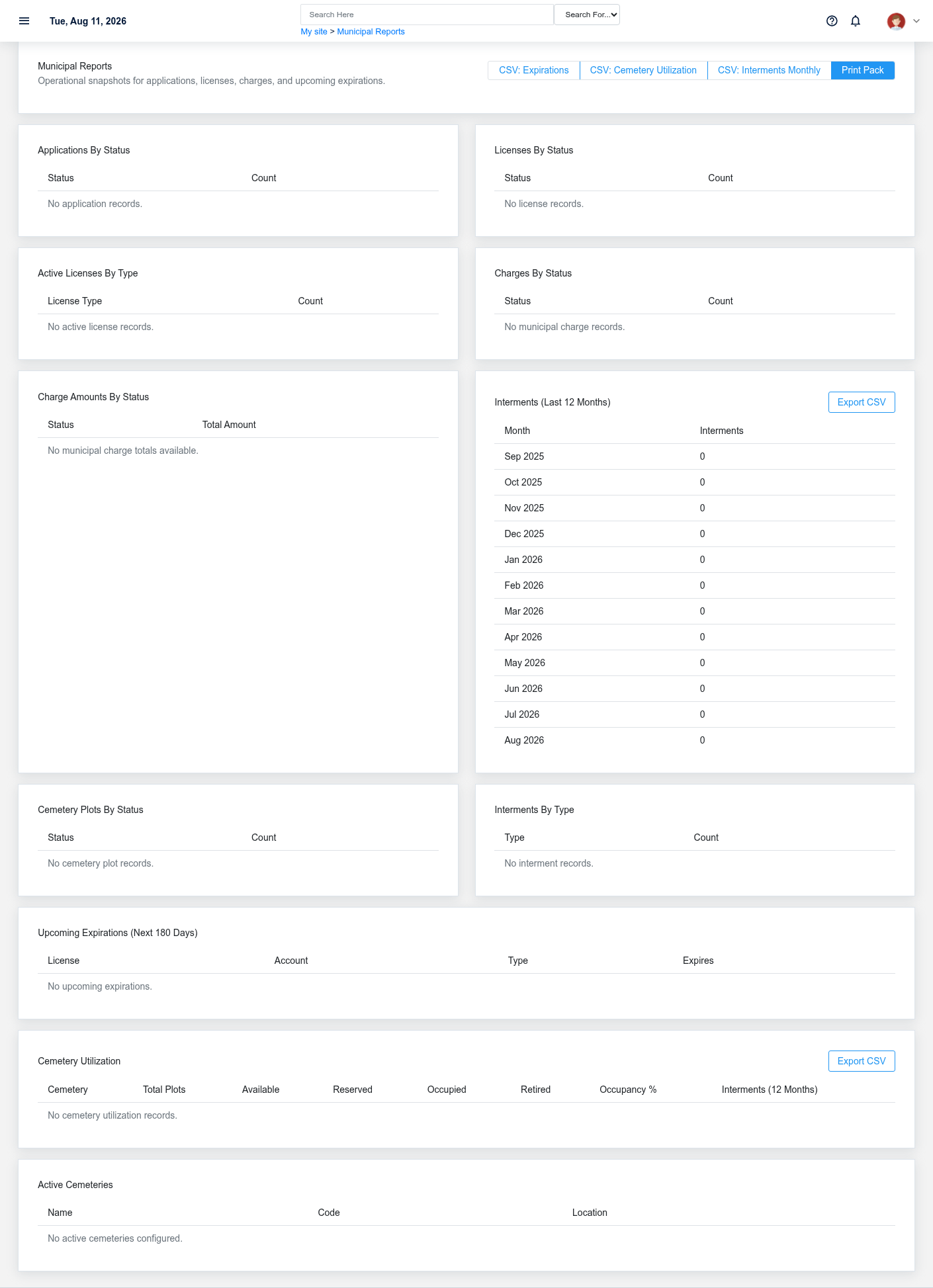
ChooseThe municipal summary includes applications and licenses by status, active licenses by type, charge counts and amounts, upcoming expirations, recent interments, plot status, cemetery utilization, and active cemetery information. Confirm the appropriateas-of municipal reportdate and confirmreconcile filtersmaterial totals to the source lists before usingpublic presentation or sharingpolicy its results.decisions.
Record and privacy controls
Preserve application, issue, effective, expiration, filing, due, payment, and interment dates as distinct facts. Record money received through the payment workflow rather than changing a charge status manually. Limit personal, tax, decedent, and compliance information to authorized users and approved disclosures.