
Payroll
Payroll
Payroll overview
Payroll uses employee setup and approved time to calculate a pay-period result, obtain management approval, and post summarized payroll activity to accounting. Access is limited to superusers and department managers because pay rates, withholding, and employee earnings are sensitive.
Prepare payroll
Maintain a Payroll Profile for each employee who should be included. Confirm pay basis, rate, tax treatment, earning defaults, and deductions before starting the run. Review the pay-period dates and correct time-clock exceptions in the Time module so the run is calculated from complete source activity.
Process a payroll run
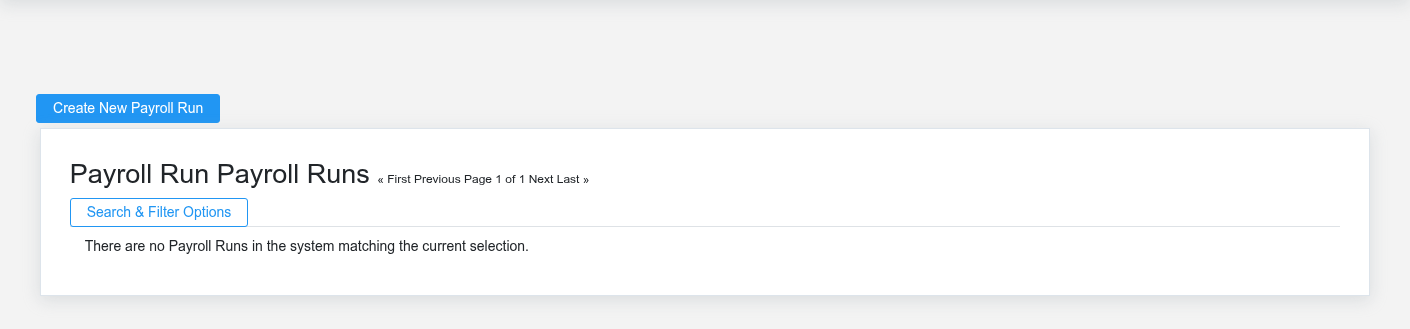
Create a Payroll Run with the period start, period end, and pay date. Calculate it, review each employee’s gross pay, withholding, and net pay, then resolve unexpected omissions or amounts at their source. Approve only after the organization’s review is complete. Posting creates the accounting journal entry and should occur once, after approval—not as a way to preview results.
Payroll controls
Confirm that period dates do not overlap a previous run, employee profiles are active and current, time entries are closed, and totals reconcile to the expected workforce. Restrict exports and printed output to authorized staff. If posting fails, investigate the error and current run state before retrying; do not create a manual journal entry unless payroll and accounting staff agree how duplicate posting will be prevented.
No comments to display
No comments to display