
Technician Leave Approvals
Technician Leave Approvals
Purpose and when to use this screen
ReviewTechnician technicianLeave Approvals lets authorized supervisors review pending service leave requestsbefore it blocks dispatch capacity. The screen requires permission to change service leave and theirshows schedulingup impactto before50 approvingpending orrequests rejectingplus them.20 recently approved requests, optionally filtered to one active technician.
Process leave requests
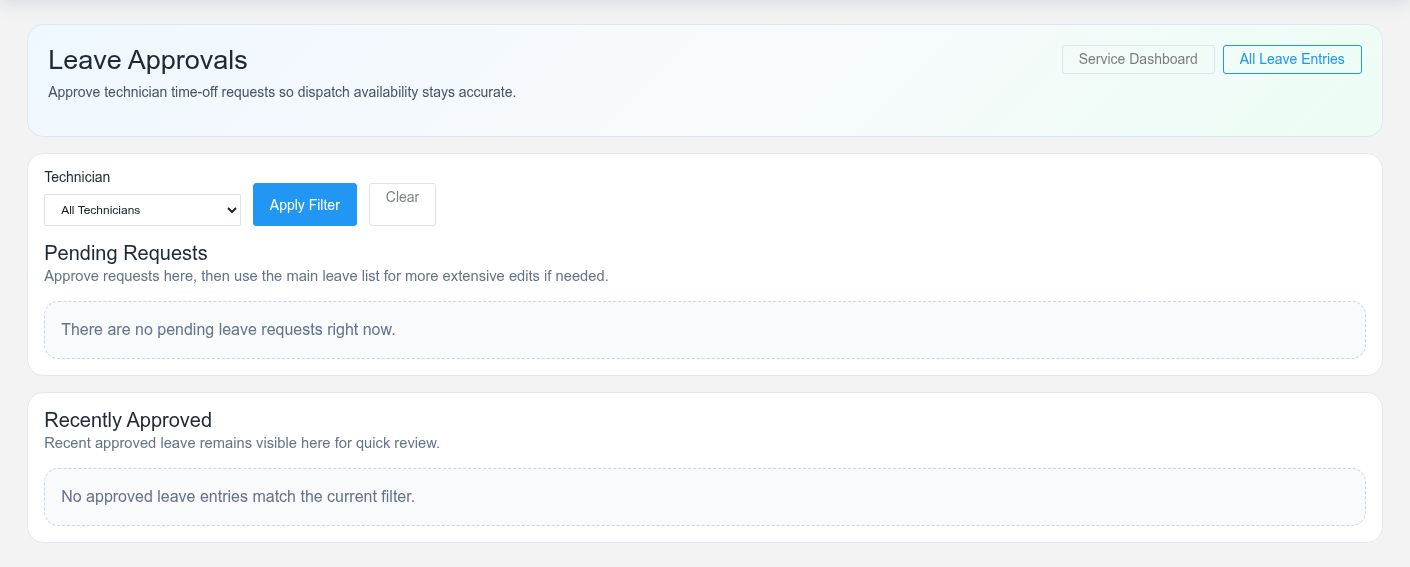
- Filter by Technician when reviewing one person, or leave the filter open to work the shared pending queue.
- Confirm technician, leave type, start, end, notes, and whether the request overlaps another absence.
- Review the dispatch board, today/upcoming bookings, and working-hours coverage for the requested interval.
- If details are wrong or incomplete, use Edit and resolve the request with the technician. Do not approve it merely to remove it from the pending list.
- Select Approve once the operational decision is made. Brisk marks the request approved, records its modification time, and notifies the technician.
Understand scheduling impact
CheckApproved dates,leave communicates that the technician coverage,should not be treated as available during that interval. Existing bookings do not automatically become somebody else’s responsibility. Reassign or reschedule affected work deliberately and existingcommunicate assignmentscustomer-facing beforechanges recordingthrough the normal dispatch process.
Correcting an approval
The approval decision.action is idempotent: selecting it again reports that the request is already approved. If approved dates or status need correction, use the supervisor-authorized leave record workflow rather than asking the technician to cancel it; technicians can cancel their own pending requests but cannot rewrite approved leave.
Approval controls
Apply the organization’s leave policy consistently, keep sensitive medical details out of general notes, and separate policy approval from dispatch coverage work. Never share supervisor credentials to make the Approve button appear.