
Custom Fields
Custom Fields
Purpose and when to use this screen
ConfigureCustom Fields adds organization-specific information to supported customBrisk fieldsrecord types when no standard field represents the requirement. Use it for durable business facts that appearneed onconsistent Brisk recordsentry and forms.lookup—not for temporary notes, calculations that belong in code, or a duplicate of an existing field.
Configure custom fields
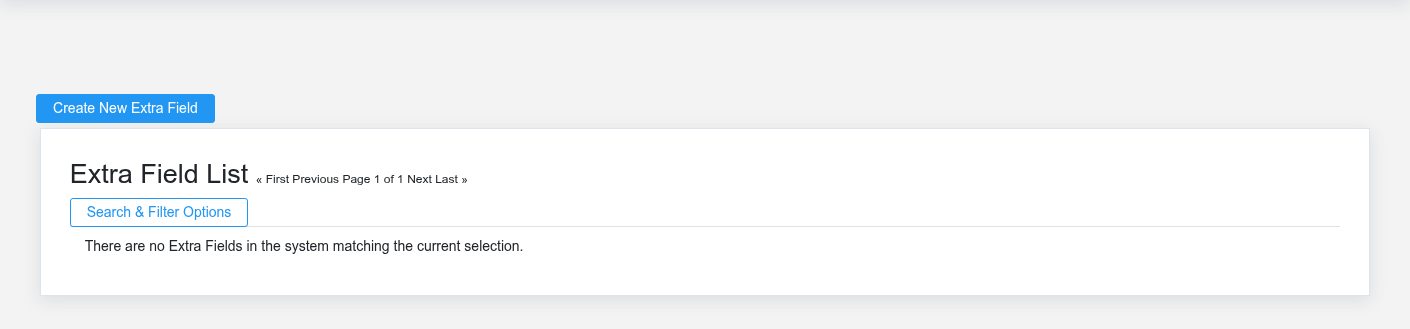
Review
- Search the target
model,form and existing custom-field list before creating anything. - Select Create New Custom Field and choose the target application/model carefully. This determines which records and forms receive the field.
- Enter a clear business-facing name/label and select the data type that matches expected use. Define choices or defaults where supported.
- Decide whether the field
type,islabel,required. A required field can block creation or editing of existing records that do not yet have a value. - Save, then open create, detail, and
requirededitbehaviorscreensbeforeforchangingthe target record and verify display, validation, permissions, and list/report behavior.
Design fields for real work
Use one concept per field and stable vocabulary. Prefer a controlled choice when the business will filter or report by the value; prefer text only when variation is genuinely needed. Include units in the label for measurements. Avoid placing passwords, payment credentials, health data, or other sensitive information in a general-purpose custom field.field unless access, retention, and disclosure have been explicitly designed.
Working safely and effectively
Changing fieldthe definitionstarget model, type, choices, or required behavior after data exists can affectmake existingearlier records,values misleading or unusable. Inventory affected forms, imports, API integrations, reports, and usertemplates workflows.before changing a definition. Test significant changes inon copied data, plan how existing rows will be populated or converted, and communicate the effective date.
Retire a safecustom environment.field
Export or otherwise preserve required values before deletion. If the business may need historical data, stop using the field and remove it from workflows through a controlled migration instead of immediately deleting its definition. Verify that no report, template, import, or integration still expects it.