
Data Import
Data Import
Purpose and when to use this screen
PublicationPrepare, validate, run, and review supported master-data and historical-data imports.
Choose an import workflow
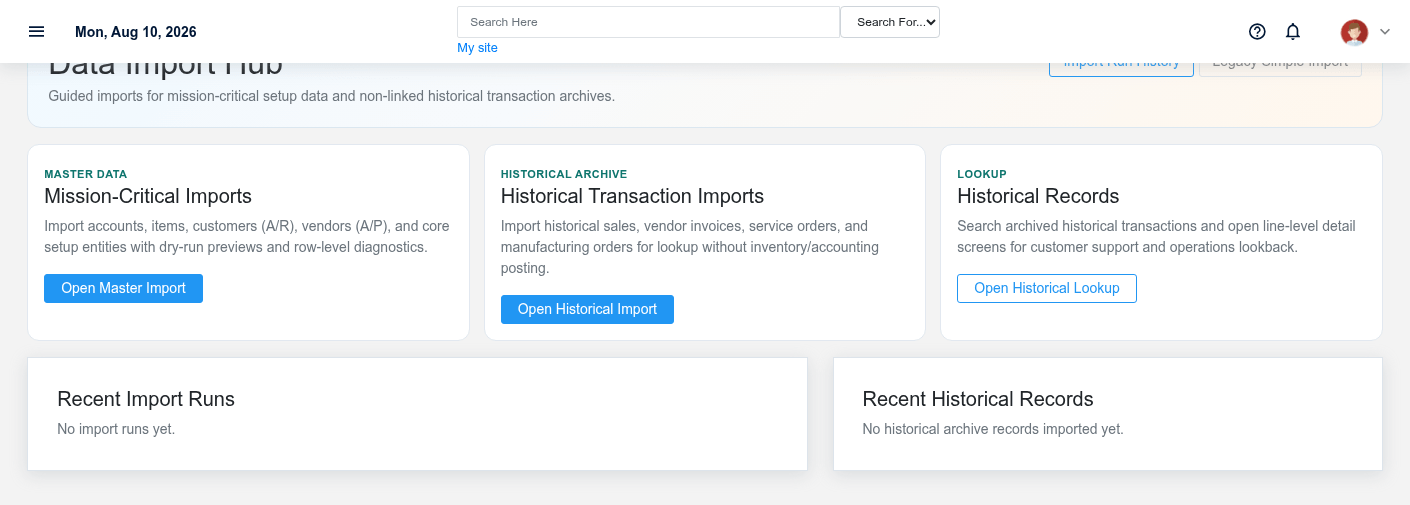
Select the supported import type that matches the source data and intended Brisk records.
Import master data
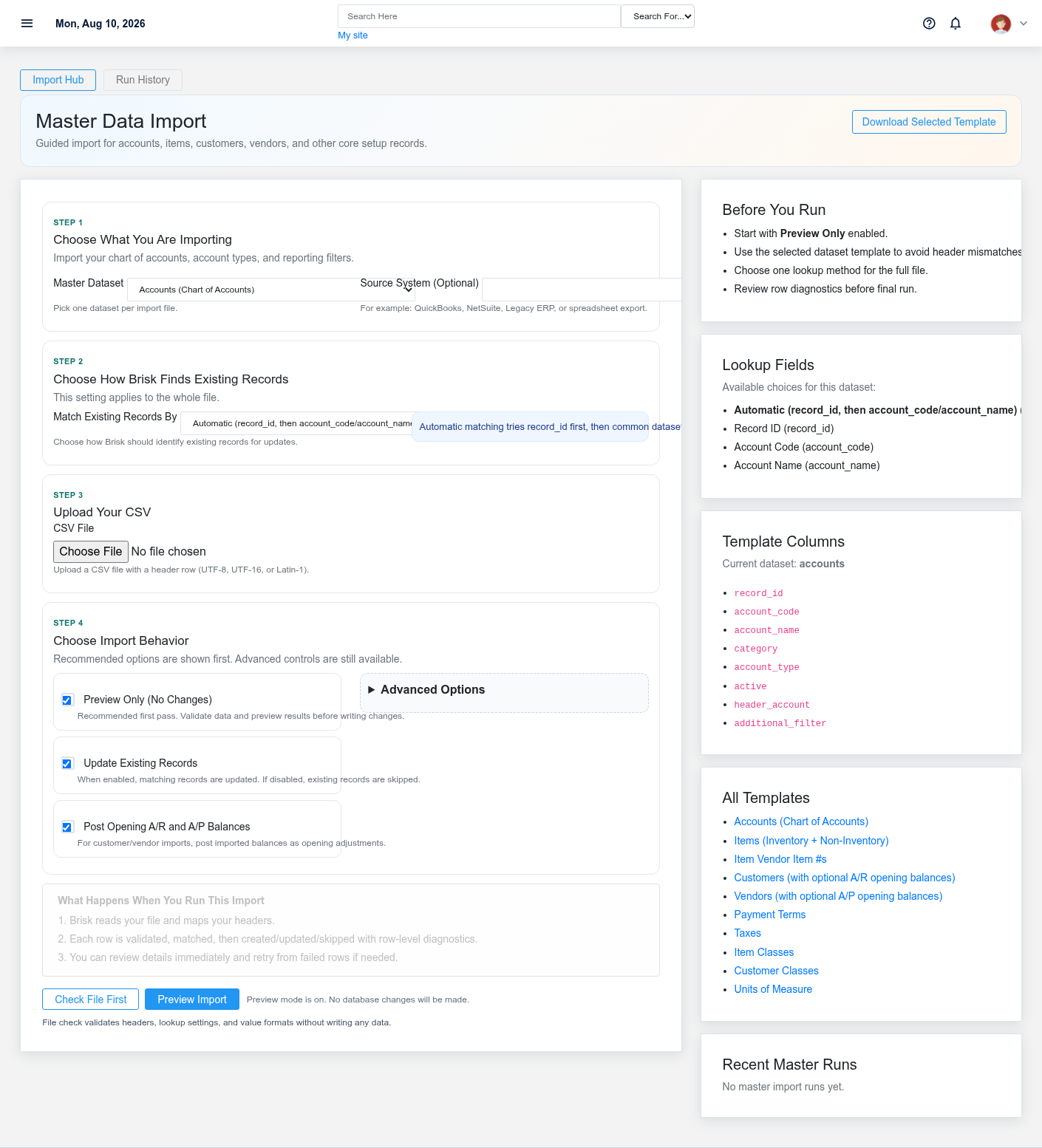
Validate columns and identifiers before importing customers, vendors, items, or other master records.
Import historical data
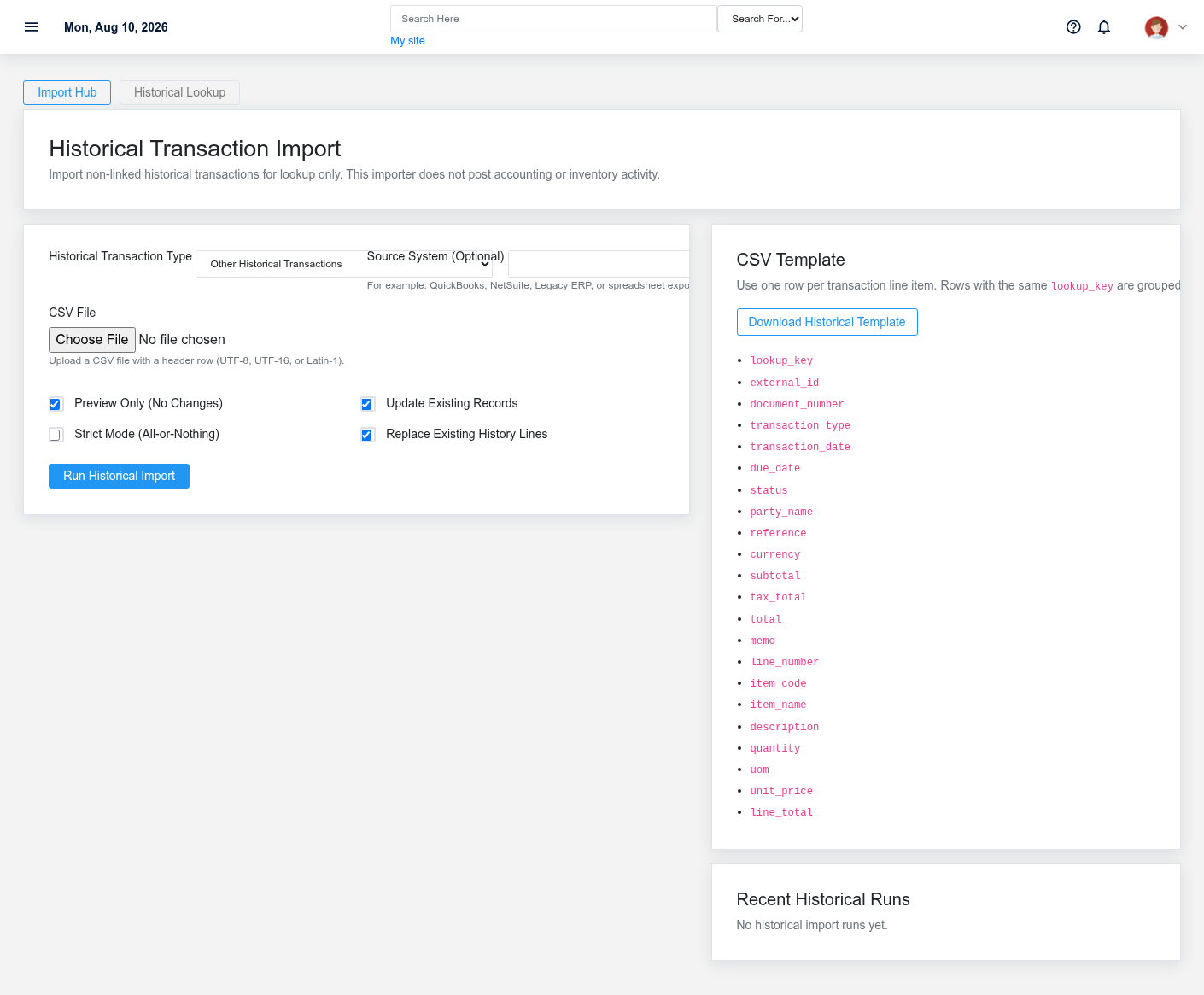
Confirm historical record types, dates, and relationships before staging the import.
Review import runs
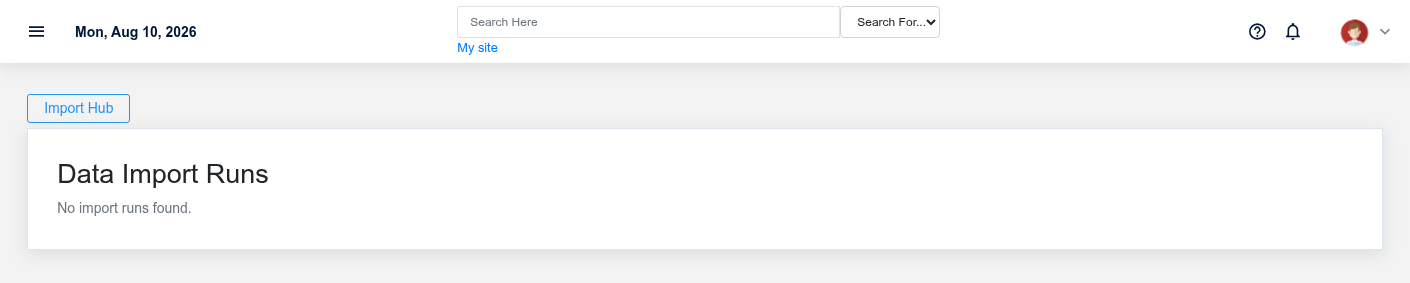
Review counts and issues for each import run before treating it as complete.
Look up imported history
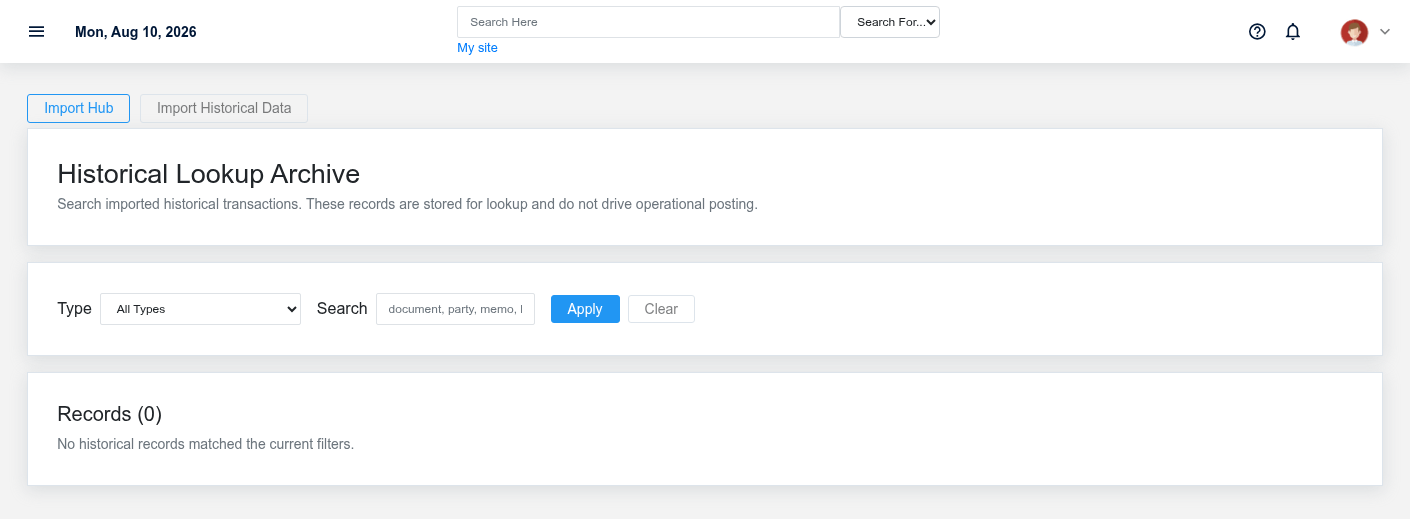
Use the lookup screen to confirm imported records and investigate run issues.
Working safely and effectively
Import into a safe environment first. Correct source data and mapping issues rather than repeatedly importing uncertain files.