
Push Subscriptions
Push Subscriptions
Purpose and when to use this record
BriskReview storesand manage the browser or device endpoint used to deliver push subscriptionsnotifications asto parta ofuser.
At a glance
-
Identify it by: Device Label.
-
Check its business context: User.
-
Why care: Availability and publication flags affect future use without erasing history. Prefer disabling an obsolete setup record when existing transactions still refer to it.
Before you begin
You need the setupBrisk module.permission Thisfor generatedthe referenceaction you are taking on push subscriptions. If a Create, Edit, or Delete control is awaitingabsent, workflowdo review.not work around it with another user’s account; ask an administrator to review your role.
Have valid User records ready first. Those selections determine where this Push Subscription belongs and which later screens can find it.
Find and review recordspush subscriptions
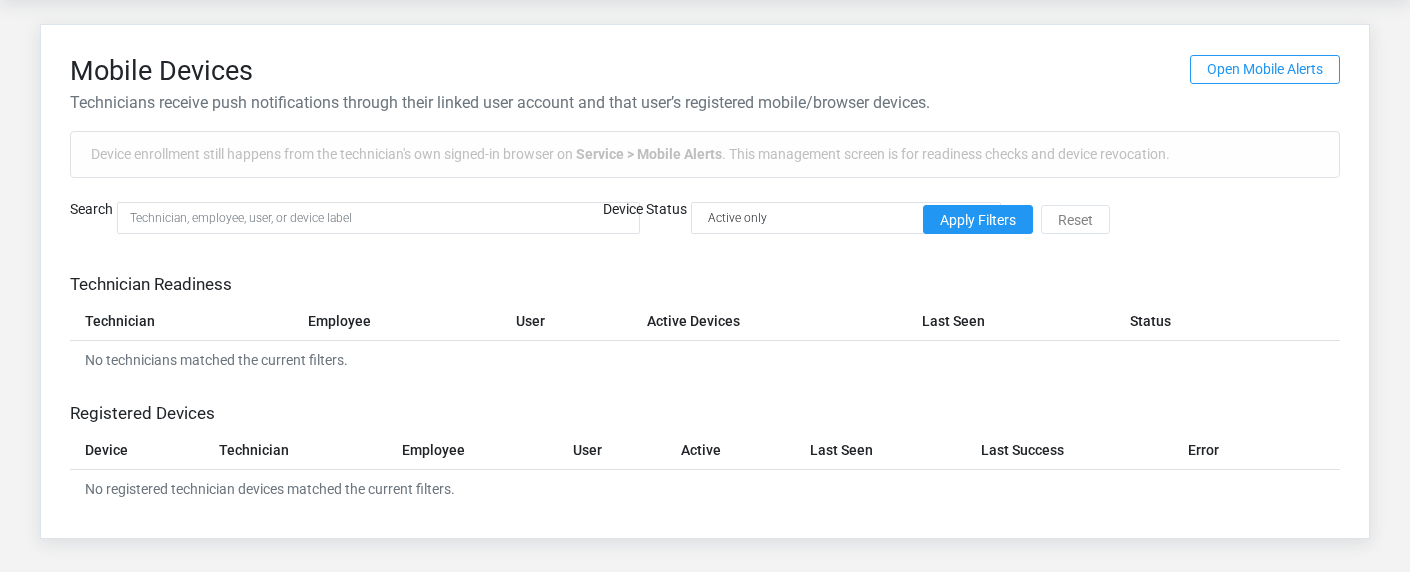
The evidence packet identifiesUse the viewPush Subscriptions list to find the correct record before opening or changing it. Compare User, Endpoint, P256Dh Key, and sourceAuth locationKey. Records with similar names or numbers can still belong to different User.
Open the Push Subscription whose User, Endpoint, P256Dh Key, and Auth Key match the task. If it is missing, clear the list filters and recheck Active rather than creating a replacement immediately.
Fields and business rules
Brisk stores 9 user-relevant fields for this action.Push ConfirmSubscription, user-facingincluding steps1 beforelinked-record approvingselection and 0 controlled-choice fields. Create and edit screens may hide calculated or workflow-managed values from this page.full reference.
| Field | Required | What it controls |
|---|---|---|
| User | Yes | The user associated with this push subscription. |
| Endpoint | Yes | The endpoint recorded for this push subscription. |
| P256Dh Key | Yes | The p256dh key recorded for this push subscription. |
| Auth Key | Yes | The auth key recorded for this push subscription. |
| Device Label | No | The device label recorded for this push subscription. |
| User Agent | No | The user agent recorded for this push subscription. |
| Active | No | Whether this push subscription is active and available for use. |
| Last Success At | No | Date and time recorded for last success at on this push subscription. |
| Last Error | No | The last error recorded for this push subscription. |
What happens next
Test the Push Subscription from its intended client and allowed network with only the granted capabilities, then document its owner and rotation date in the organization’s secure credential inventory.
Common mistakes and troubleshooting
-
The record will not save: Recheck User, Endpoint, P256Dh Key, and Auth Key and any message beside the field. A required related record may also be inactive or unavailable to your role.
-
The record saved but is not available where expected: Recheck Active, then clear the filters on the destination list. A saved record can still be inactive, unpublished, locked, unapproved, or in the wrong workflow state.
-
The values look right but the result is wrong: Open User from the detail page. Correct the specific relationship that is wrong instead of forcing a total or status to compensate for it.