
Supervisor Logs
Supervisor Logs
Purpose and when to use this record
Audit a supervisor-override attempt, including the user, screen, object, override type, and authorization result.
At a glance
-
Identify it by: Supervisor, User, Initials Entered, and Screen.
-
Check its business context: Supervisor, User, and Content Type.
-
Why care: Setup changes can alter navigation, alerts, and authorization for many users. Test the effect with the intended role or device before broad use.
Before you begin
You need the Brisk permission for the action you are taking on supervisor logs. If a Create, Edit, or Delete control is absent, do not work around it with another user’s account; ask an administrator to review your role.
Find and review supervisor logs
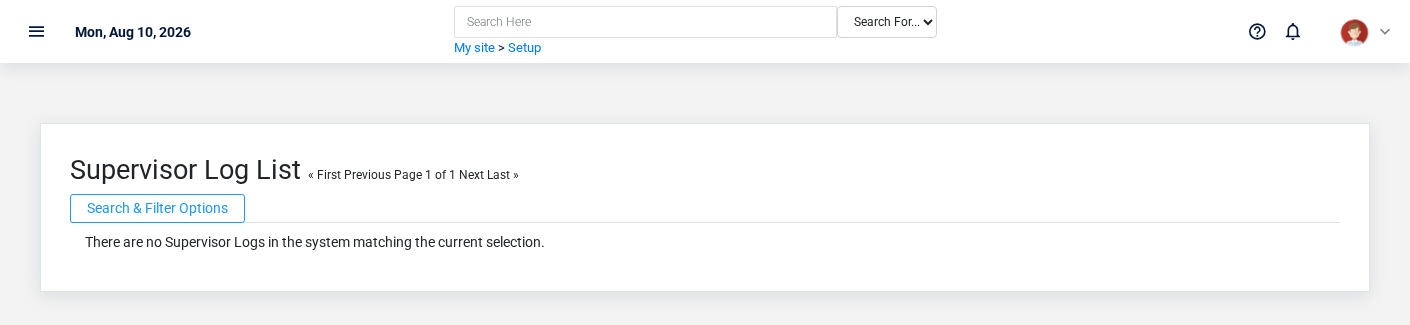
Use the Supervisor Logs list to find the correct record before opening or changing it. Compare Supervisor, User, Initials Entered, and Screen. Records with similar names or numbers can still belong to different Supervisor, User, and Content Type.
- The initial order emphasizes Id. Select a column heading when you need a different comparison.
Open the supervisor log whose Supervisor, User, Initials Entered, and Screen match the task. If it is missing, clear the list filters and recheck the identifying information shown on the screen rather than creating a replacement immediately.
Fields and business rules
Brisk stores 9 user-relevant fields for this supervisor log, including 3 linked-record selections and 0 controlled-choice fields. Create and edit screens may hide calculated or workflow-managed values from this full reference.
| Field | Required | What it controls |
|---|---|---|
| Supervisor | No | The supervisor associated with this supervisor log. |
| User | No | The user associated with this supervisor log. |
| Initials Entered | No | The initials entered recorded for this supervisor log. |
| Screen | Yes | The screen recorded for this supervisor log. |
| Content Type | No | The content type associated with this supervisor log. |
| Object Id | No | The object ID value recorded for this supervisor log. |
| Authorized | No | Whether the authorized option applies to this supervisor log. |
| Override Type | No | The override type recorded for this supervisor log. |
| Memo | No | The memo recorded for this supervisor log. |
What happens next
Use Supervisor, User, and Content Type to interpret this supervisor log. If it records a failure or exception, correct the source process and create a new successful event rather than rewriting the audit trail.
Common mistakes and troubleshooting
-
The record will not save: Recheck Screen and any message beside the field. A required related record may also be inactive or unavailable to your role.
-
The values look right but the result is wrong: Open Supervisor, User, and Content Type from the detail page. Correct the specific relationship that is wrong instead of forcing a total or status to compensate for it.
No comments to display
No comments to display