
Setup
Setup
Setup overview
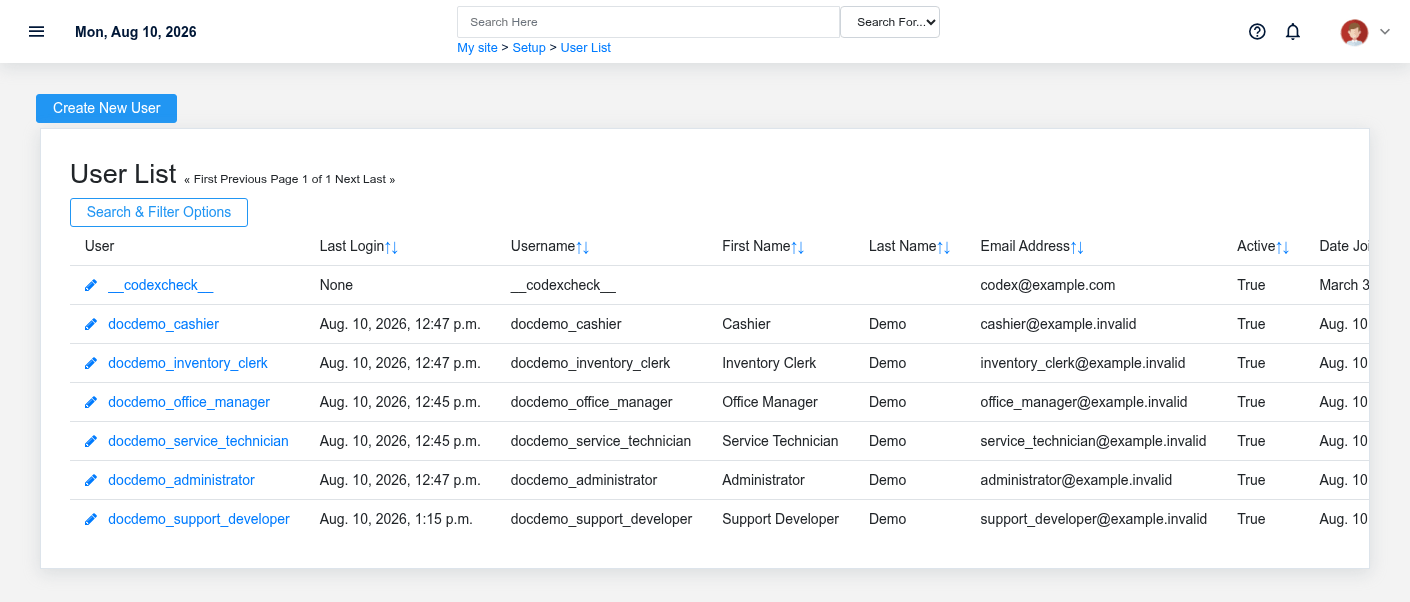
Setup controls how Brisk behaves across the organization, for an individual user, and on a specific workstation. It also contains user and supervisor access, notification setup, data migration, configuration transfer, backup, and restricted support tools. Confirm which scope owns a change before making it.
Choose the correct scope
- Use System Settings for organization-wide modules, accounting behavior, inventory and sales policy, integrations, printing, email, and other shared defaults. Its documentation is restricted to authorized BookStack users because the reference includes Brisk-support-only sections.
- Use User Preferences for the signed-in person’s layout, workflow defaults, profile, and personal behavior.
- Use Local Workstation Setup for browser/device behavior such as the register assigned to the current workstation.
- Use Users and Access and Supervisors for identity, permissions, and protected override authority.
- Use Custom Fields only when the business needs information that is not already represented by a supported Brisk field.
Data import
Use Data Import for supported master-data and historical-data migrations. Inspect columns, identifiers, dates, relationships, and run counts before applying changes. Use bundle export/import for controlled transfer of selected configuration between Brisk instances; a setup bundle is not a complete disaster-recovery backup.
Backup and support operations
Change controls
Record the reason, prior value, new value, owner, and validation step for material system changes. Test integrations, printing, payment, email, hardware, and accounting behavior after changing their settings. Never place passwords, API secrets, encryption keys, or private credentials in screenshots, documentation, or source control.
No comments to display
No comments to display