
Close Accounting Periods
Close Accounting Periods
Purpose and when to use this screen
PublicationComplete end-of-day, end-of-month, and end-of-year close work in progress.the correct order.
Close a work period
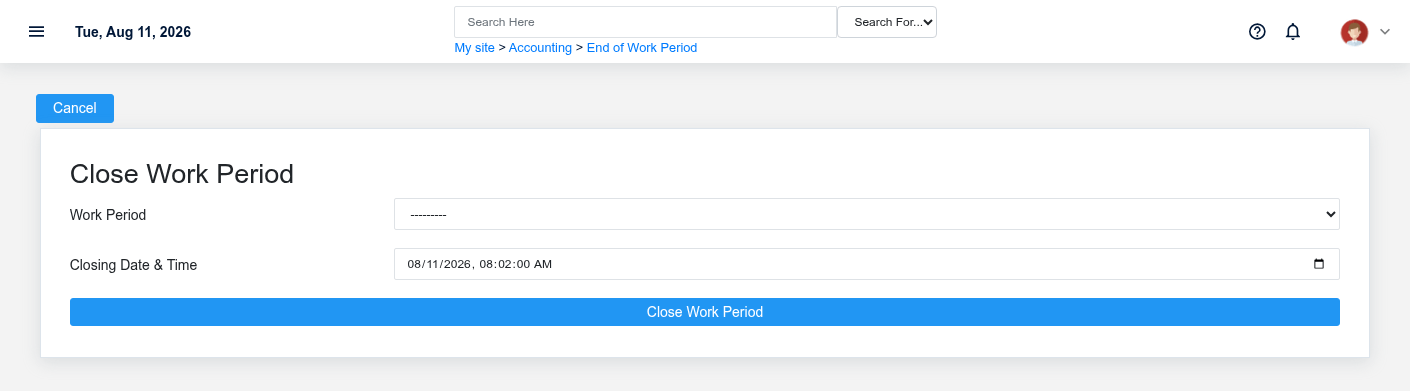
Review the work-period totals and unresolved over/short activity before completing the day-level close.
Close a month
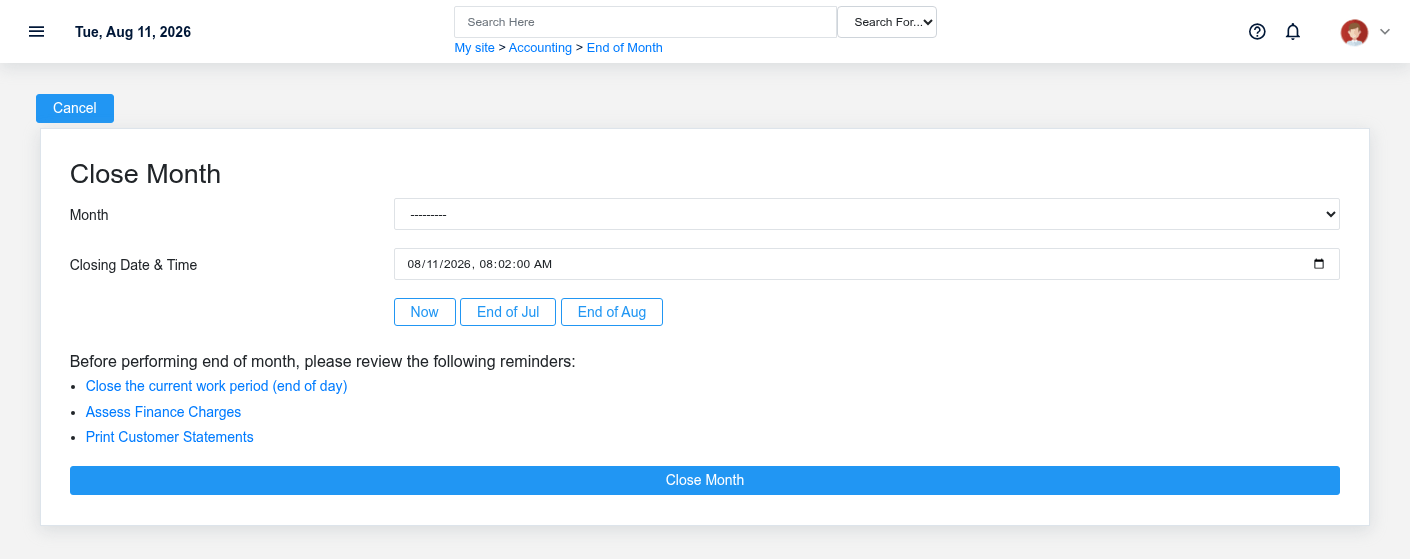
Confirm daily work is complete and review the month controls before closing the accounting month.
Close a year
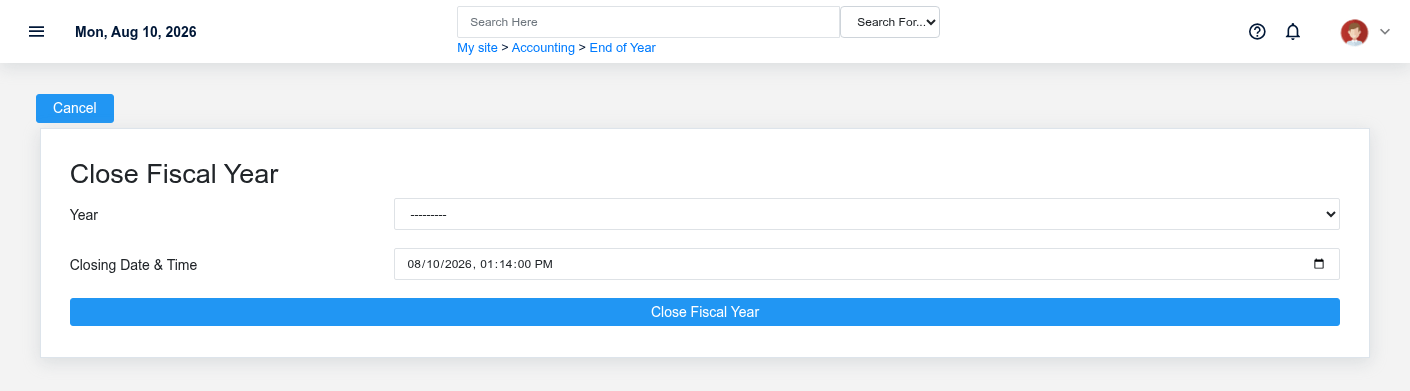
Complete all required month-end work and review year-end balances before closing the accounting year.
Working safely and effectively
Closing a period can restrict or change later posting behavior. Correct exceptions first and follow the organization's approval process.