
Close Accounting Periods
Close Accounting Periods
Purpose and when to use this screen
Period close establishes operational and financial cutoffs and makes reports available from a stable boundary. Close from the smallest period outward: work periods first, then the month, then the year. The selected Closing Date & Time is an accounting control; do not use the current time automatically when the intended business cutoff is different.
Close a work period
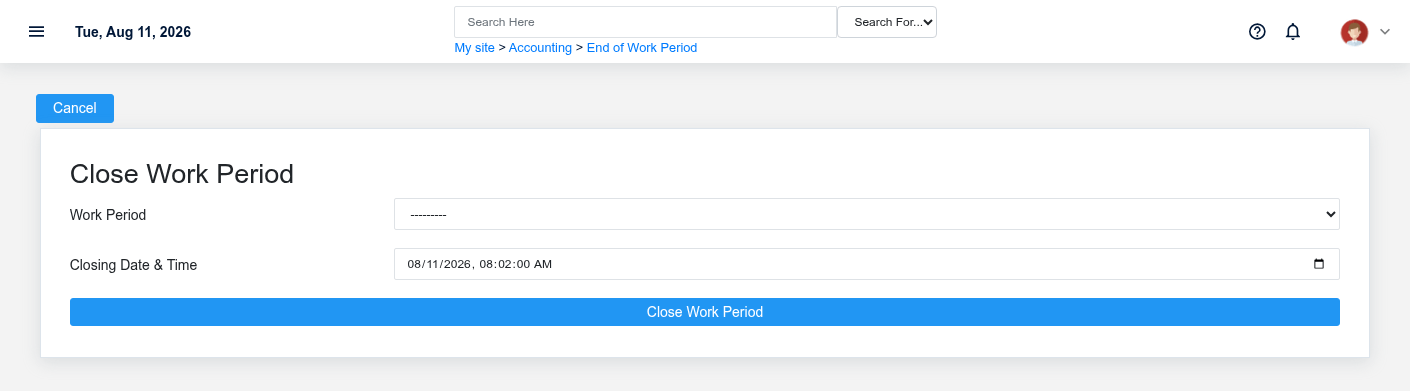
Select an open Work Period and confirm its warehouse, open time, expected cutoff, sales/tenders, deposits, cash drawer activity, payouts, returns, tax, and over/short transactions. Resolve open sales, missing deposits, uncertain payments, and unexplained differences. Enter the closing timestamp once and process End of Work Period. Brisk redirects to the period detail where close reports can be reviewed.
Close a month
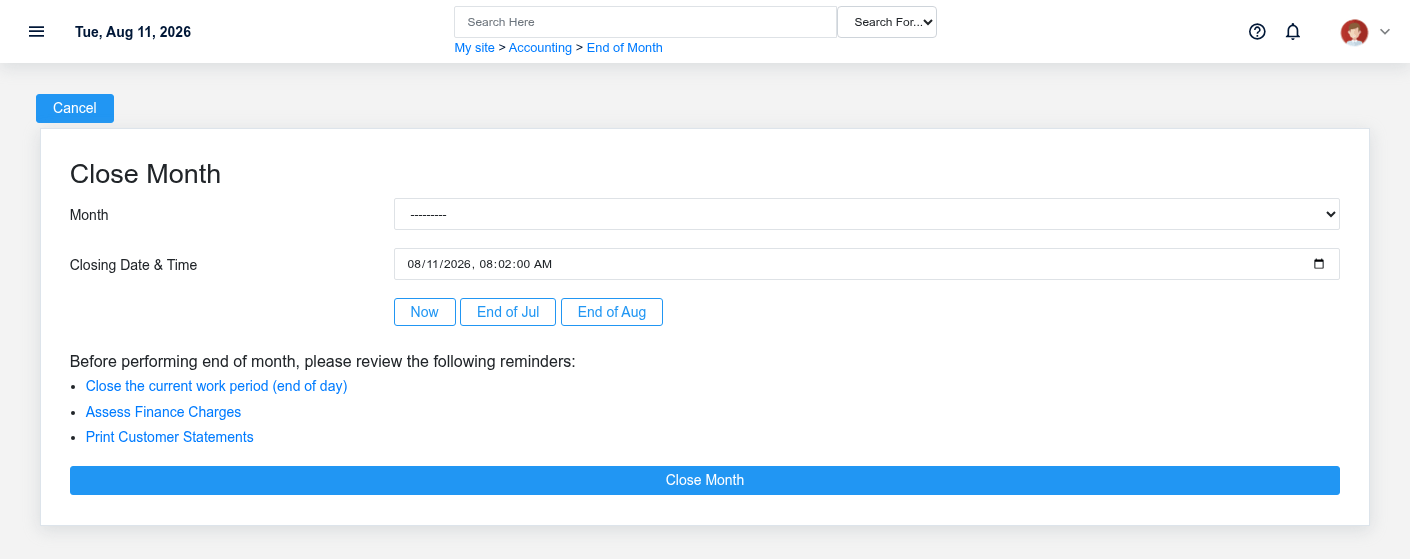
Confirm every required work period is closed and all sales, receivables, payables, inventory receipts, vendor invoices, payments, deposits, reconciliations, tax work, and approved journal entries belong to the intended month. Preview finance charges and required customer statements according to policy. Select the open Month, use End of previous month or End of current month only when it matches the intended cutoff, and review reports after closing.
Close a year
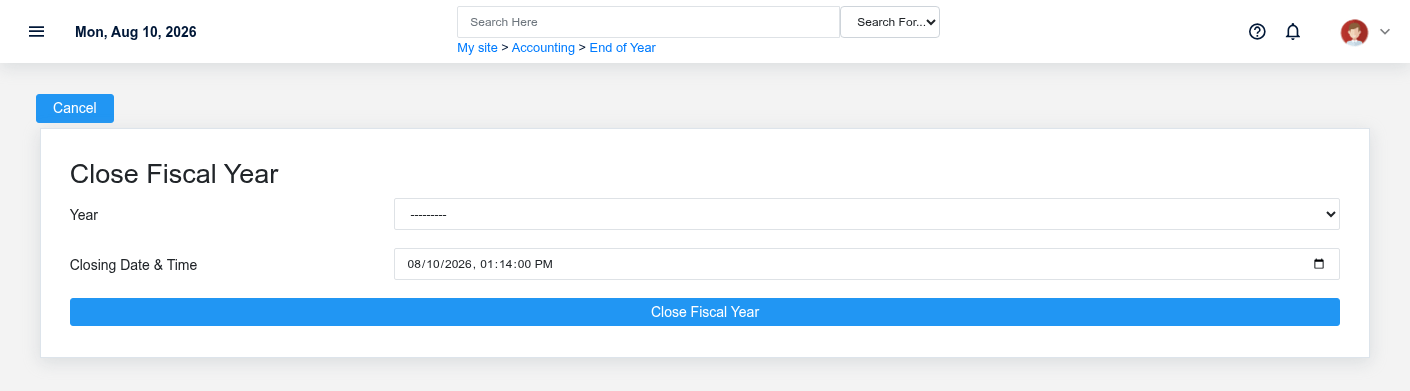
Close the year only after all required months are closed and year-end adjustments, reconciliations, tax reporting, inventory valuation, receivables/payables review, and management approval are complete. Select the open Year, enter the approved fiscal cutoff, process once, and retain the year-end report package and review evidence.
Working safely and effectively
Record who approved the close and reconcile pre-close control totals to post-close reports. If a close request times out, inspect the period detail before retrying. Do not create a new period, backdate into a closed period, or use a journal entry to conceal an operational error without accounting authorization. Reopening or correcting closed periods requires an explicit, documented process because later reports may already have been distributed.
If the expected period is unavailable
The selectors show open periods only. Confirm it is not already closed, the prior period sequence is complete, the user has permission to change that period type, and the intended warehouse/year structure exists. Investigate the current state rather than creating a duplicate period.
No comments to display
No comments to display