
Receivables, Statements, and Finance Charges
Receivables, Statements, and Finance Charges
Purpose and when to use this screen
PublicationReview customer balances, prepare statements, and assess finance charges from the dedicated accounting screens.
Review accounts-receivable aging
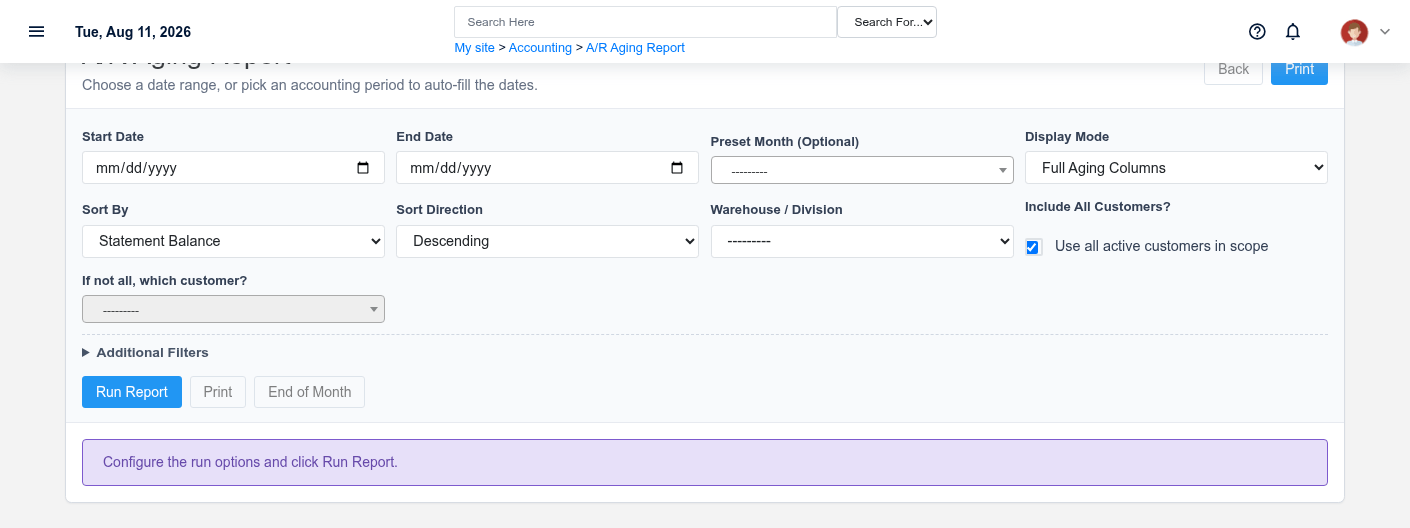
Use the aging report to find overdue balances by customer and aging period before collections or statement work.
Prepare customer statements
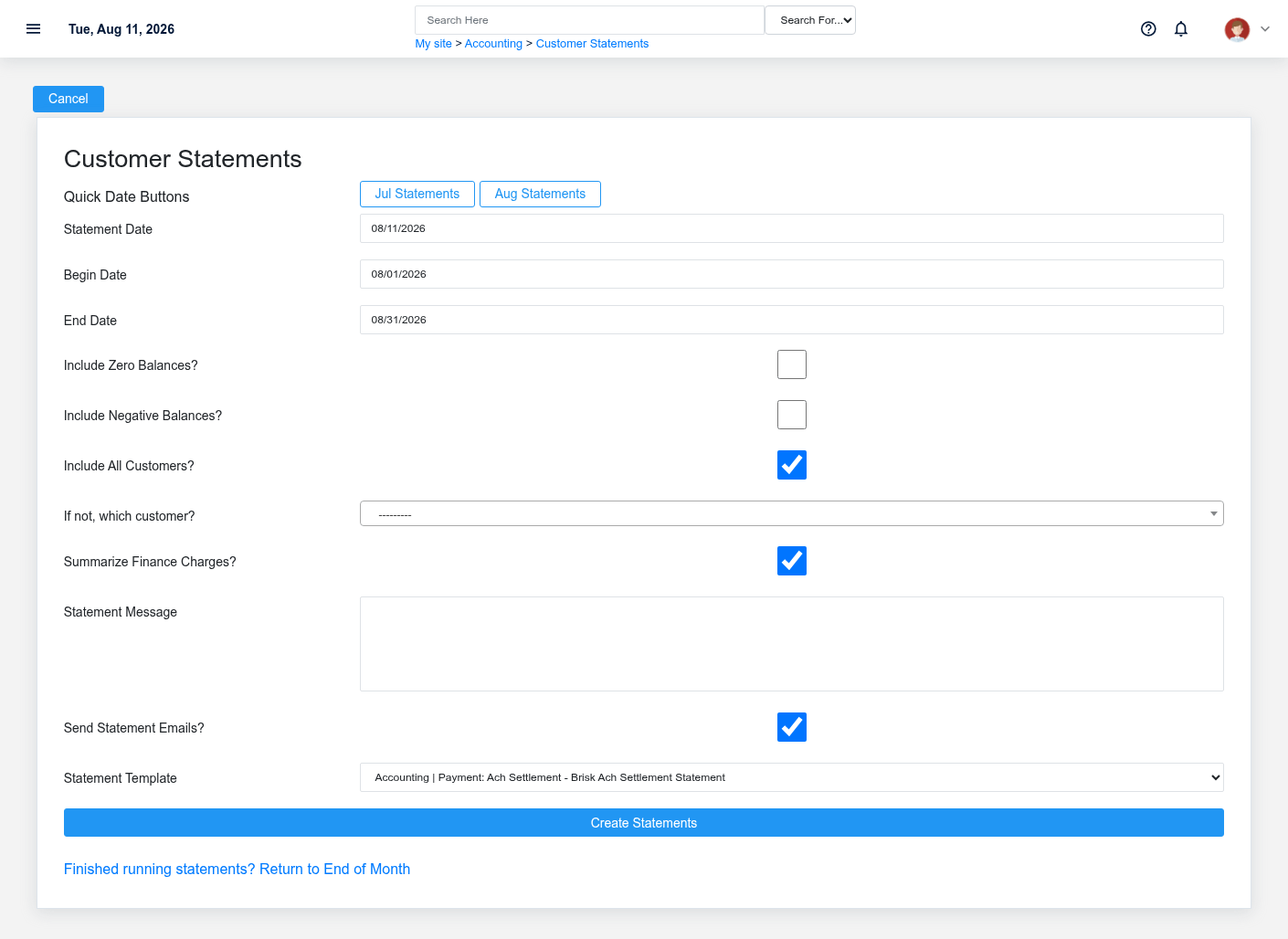
Select the statement scope and date options, review the selected customers, and generate statements only after confirming the reporting period.
Assess finance charges
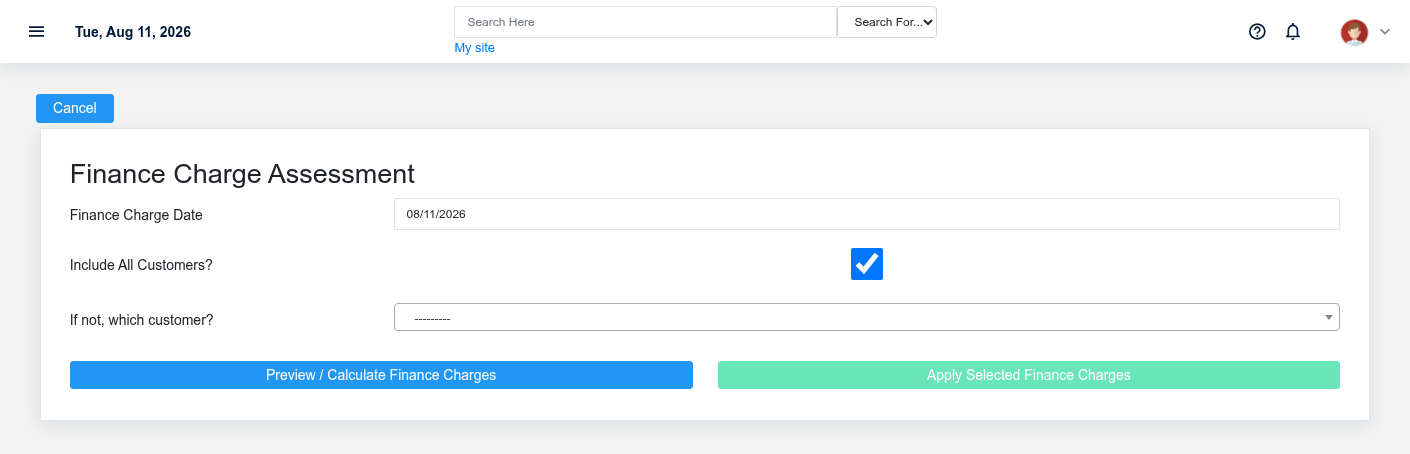
Review eligible overdue balances and the configured charge rules before creating finance charges.
Working safely and effectively
Reports and statements reflect posted accounting activity. Resolve questionable balances before communicating them to customers.